10 Small Gaming Setup Ideas for Tiny Bedrooms and Apartments

Don’t let limited square footage ruin your gaming experience. This guide explores innovative small gaming setup ideas perfectly tailored for tiny apartments and cramped bedrooms. From utilizing vertical storage to selecting multi-functional furniture, we will show you how to build a highly efficient compact gaming room without sacrificing style or performance. Discover brilliant gaming desk ideas designed to maximize your floor plan and learn how a strategic gaming setup for small room layouts can transform even the tightest corner into an epic, clutter-free battle station.
Urban Compact /
Variable Cost Range
Intermediate DIY Level
Small Gaming Setup

Compact Battle Stations

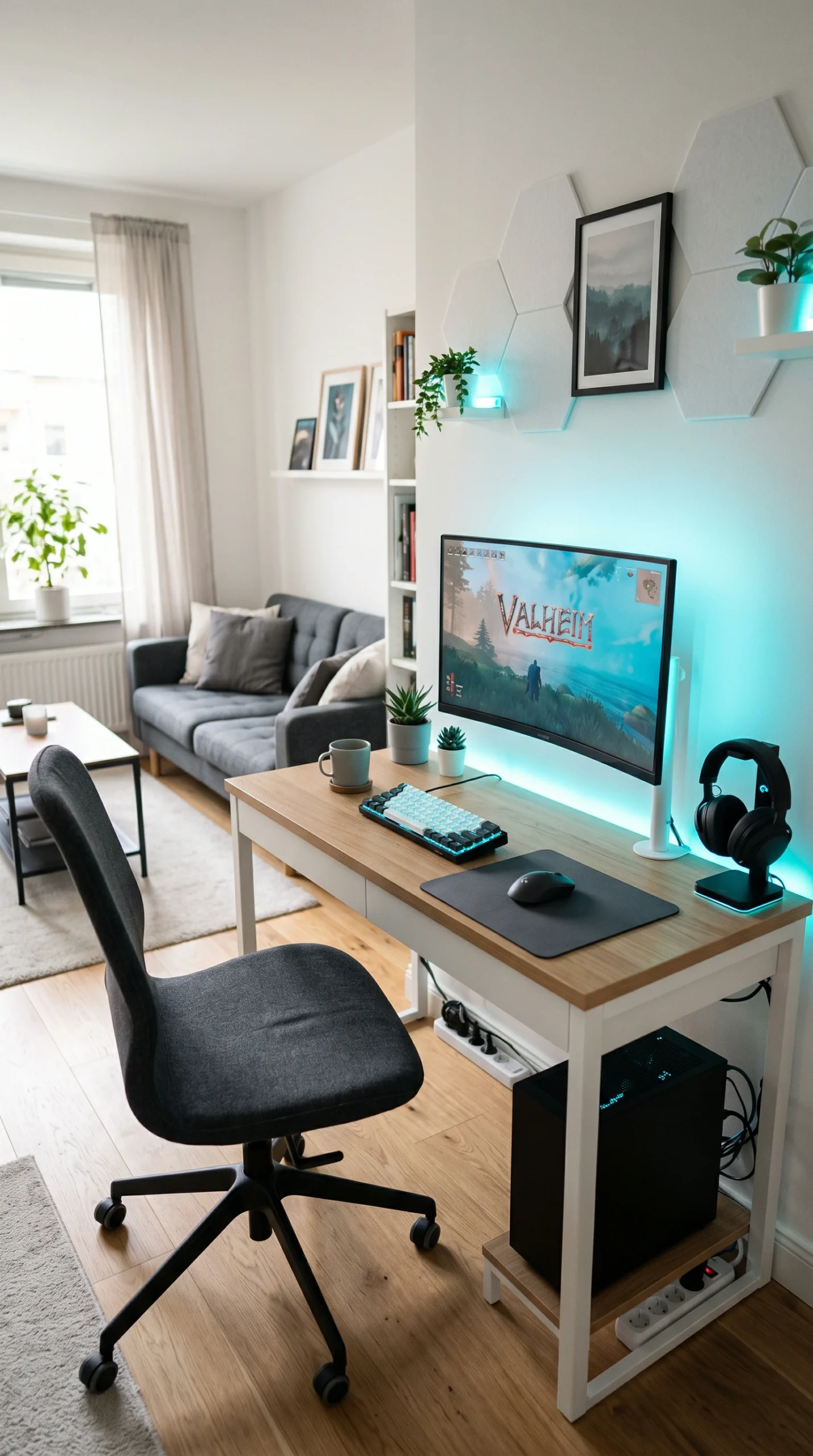
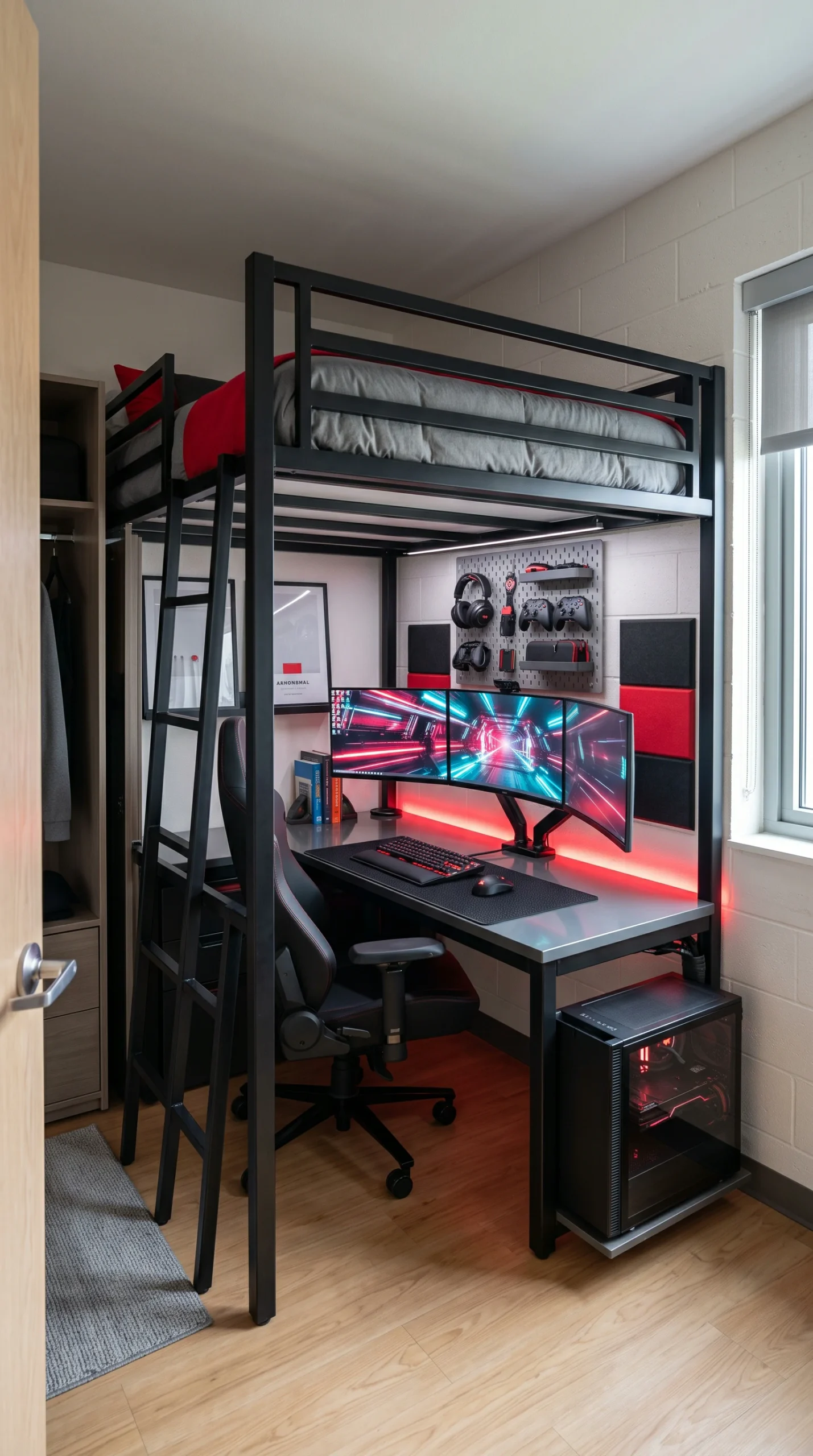
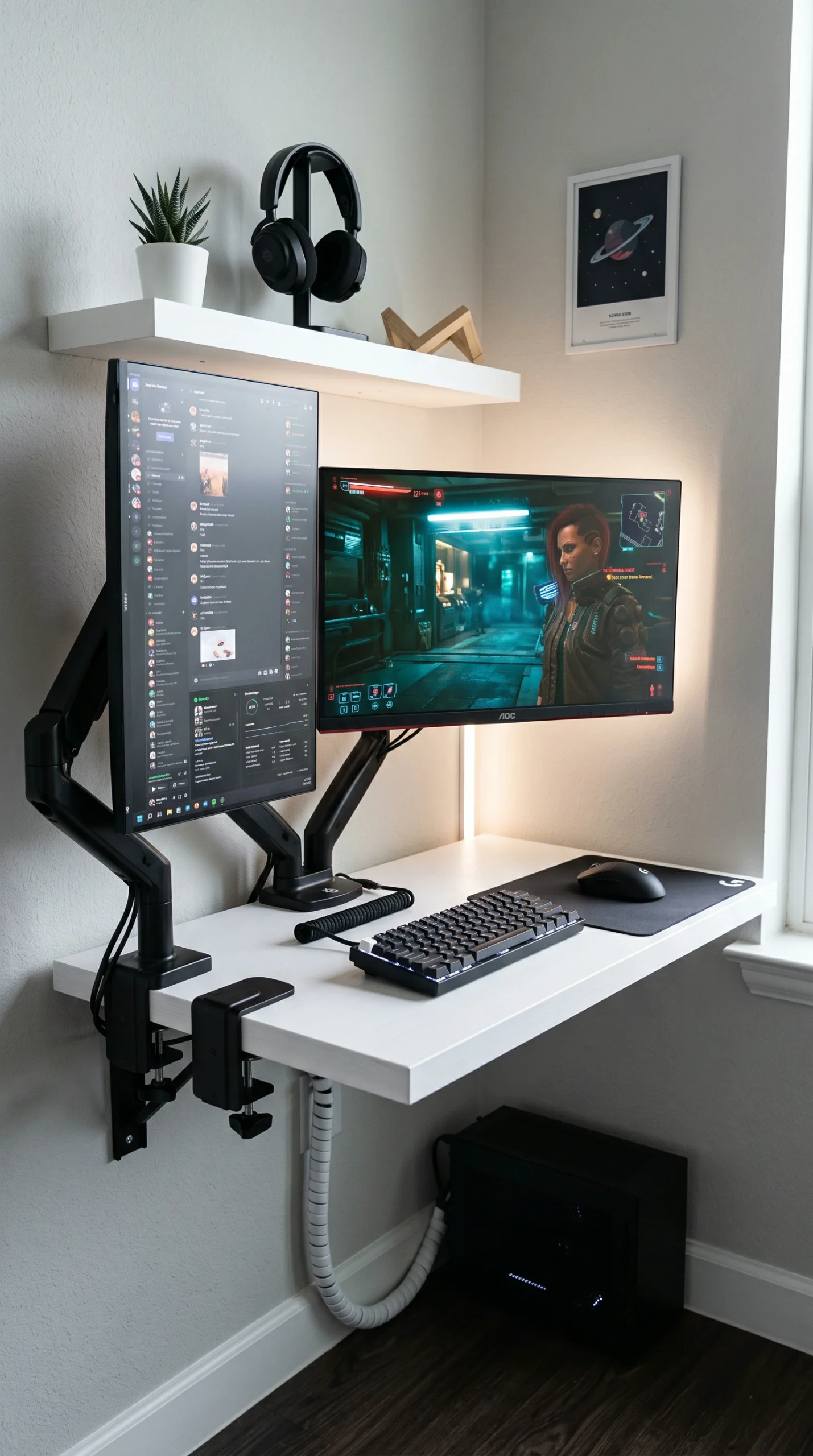
A gallery of ingenious, space-saving gaming setups showcasing how vertical monitors, floating desks, and clever cable management can maximize tight corners.

Maximizing Your Mini Space

Essential strategies for squeezing a high-performance gaming rig into the smallest of bedrooms or apartment corners.

Vertical Monitors

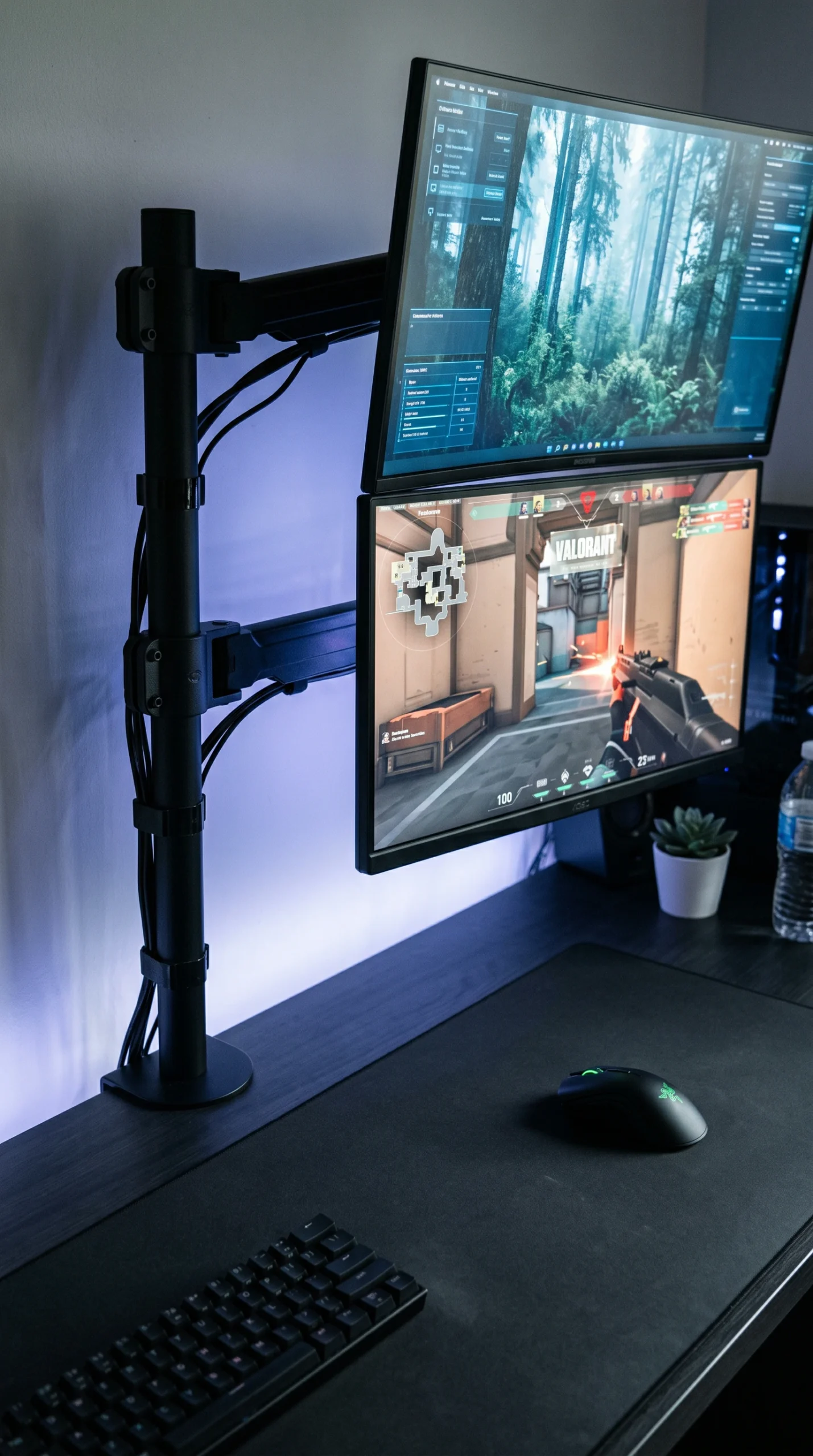
Mount a secondary monitor vertically in portrait mode to save horizontal desk space.

Floating Desks

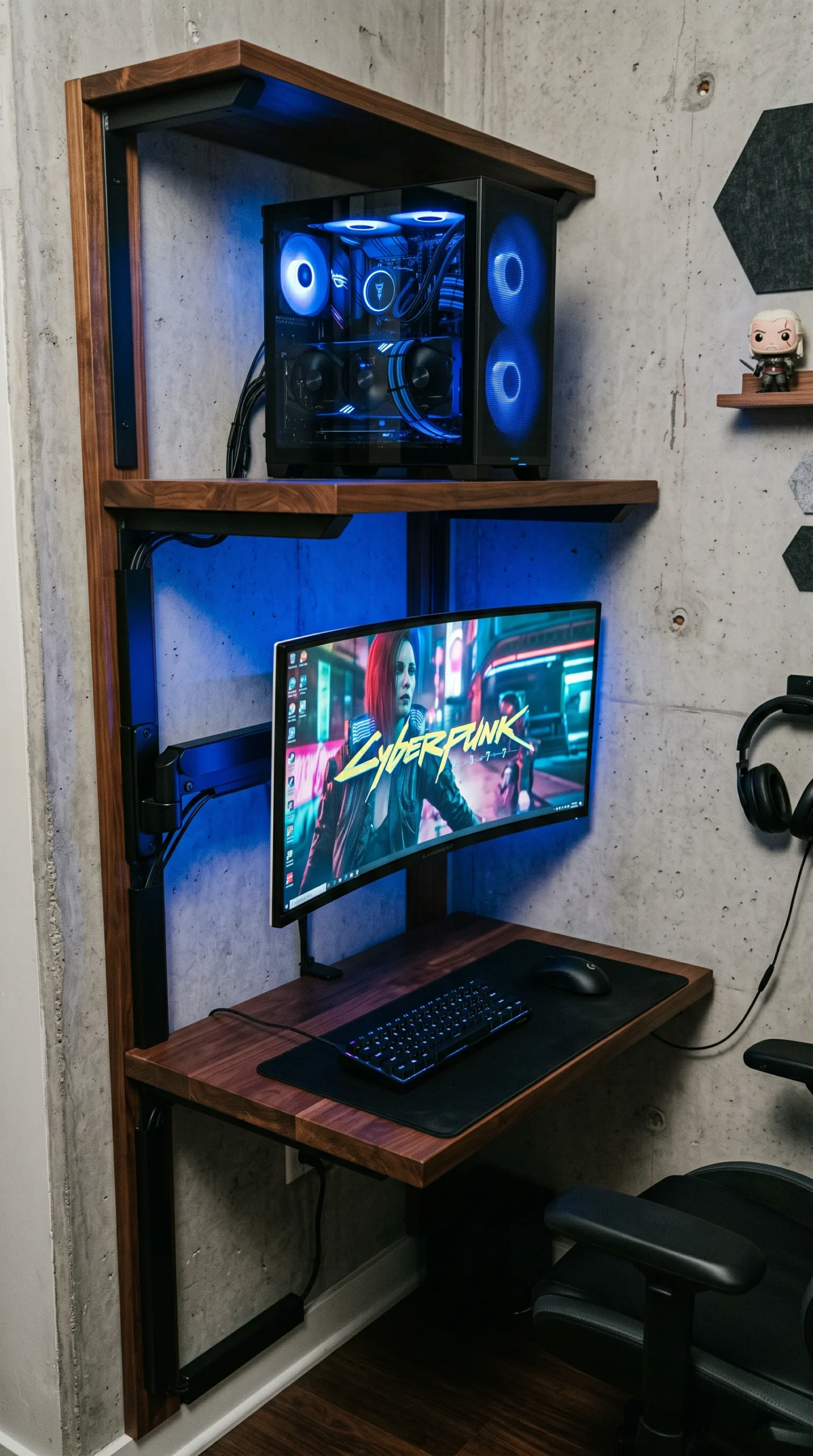
Install wall-mounted desks to reclaim valuable floor real estate beneath your station.

Monitor Arms

Use heavy-duty clamping monitor arms instead of bulky factory stands to free up surface area.

Hidden Cables

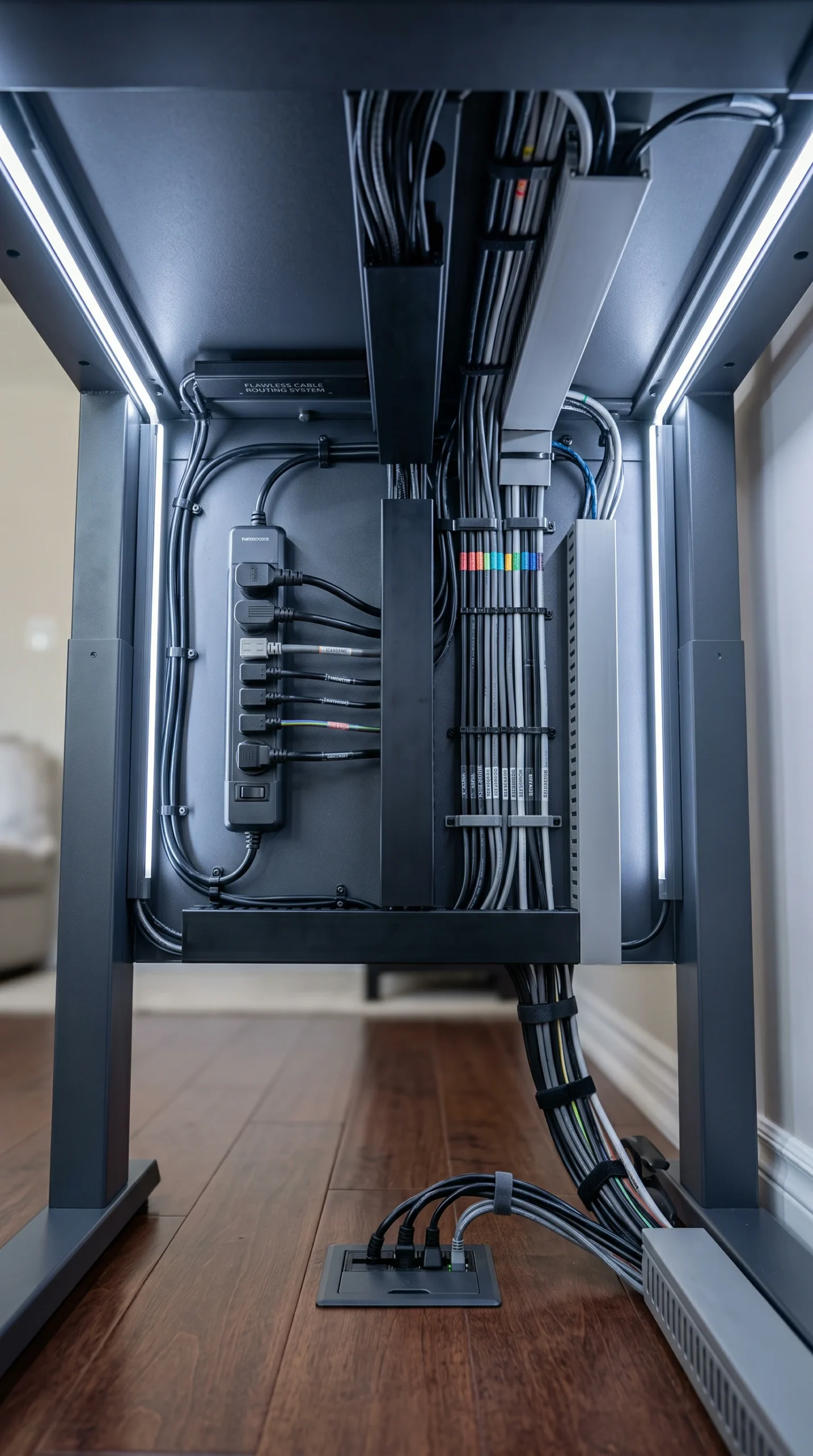
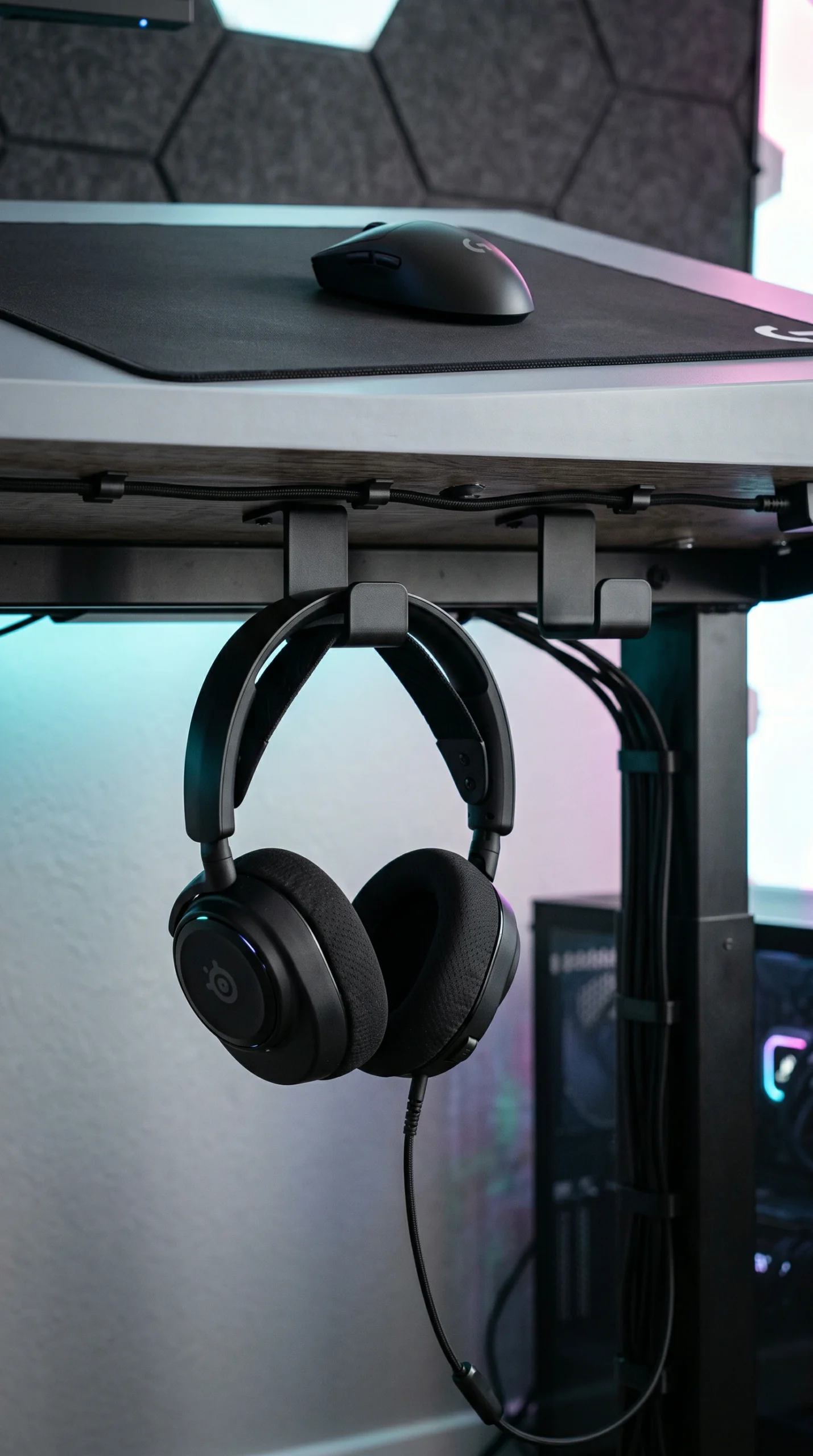
Route all wires through under-desk raceways to reduce visual clutter in a small room.

Wall Storage

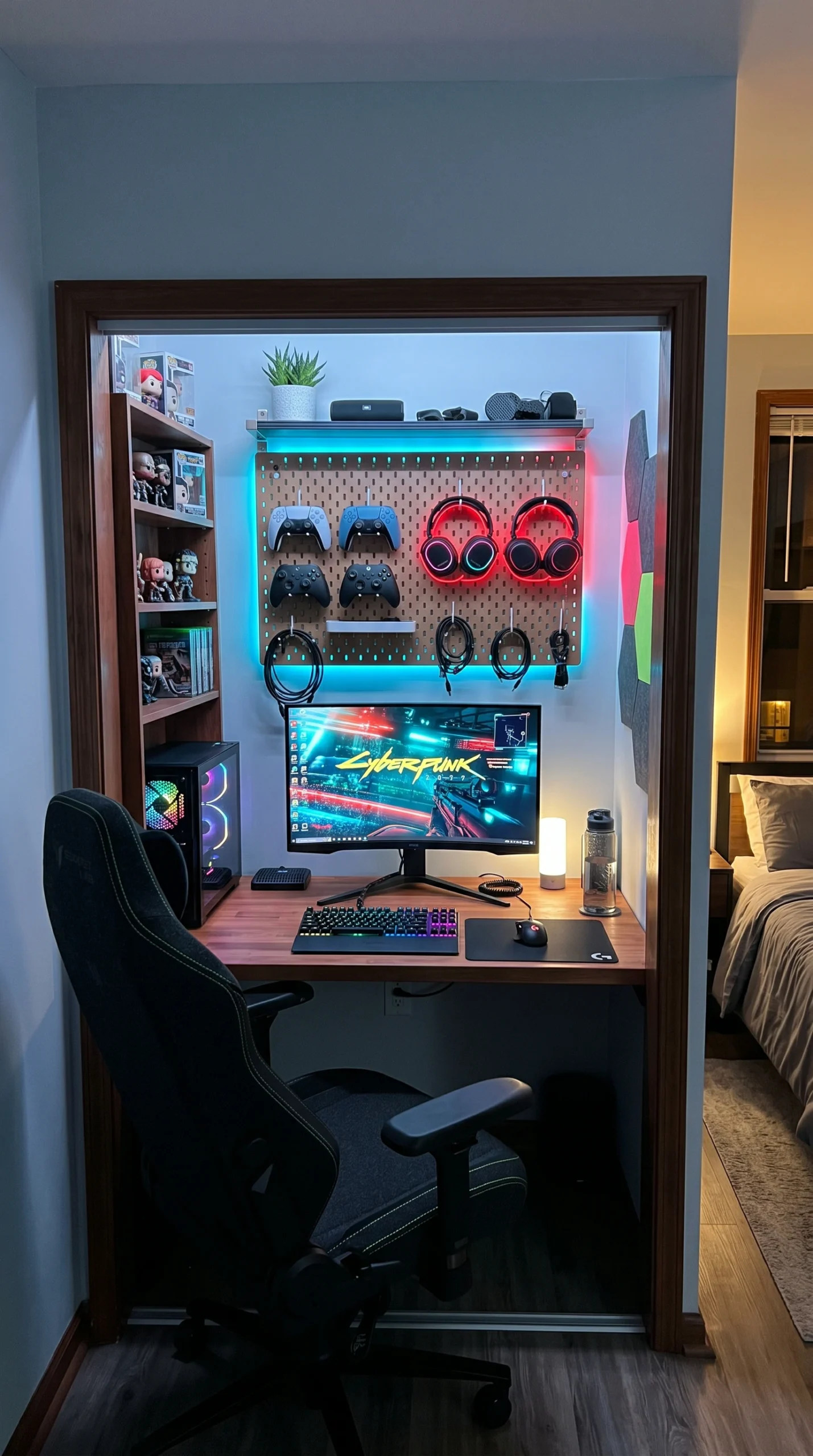
Hang headsets, controllers, and cables on pegboards or adhesive wall hooks.

Compact Keyboards

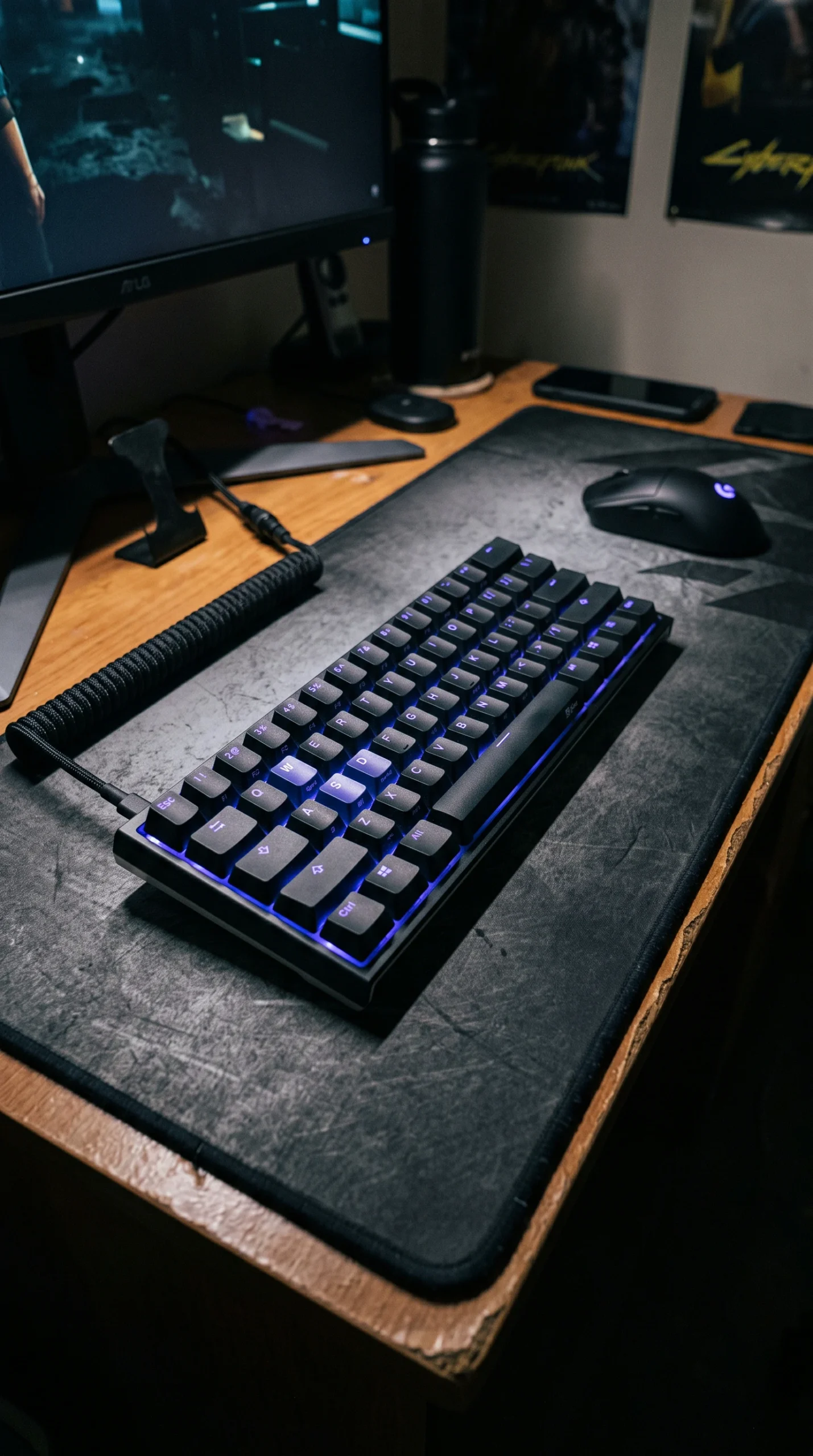
Switch to a 60% or 65% mechanical keyboard for maximum mouse swiping room.

The Complete Guide to Small Gaming Setups

When dealing with a gaming setup for small room footprints, a clever layout is your most critical asset. You cannot rely on a massive, heavy L-shaped desk. Instead, look for corners and alcoves that naturally accommodate a workstation. A compact gaming room thrives on ruthless efficiency. Position your desk against a wall or tuck it into an unused closet space (the “cloffice” trend) to keep your bedroom‘s main walkway completely clear and unobstructed.

Space-Saving Gaming Desk Ideas

The foundation of any battle station is the desk, and choosing the right one is vital. Brilliant gaming desk ideas for tiny apartments often involve floating or fold-away furniture. A wall-mounted floating desk in Crisp White or Stealth Charcoal completely eliminates table legs, creating an illusion of more space and allowing you to tuck your chair perfectly underneath. If you must use a freestanding desk, look for ultra-compact profiles—around 36 to 40 inches wide—that provide just enough room for your mouse, keyboard, and monitor.

Utilizing Vertical Space and Mounts

The golden rule of small gaming setup ideas is to build up, not out. Your desk surface should remain as clear as possible. Swap out your factory monitor stand for a heavy-duty desk clamp or a wall-mounted monitor arm. If you run a dual-monitor setup, stack them vertically or place your secondary screen in portrait mode. Above your monitors, install Cool Platinum floating shelves to hold your PC tower, router, or collectibles. Use a pegboard on an adjacent wall to hang your headsets and gamepads, turning your gear into functional Cyber Cyan and Neon Crimson wall art.

Conquering Cable Clutter

In a tiny space, a tangled mess of black wires is an absolute eyesore that makes the room feel cramped and chaotic. Implementing strict cable management is non-negotiable for a compact gaming room. Mount your power strip to the underside of the desk and use under-desk cable raceways, zip ties, and adhesive clips to route every single wire out of sight. A clean, wire-free desk wrapped in a subtle Electric Indigo LED glow immediately makes a small setup look like a premium, custom-built battlestation rather than a cramped afterthought.

Frequently Asked Questions

Expert troubleshooting and advice to help you build the ultimate gaming station in a highly restricted space.
Utilize vertical space, use a clamp-on monitor arm to free up your desk, and choose a compact or wall-mounted floating desk that doesn’t eat up floor space.
A desk around 36 to 40 inches wide is ideal. It is just wide enough to fit a monitor, a compact keyboard, and a mousepad without overwhelming a small room.
Yes, they free up floor space and make the room look larger. Just ensure the desk is securely anchored to wall studs to support the heavy weight of your monitors and peripherals.
Mount your secondary monitor vertically (portrait mode) alongside your main screen, or stack them on top of each other using a dual vertical monitor pole mount.
Mount it on a sturdy wall shelf above the monitors, place it on a small floor stand tucked under the desk, or invest in a small form factor (SFF) PC case that takes up less desk real estate.
A 60% keyboard lacks a number pad and dedicated arrow keys, saving massive amounts of horizontal desk space. This gives you much more room to swipe your mouse during intense gaming sessions.
Mount a power strip to the underside of your desk and use cable raceways, zip ties, and adhesive clips to run all cords along the desk’s frame, completely out of sight.
Absolutely. Removing the closet doors and installing a built-in desk creates a “cloffice,” which serves as a perfect, tucked-away gaming nook that doesn’t crowd your bedroom.
Crisp whites and cool greys reflect light and make the space feel open. Use your RGB lighting, like neon crimson or cyber cyan, as accents rather than painting the walls dark colors.
Install a pegboard on the wall next to your desk or use under-desk adhesive hooks to hang your accessories out of the way, keeping your desk surface totally clear.