9 Minimalist Gaming Setup Ideas with Zero Desk Clutter

A chaotic, cluttered desk can severely distract you from both work and play. This guide explores the most effective minimalist gaming setup ideas designed to eliminate visual noise and maximize your focus. By prioritizing wireless peripherals, hidden cable management, and sleek, functional furniture, you can craft a beautifully simple gaming room. Discover how to build a modern gaming desk that seamlessly blends high-performance tech with sophisticated interior design, resulting in an ultra-clean gaming setup that feels incredibly expansive, organized, and serene.
Modern Minimalist /
Variable Cost Range
Advanced Project Level
Minimalist Gaming Setup

Uncluttered Battlestations

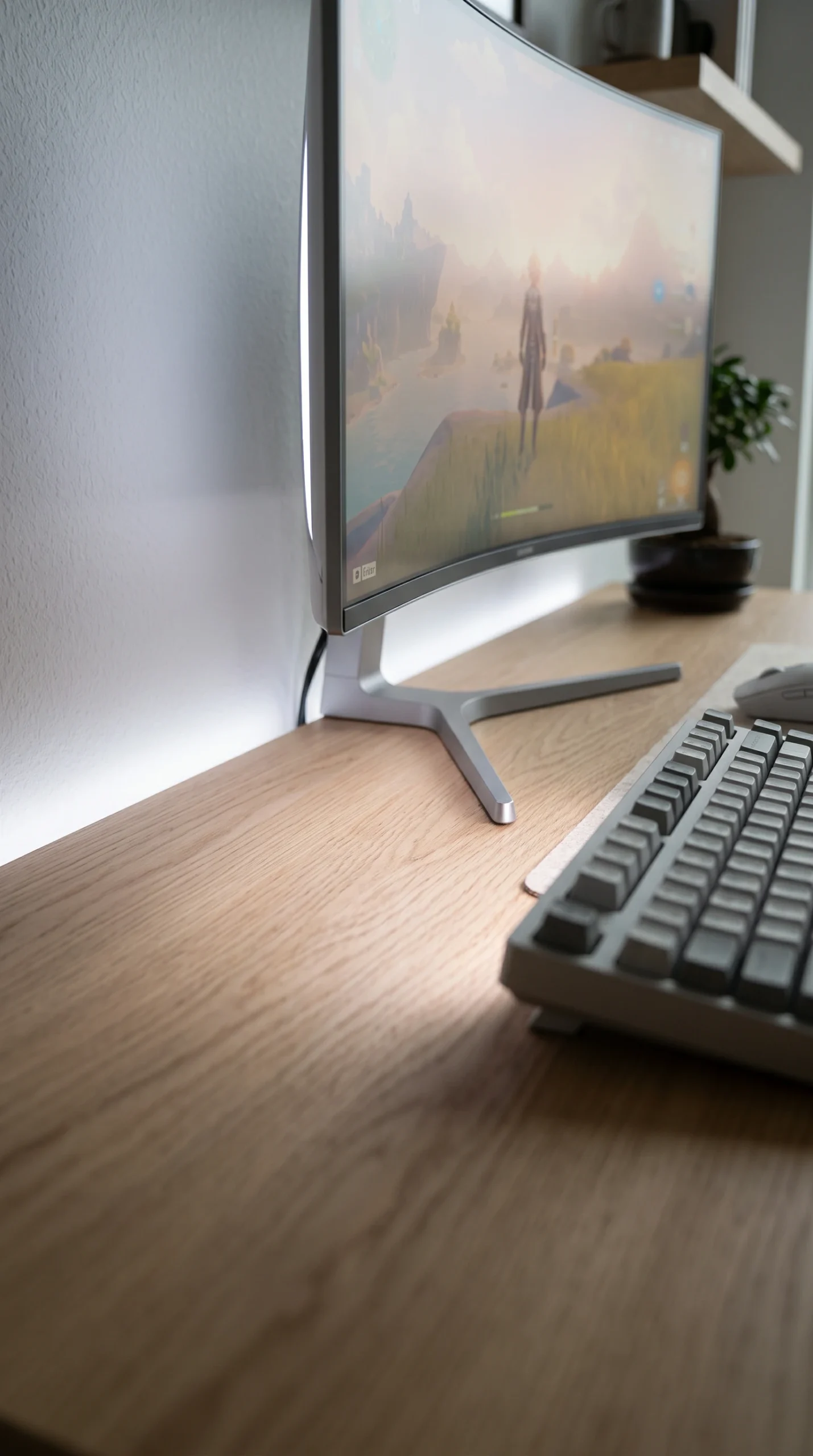
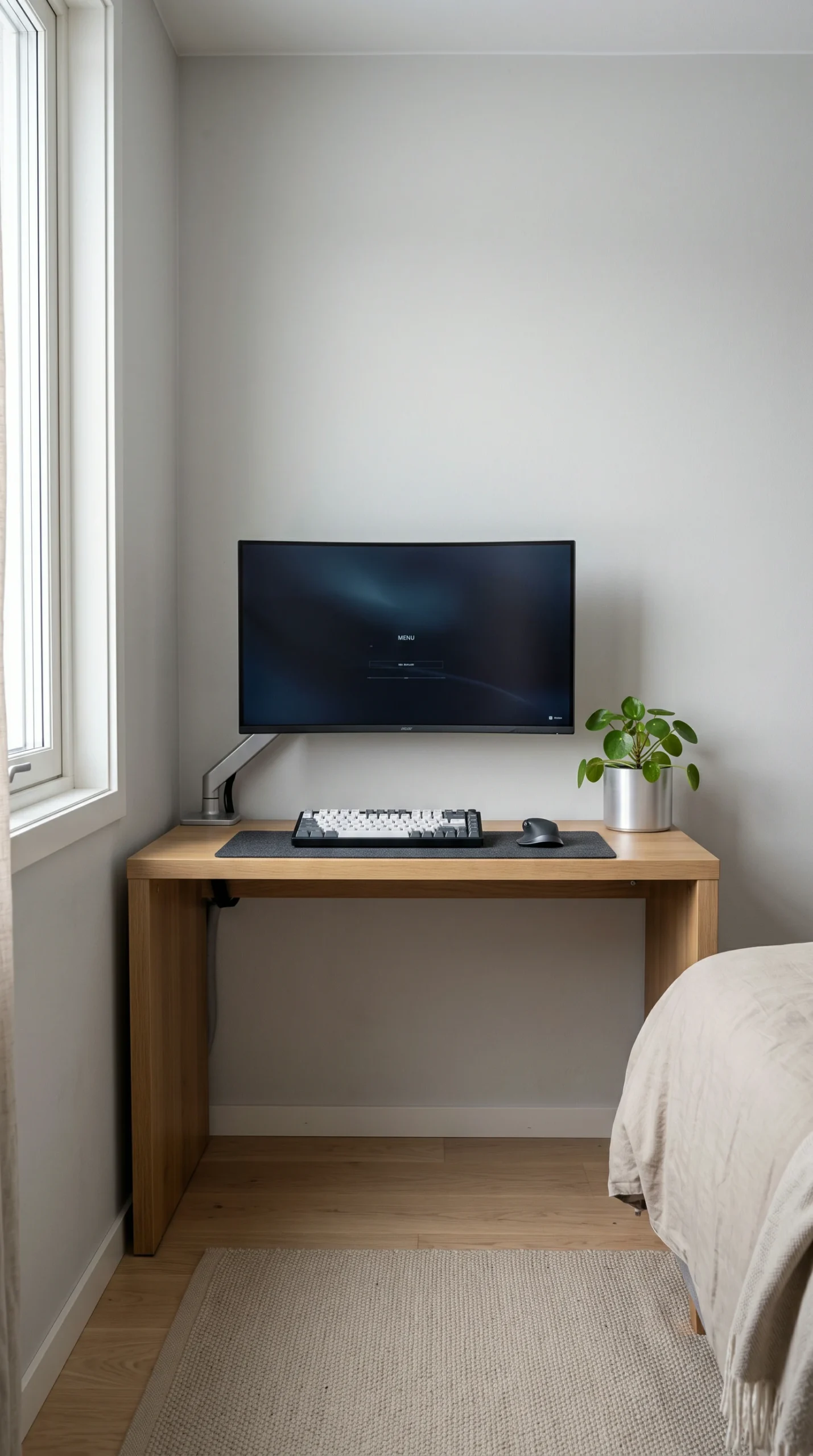
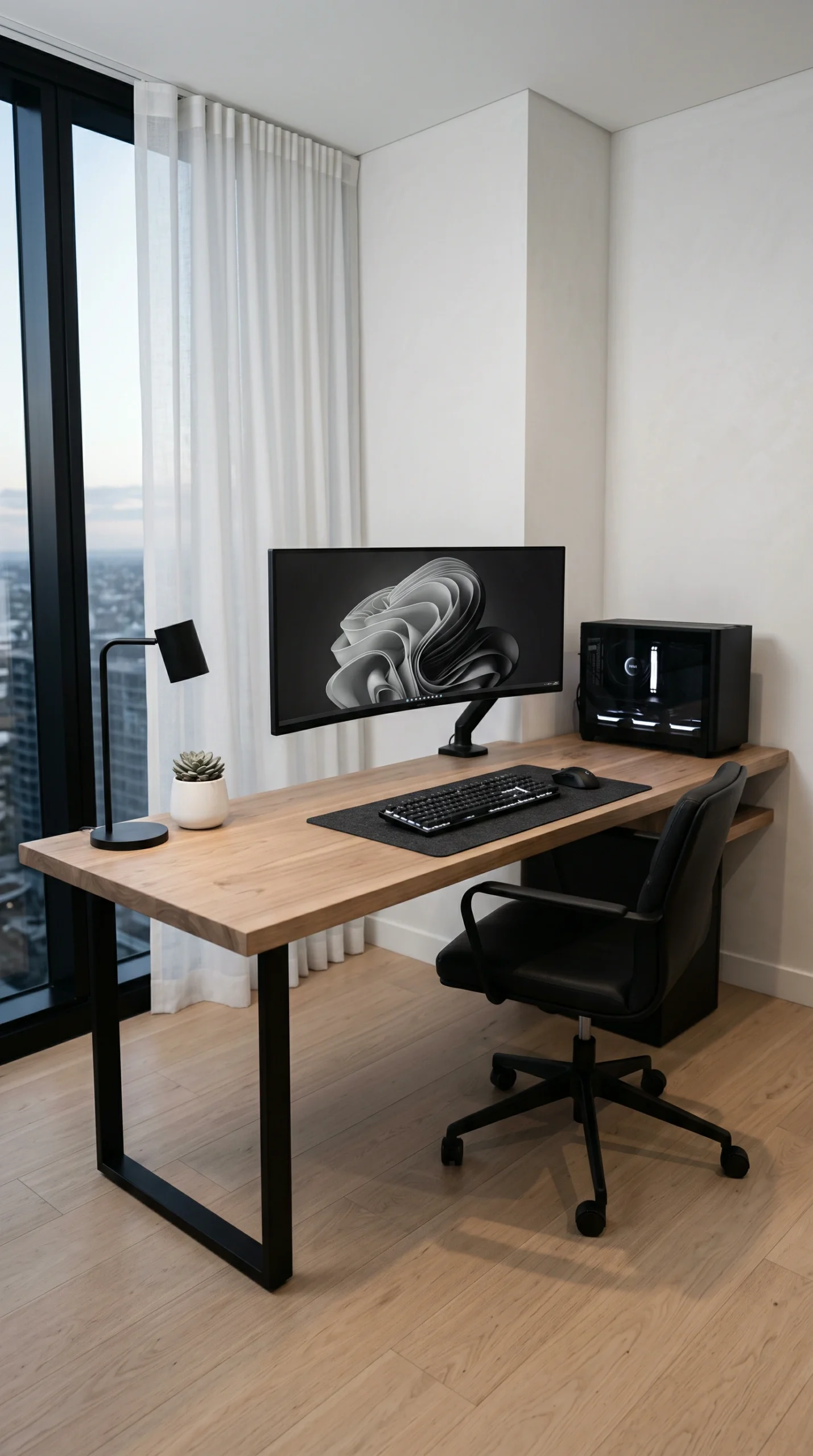
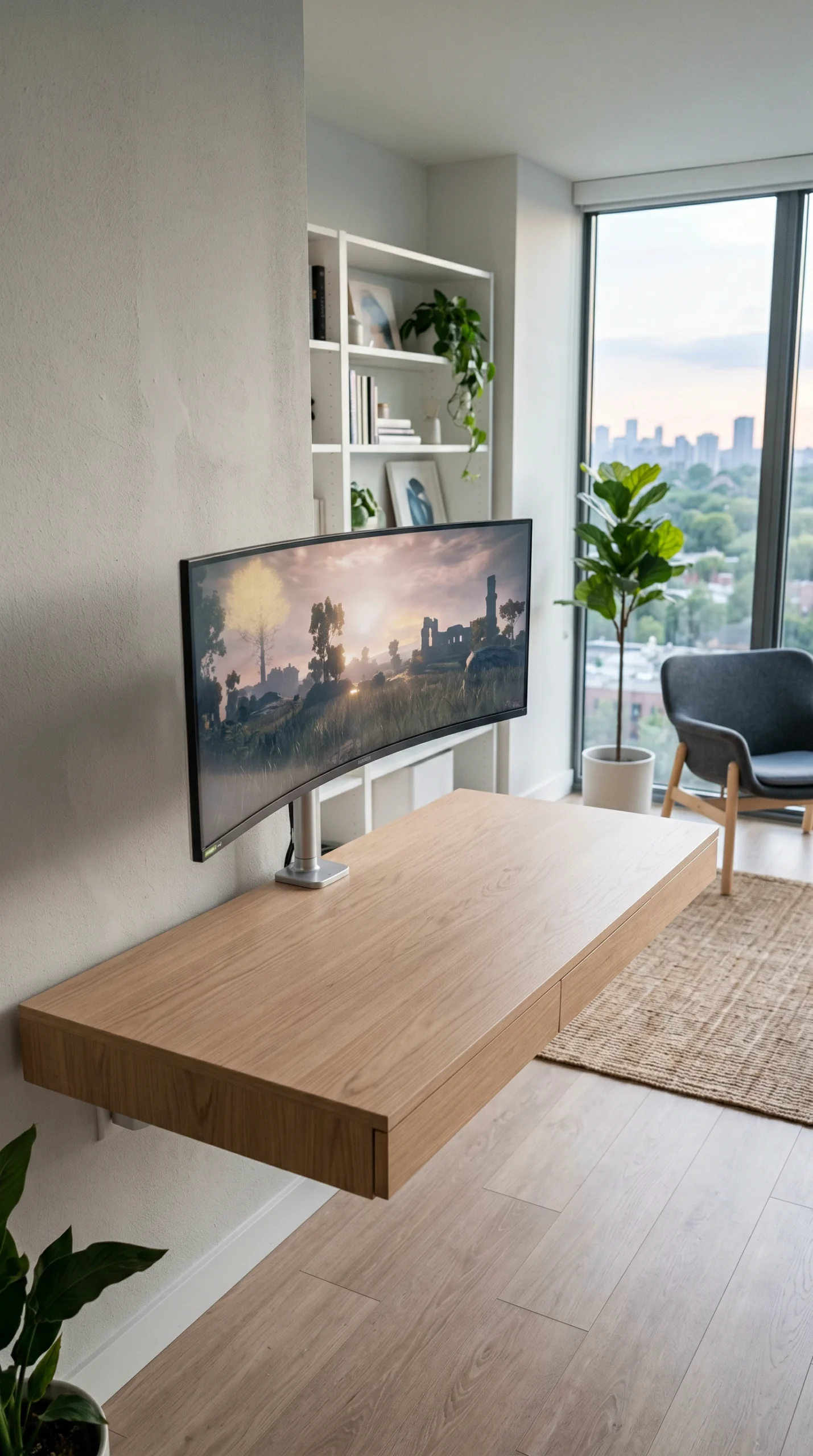
A serene visual gallery of minimalist gaming environments, highlighting wireless technology, beautifully clear desk surfaces, and smart, hidden storage solutions.

Achieving Zero Clutter

Implement these strict organizational rules to strip away distractions and maintain an immaculate, functional gaming environment.

Monitor Arms

Ditch the bulky factory stand and use a sleek clamping monitor arm to free up desk space.

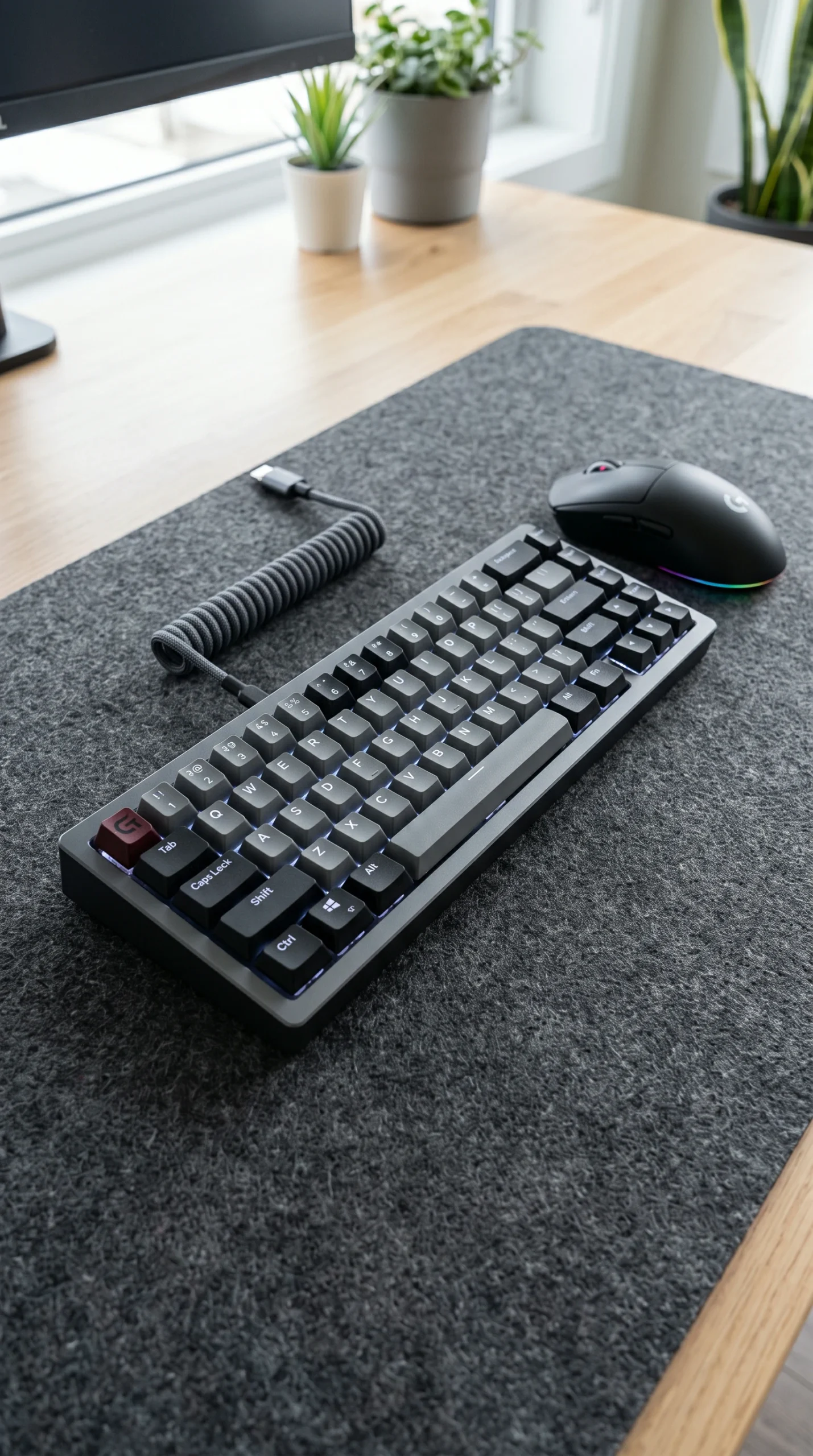
Wireless Tech

Invest in high-performance wireless mice, keyboards, and headsets to eliminate surface cables.

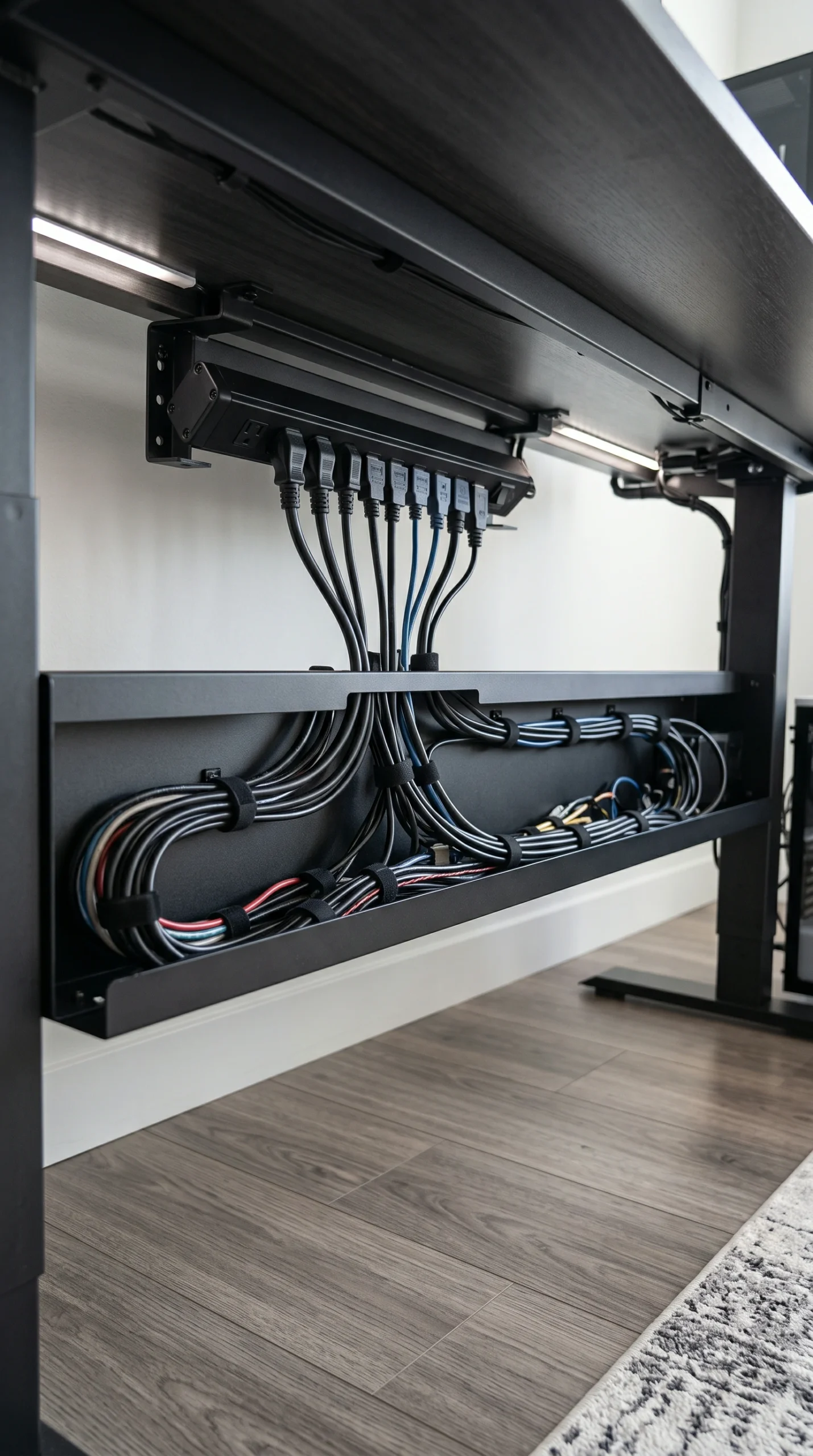
Invisible Routing

Mount a cable raceway under the desk to completely hide power strips and thick display cords.

Under-Desk Storage

Use adhesive under-desk drawers to hide pens, USB drives, and controllers.

Single Screen

Consider using one large ultrawide monitor instead of dual screens for a cleaner silhouette.

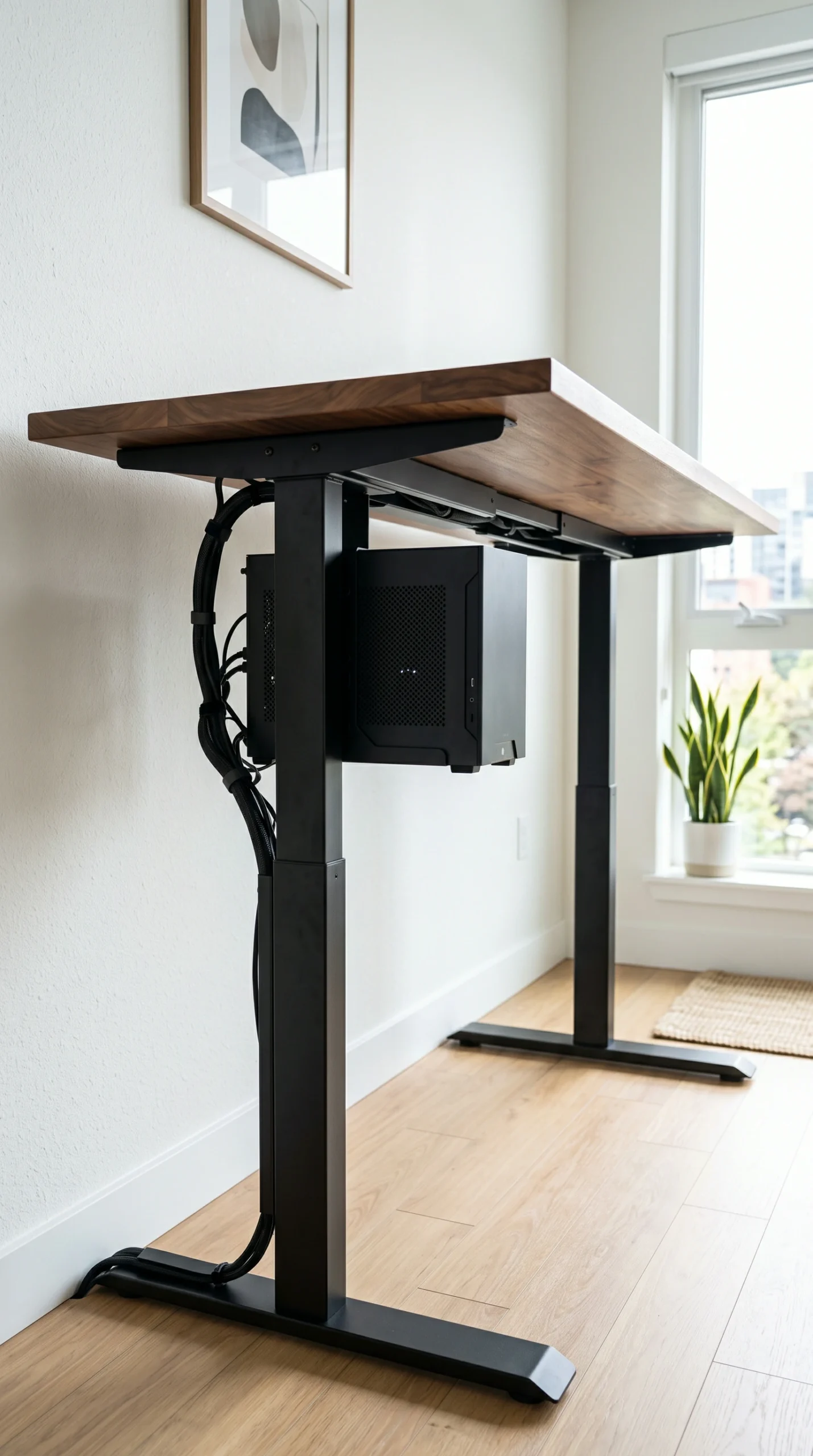
Hidden PC Tower

Place the PC on a floor stand or mount it beneath the desk to maximize surface area.

The Complete Guide to a Minimalist Gaming Setup

In a world filled with constant digital stimulation, a simple gaming room provides a much-needed visual reset. Minimalist gaming setup ideas are not just about having fewer things; they are about intentional placement and the elimination of friction. When your environment is completely free of tangled wires, empty energy drink cans, and unused accessories, your mind can fully focus on the game or the task at hand. Creating this level of serenity requires discipline and clever design choices.

The Philosophy of a Simple Gaming Room

The foundation of a clean gaming setup begins with restraint. If an item on your desk does not serve an immediate, daily function, it needs to be stored away. A true modern gaming desk features only the absolute essentials: a monitor, a keyboard, a mouse, and perhaps an audio interface or a small, purposeful plant. To achieve this, you must rethink storage. Install slim, minimalist floating shelves above the desk to hold your collectibles or use adhesive under-desk drawers to stash your gamepads and charging cables out of sight.

Building a Modern Gaming Desk Foundation

The desk itself plays a massive role in the minimalist aesthetic. Avoid gaming desks that feature aggressive angles, built-in cup holders, or carbon fiber wraps. Instead, opt for a solid wood top in Light Oak or Warm Walnut, paired with clean Matte Black or Brushed Aluminum legs. This organic modern approach ensures your gaming station looks like a sophisticated piece of adult furniture that blends seamlessly into the rest of your home, rather than a bulky toy.

Achieving a Clean Gaming Setup with Wireless Tech

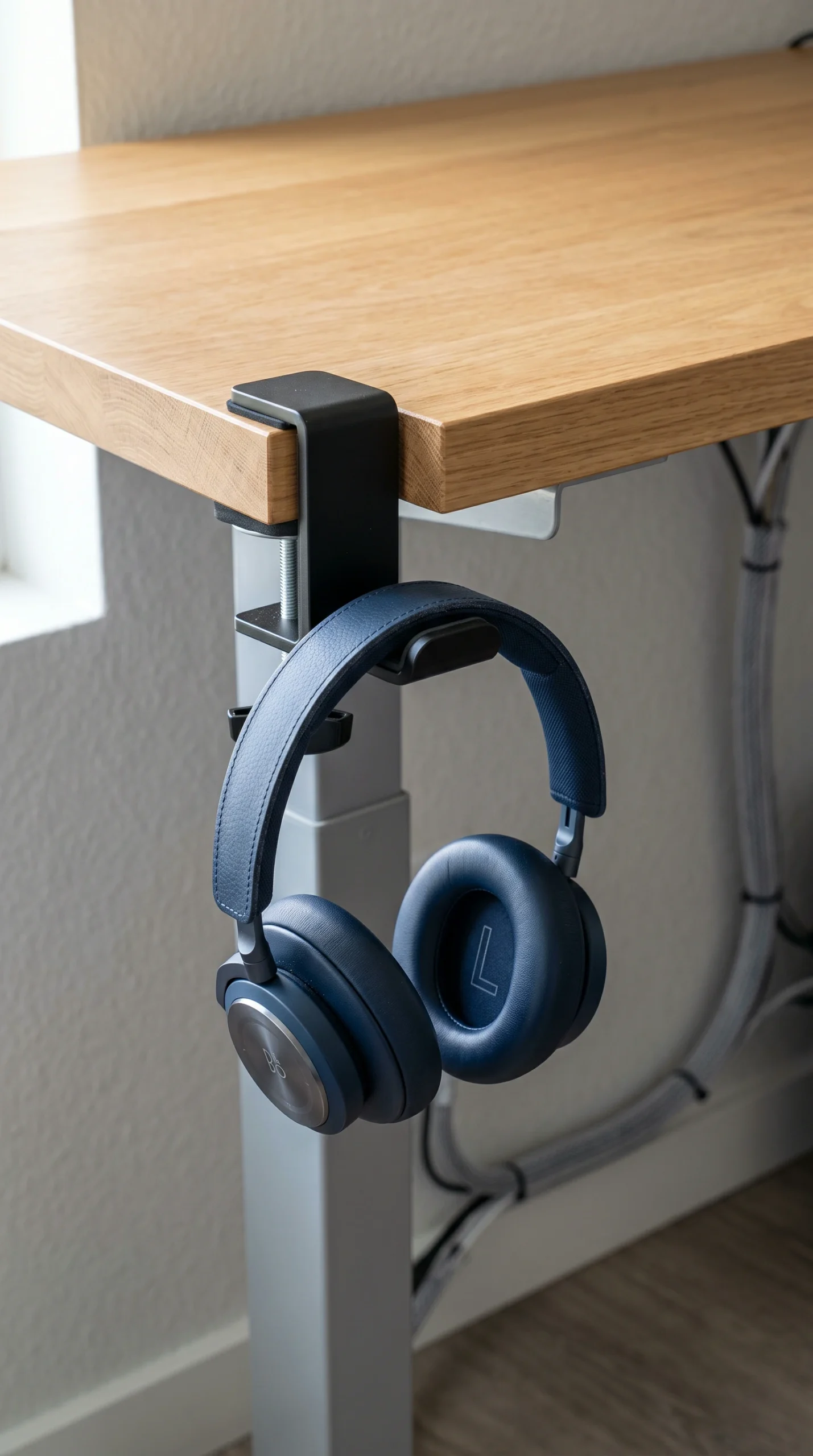
Wires are the sworn enemy of minimalism. To execute a flawless setup, you must embrace wireless technology. Today’s high-end wireless gaming mice and mechanical keyboards offer zero latency, making them perfectly viable for competitive gaming. By eliminating the mouse bungee and keyboard cable, your desk surface becomes a clean, uninterrupted canvas. Combine this with a wireless headset that rests on a hidden, under-desk mount rather than a bulky stand taking up surface space.

The Invisible Art of Cable Management

Even with wireless peripherals, your monitor, PC, and speakers require power. The hallmark of premium minimalist gaming setup ideas is invisible cable management. Mount your surge protector to the underside of your desk using heavy-duty double-sided tape. Route every single cable through a discreet under-desk raceway tray, and use split-loom tubing to bundle the cables running down the desk leg to the wall outlet. When you sit at your desk and see absolutely zero hanging wires, you have achieved the ultimate minimalist victory.

Frequently Asked Questions

Expert tips and troubleshooting advice to help you build, organize, and maintain a perfectly minimalist gaming station.
A minimalist gaming setup focuses on the bare essentials—monitor, keyboard, and mouse—while eliminating all visible cables, knick-knacks, and bulky furniture to create a clean, distraction-free zone.
Yes. Modern wireless gaming mice from reputable brands use 2.4GHz technology that offers 1ms response times, making them virtually indistinguishable from wired mice in terms of latency.
Mount the PC under the desk using a heavy-duty bracket, place it on a minimalist floor stand beside the desk, or build a custom cabinet to keep it entirely out of sight (ensure proper ventilation).
A solid wood butcher block top (like light oak or walnut) resting on minimalist motorized standing desk legs provides a clean, sophisticated, and highly functional foundation.
You must use under-desk cable management trays. Mount your power strip under the desk, run all cables through the tray, and bundle the remaining cords together using zip ties or cable sleeves.
A single ultrawide monitor provides the cleanest aesthetic. It eliminates the bezel gap in the middle of your vision and reduces the number of power and display cables you need to hide.
Use subtle ambient lighting, add one high-quality piece of framed art on the wall above the monitors, or incorporate a single, healthy potted plant (like a snake plant or pothos) on the desk.
Yes, but opt for an oversized, unbranded desk mat in a solid neutral color (like soft ash or slate grey). It anchors the keyboard and mouse while protecting the desk surface without adding visual noise.
Use adhesive hooks mounted to the underside of the desk or the back of your monitor to hang your headset and controllers completely out of sight.
Yes, but it should be used sparingly. Use a single, static color (like crisp white or a warm ambient glow) as a backlight behind the monitor, avoiding chaotic, flashing rainbow patterns.