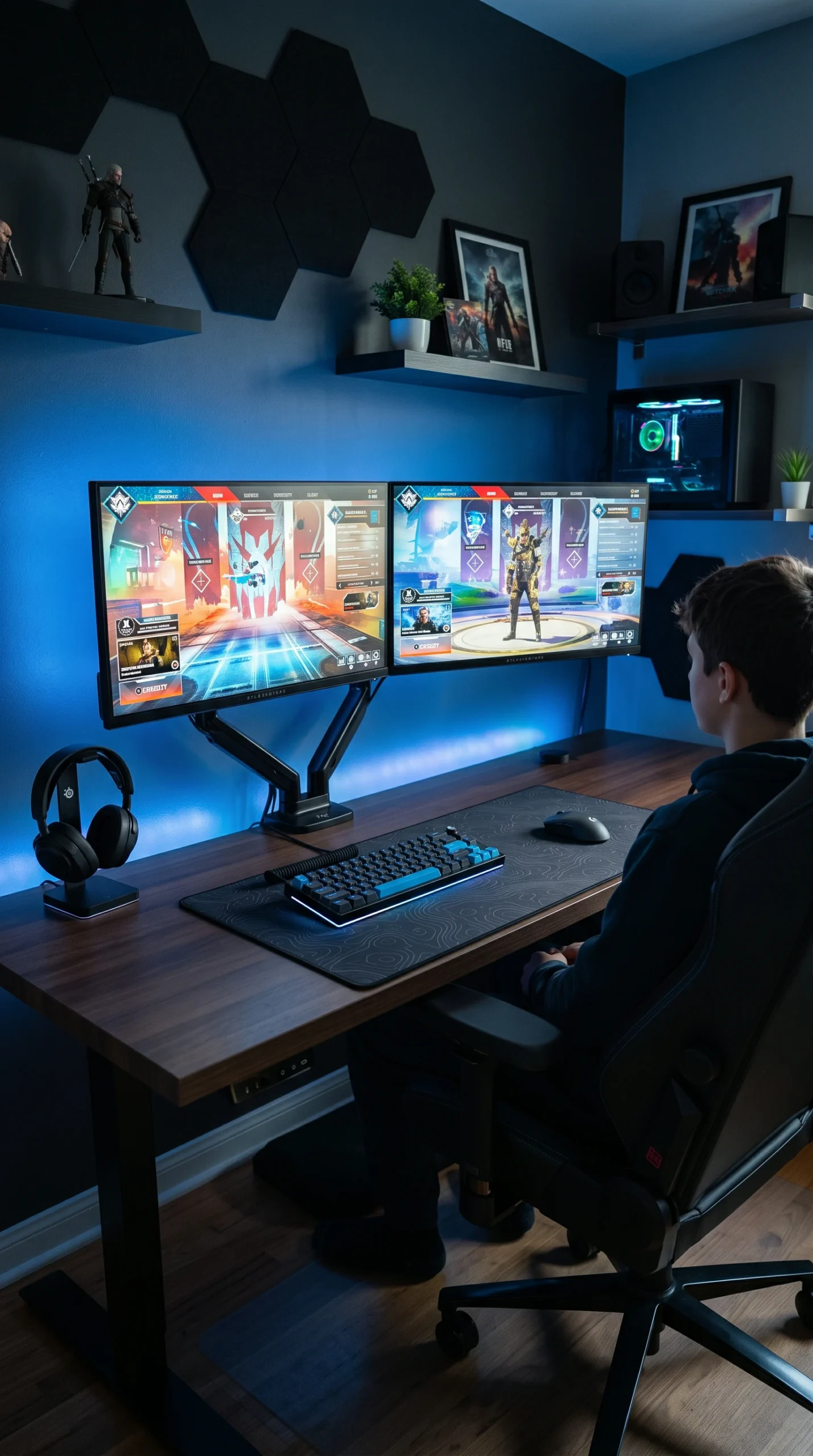
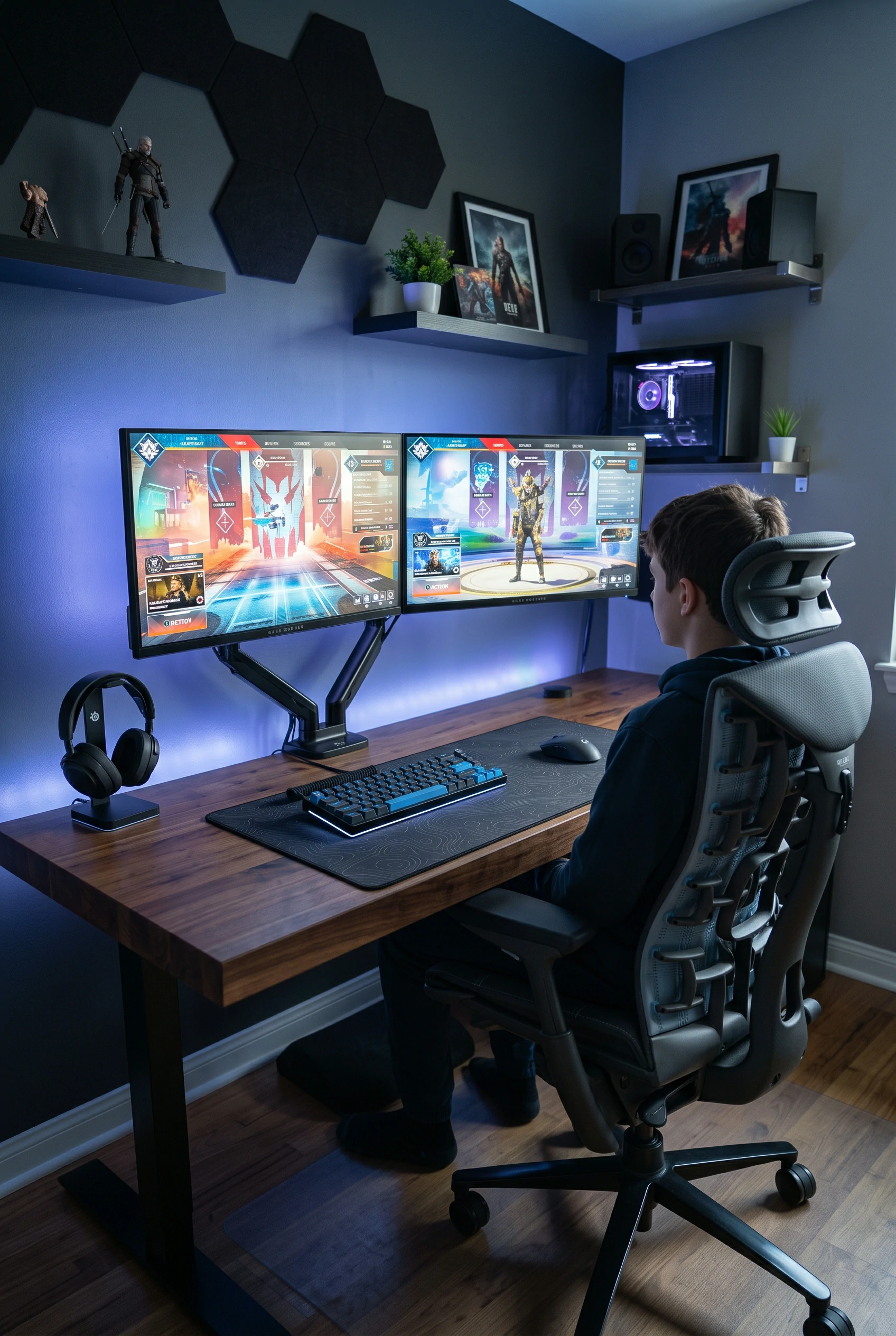
Gaming often involves long periods of sitting. Investing in a high-quality, ergonomically supportive chair and an appropriately height-adjusted desk is crucial for physical health and comfort.
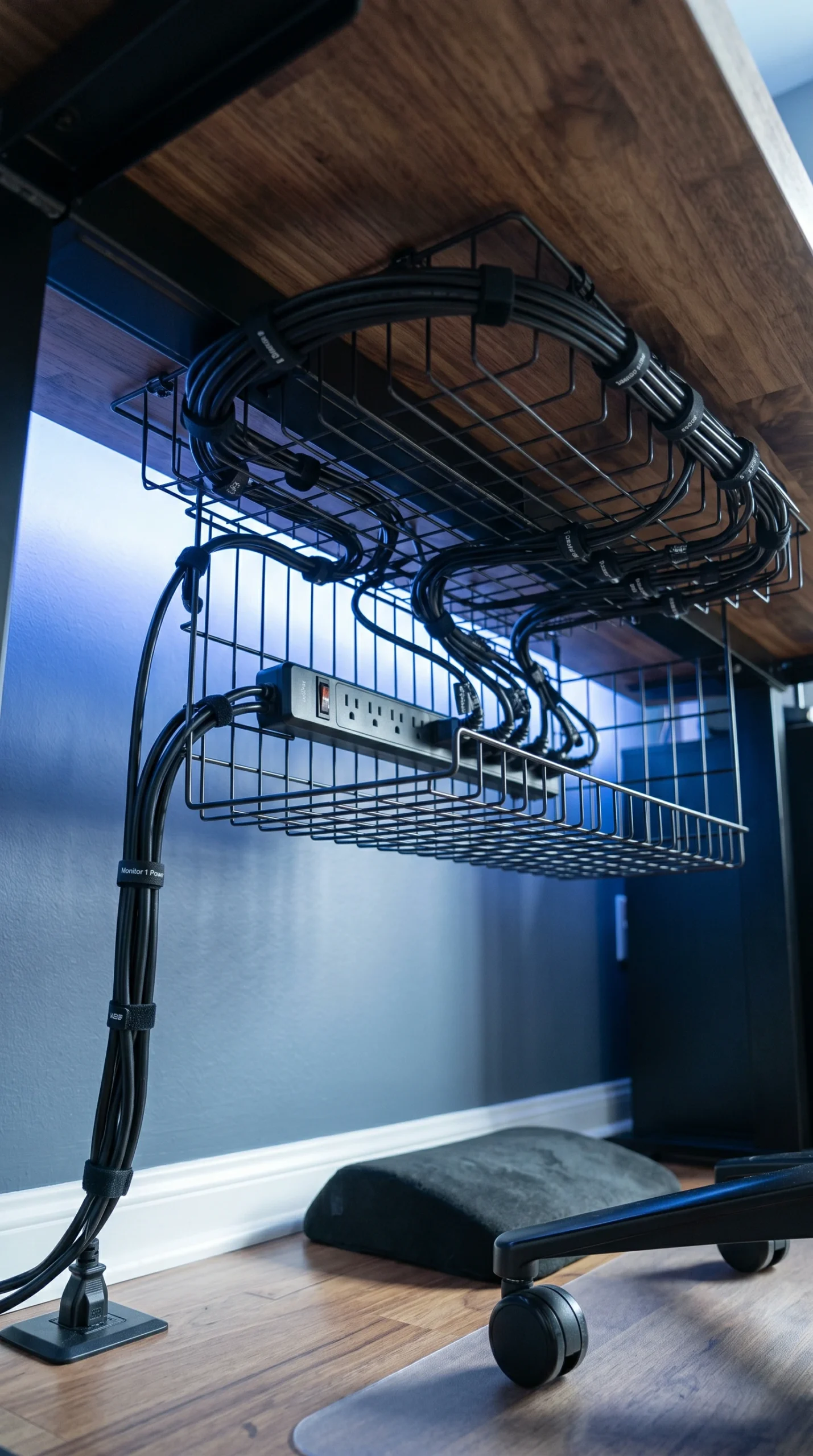
A tangle of black cords instantly ruins the aesthetic of a room. Utilize under-desk cable trays, zip ties, and cord sleeves to keep wires completely hidden and organized.
Harsh overhead lighting causes screen glare. Introduce bias lighting (LED strips behind the monitor) to reduce eye strain, and use blackout curtains to control natural daylight during afternoon sessions.
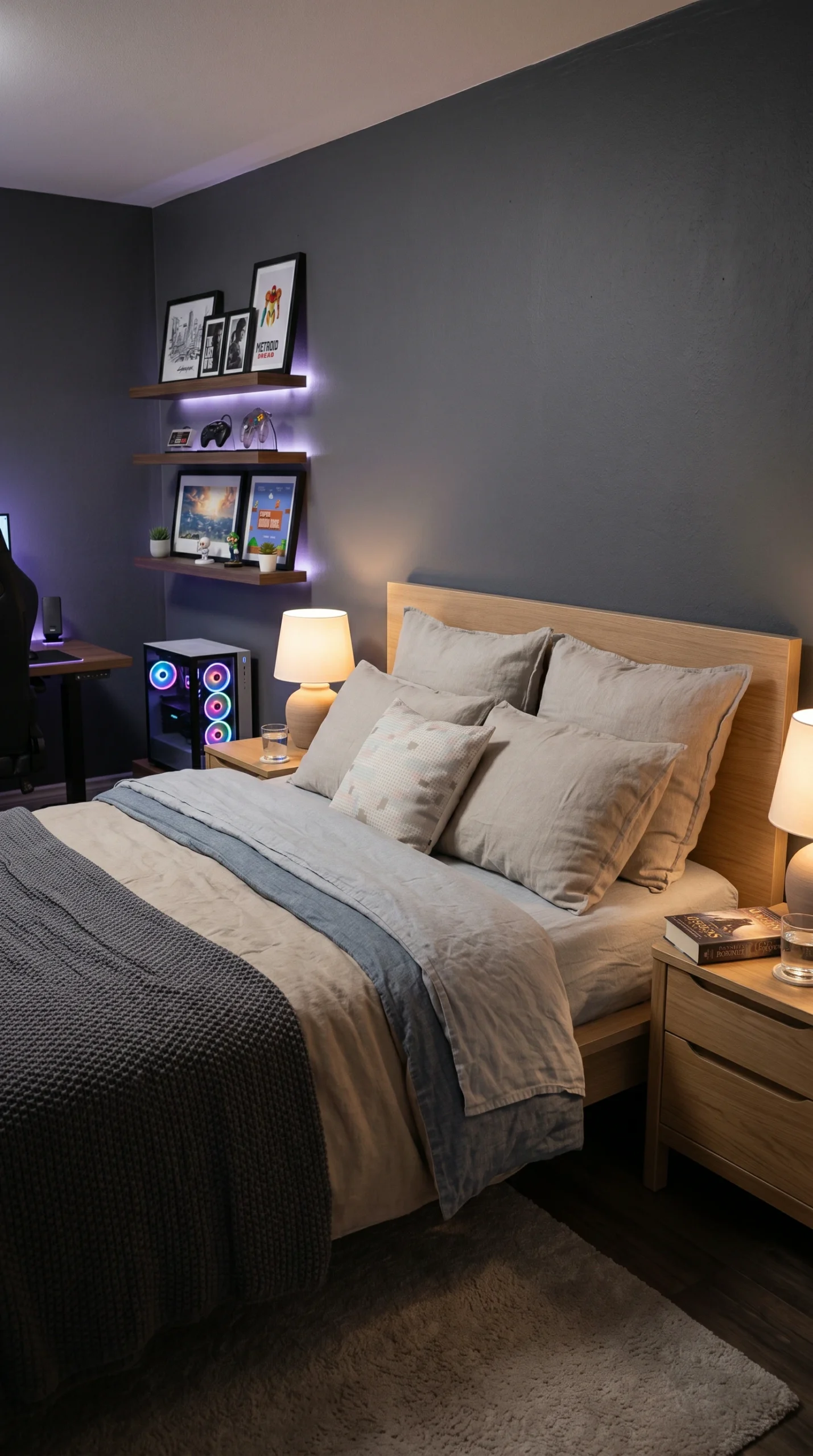
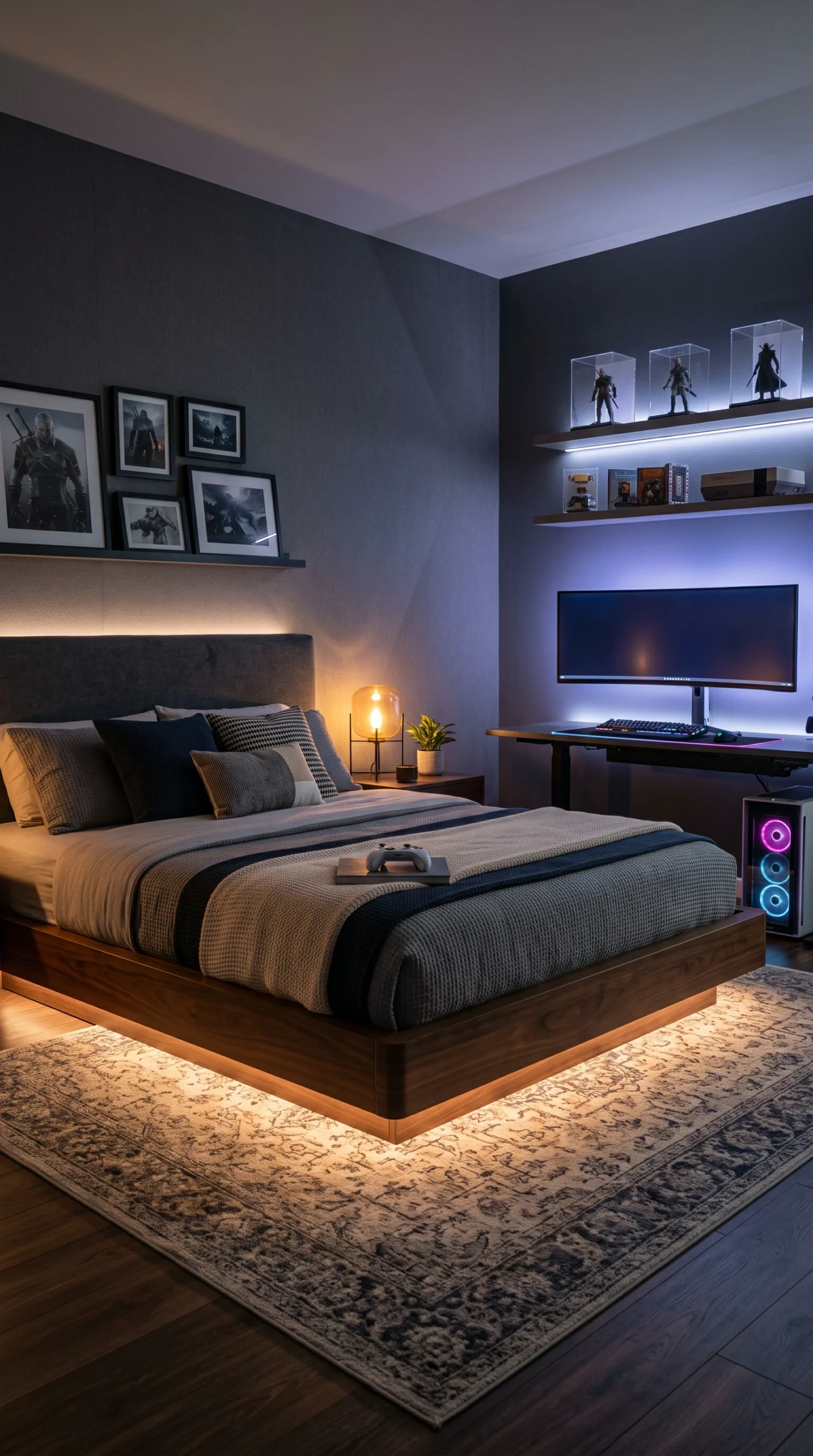
Whenever space allows, try to physically separate the desk setup from the bed. This visual separation helps the brain transition from the high stimulation of gaming to the relaxation needed for sleep.
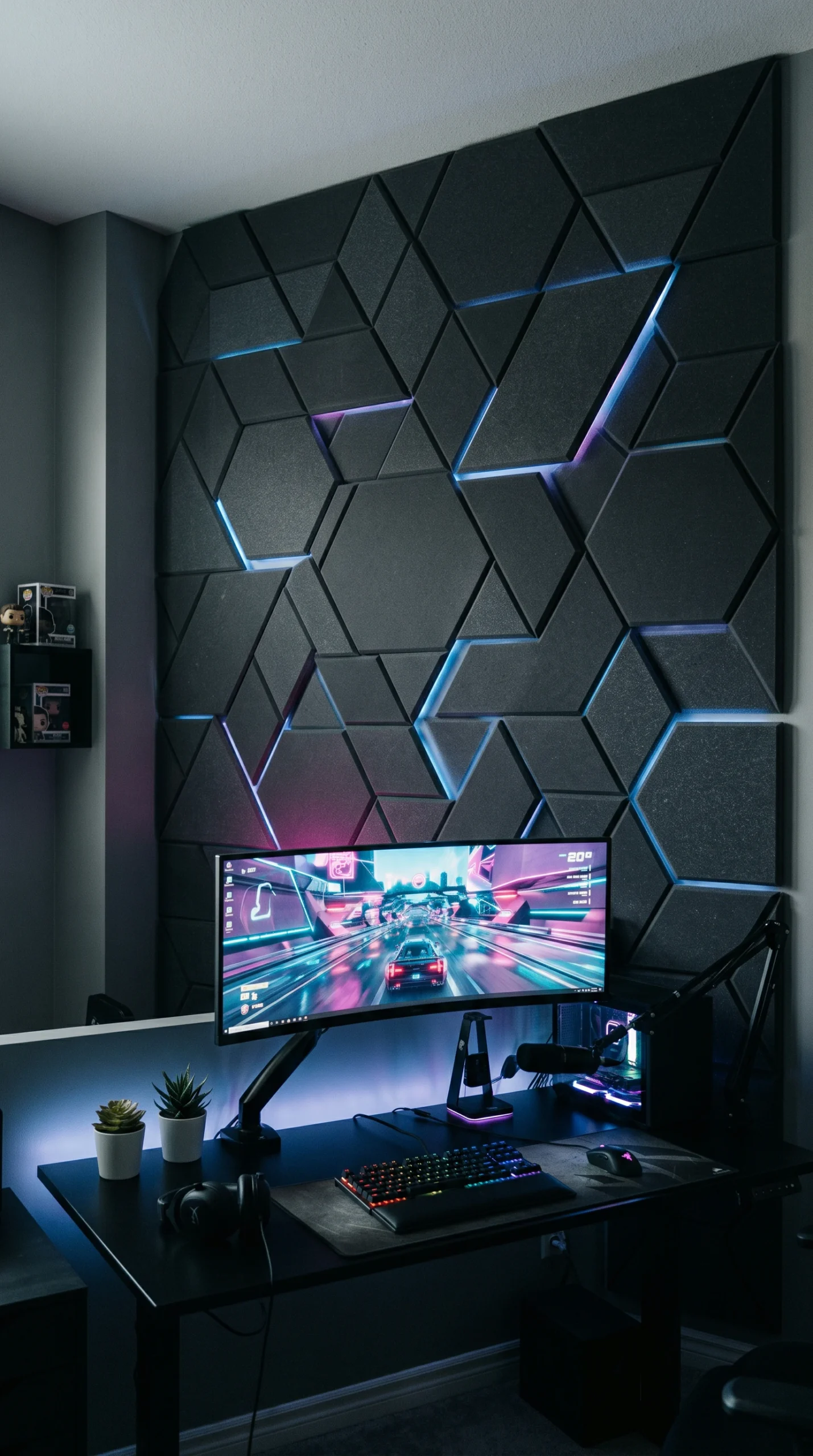
Gaming can be loud. Incorporating soft materials like a thick area rug, heavy curtains, or even stylish acoustic wall panels can help dampen sound and improve audio quality.
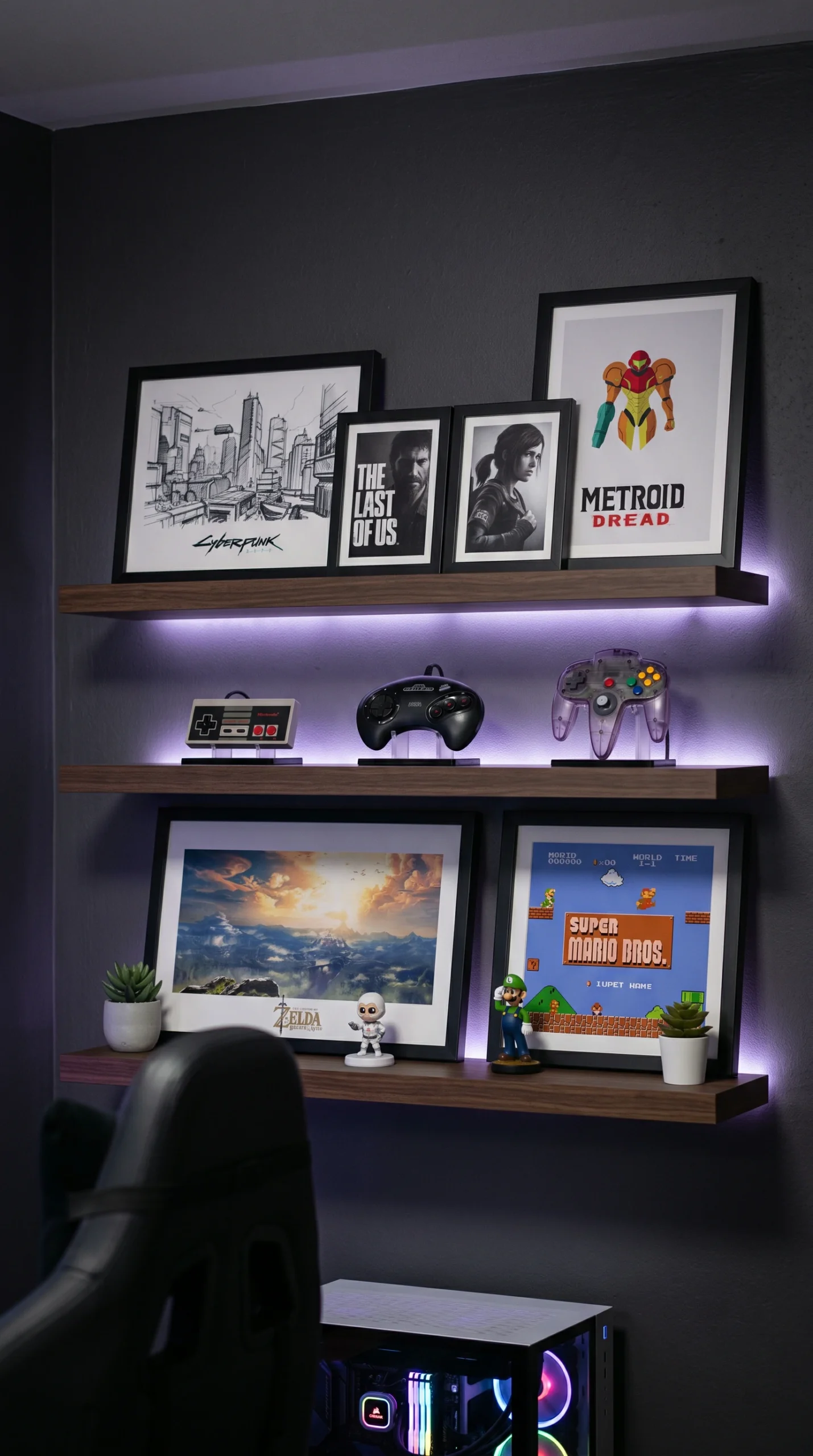
Rather than pasting posters everywhere, consider framing high-quality gaming concept art or using sleek, floating shelves to display collectible figures, keeping the look refined.
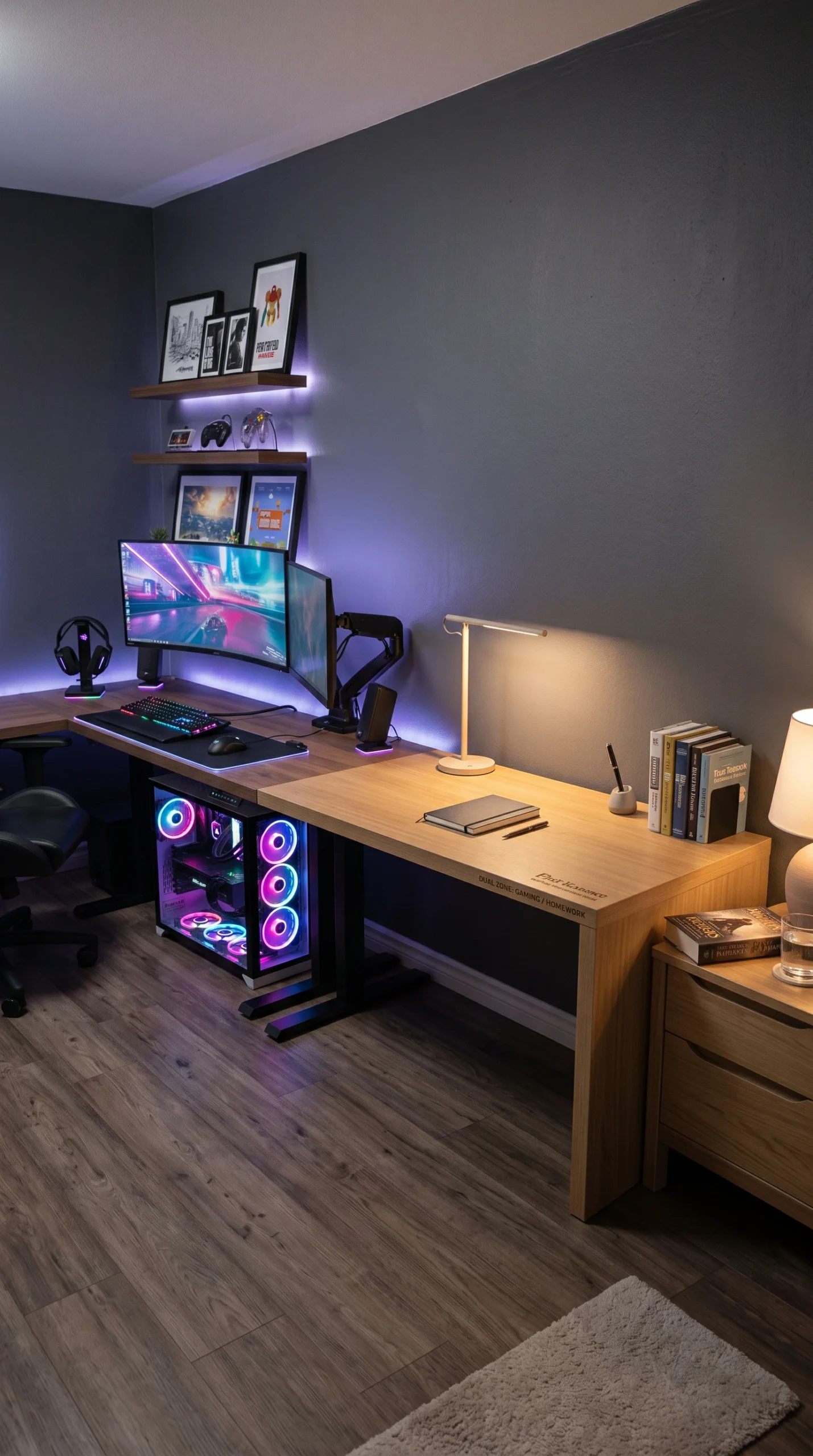
The foundation of all successful gaming boy room ideas is the desk setup. Unlike a standard homework desk, a gaming desk must accommodate multiple monitors, heavy equipment, and provide ample space for mouse movement. A sturdy, wide desk with a smooth surface is often preferred. More importantly, the seating must be addressed. A standard wooden chair is insufficient for extended periods of play. Investing in a highly adjustable, ergonomically designed chair that supports the lower back and encourages proper posture is essential. Ensuring the desk and chair are adjusted so that the monitors sit at eye level and the elbows rest at a comfortable 90-degree angle helps prevent fatigue and strain, promoting healthier gaming habits.
One of the biggest challenges when implementing gaming boy room ideas is dealing with the inevitable web of cables that accompanies computers, consoles, and peripherals. A chaotic mess of wires hanging off the back of a desk can make even the most expensive room look disorganized. Professional setups rely on strict cable management. Utilizing under-desk wire trays or baskets allows you to hide power strips and thick cables completely out of sight. Reusable velcro ties or neoprene cord sleeves can bundle cables traveling to the PC or the wall outlet. By taking the time to route and conceal every wire, the desk area transforms from a cluttered technical hub into a sleek, clean architectural feature.
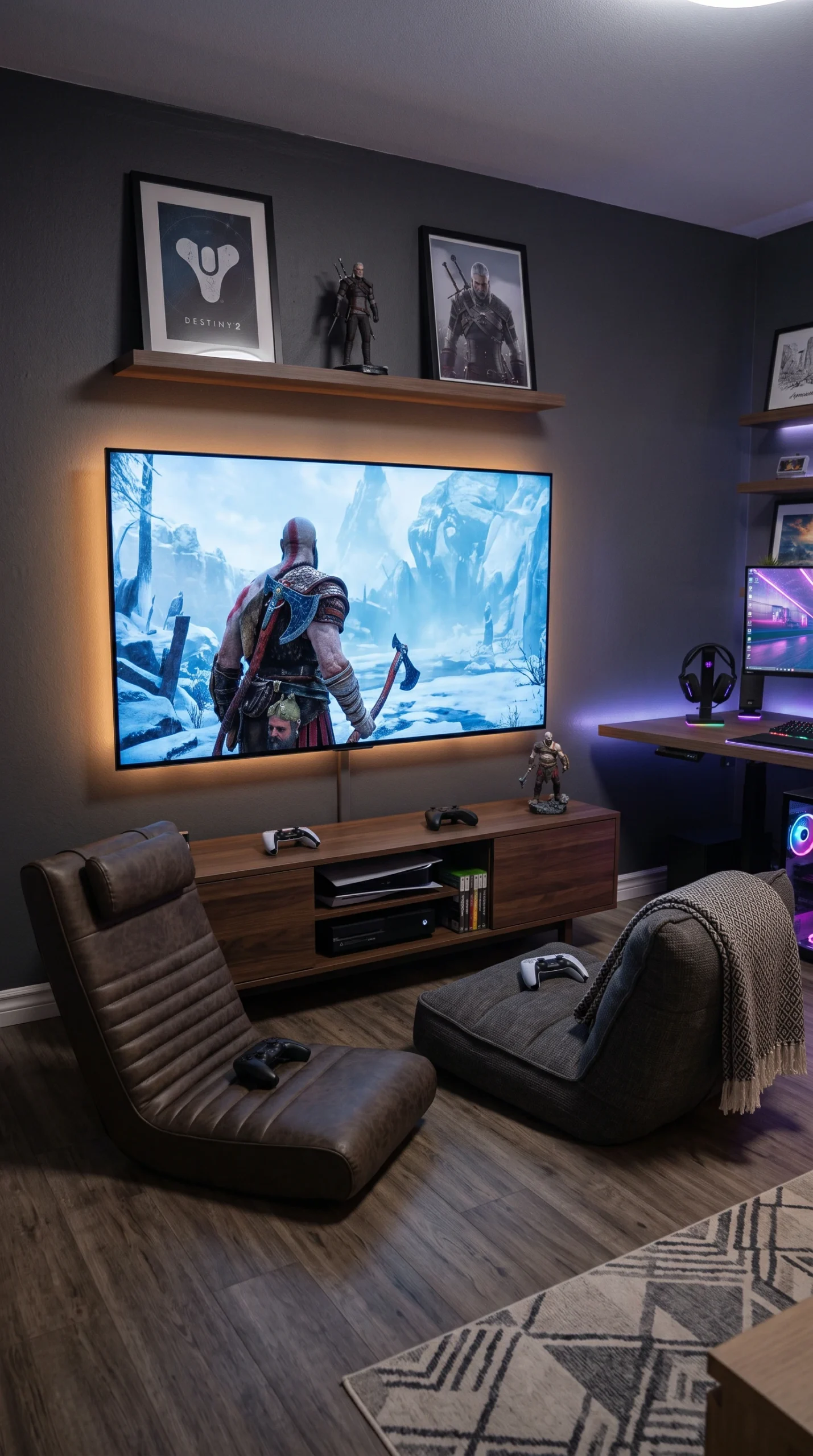
Lighting is a critical element in creating an authentic gaming atmosphere. Standard, bright overhead lighting is often detrimental, causing harsh reflections and glare on monitors. Gaming boy room ideas frequently employ ‘bias lighting,’ which involves attaching soft LED light strips to the back of the monitors or the desk edge. This subtle glow against the wall significantly reduces eye strain in dark rooms while enhancing the perceived contrast of the screens. Additionally, customizable, color-changing LED strip lights or smart bulbs allow the user to shift the room’s mood from a calm, cool blue for focused play to an energetic red, adding an interactive, deeply personalized layer to the room’s design.
While the technology is the focal point, it is crucial to remember that the room is primarily a bedroom. Maintaining a healthy sleep environment is vital. The most effective gaming boy room ideas carefully establish ‘zones.’ Whenever possible, position the gaming desk on a different wall than the bed, creating physical separation. Avoid pointing glowing computer towers directly at the sleeping area. Some designers recommend using a bookshelf or a curtain to visually divide the room if space permits. By ensuring the bed remains a calm, tech-free zone with soft lighting and comfortable bedding, you help facilitate the psychological shift needed to wind down after a highly stimulating gaming session.
Audio is a massive component of the modern gaming experience, but it can also be disruptive to the rest of the household. Integrating acoustic control is a thoughtful addition to gaming boy room ideas. Hard surfaces like bare wood floors and empty walls bounce sound waves, creating echoes. Introducing soft, absorbent materials can significantly dampen the noise. A large, thick area rug placed under the desk, heavy velvet or blackout curtains on the windows, and upholstered furniture all help absorb sound. For a more dedicated approach, stylish, geometric acoustic foam panels can be mounted on the wall behind the desk, serving as both functional sound dampening and a striking, modern design element.
A gaming room does not need to look chaotic or childish. It is entirely possible to celebrate the hobby while maintaining a sophisticated, high-end aesthetic. Instead of taping unmounted posters to the wall, elevate the decor by selecting high-quality prints of favorite game concept art and displaying them in sleek, matching black frames. Use minimalist floating shelves to organize and display a curated selection of collectible figures or vintage controllers. By treating the gaming memorabilia as intentional, structured art rather than random clutter, the room maintains a clean, modern look that respects his interests while feeling cohesive with a beautifully designed home.