Home Office Ideas That Make Working From Home More Productive

Your workspace directly influences your output, energy levels, and daily focus. If your current setup leaves you feeling drained or easily distracted, it is time for a strategic redesign. This guide explores the most effective home office ideas designed to optimize your environment for peak productivity. Discover how to build a highly functional work from home office by investing in proper ergonomics, mastering cable management, and finding office inspiration in minimalist aesthetics. Whether you have a dedicated room or a small desk carved out of your living space, these expert styling and layout tips will help you create a professional, distraction-free zone.
Japandi / Productive
Variable Cost Range
Intermediate DIY Level
Productive Home Office

The Focused Workspace

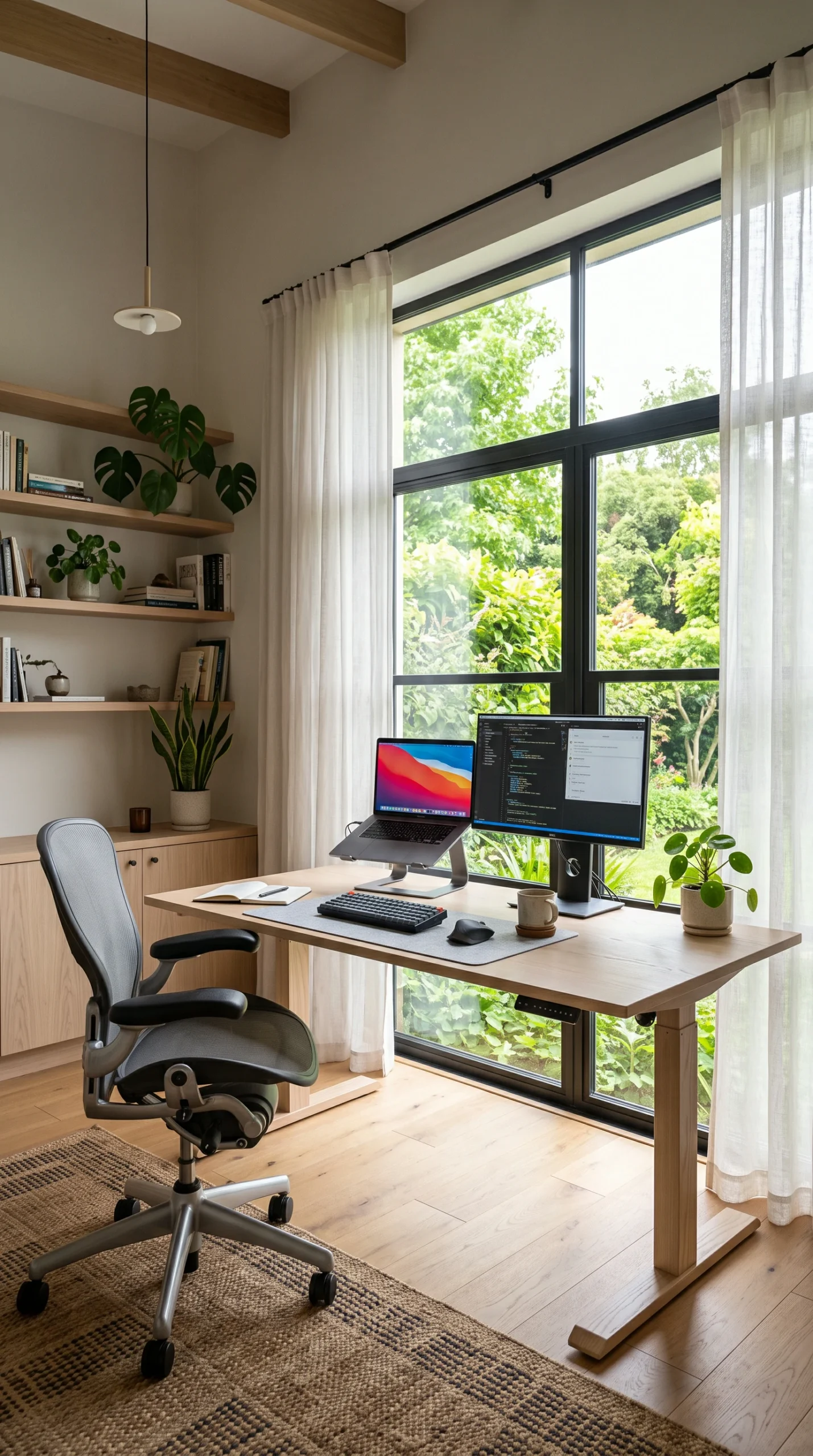
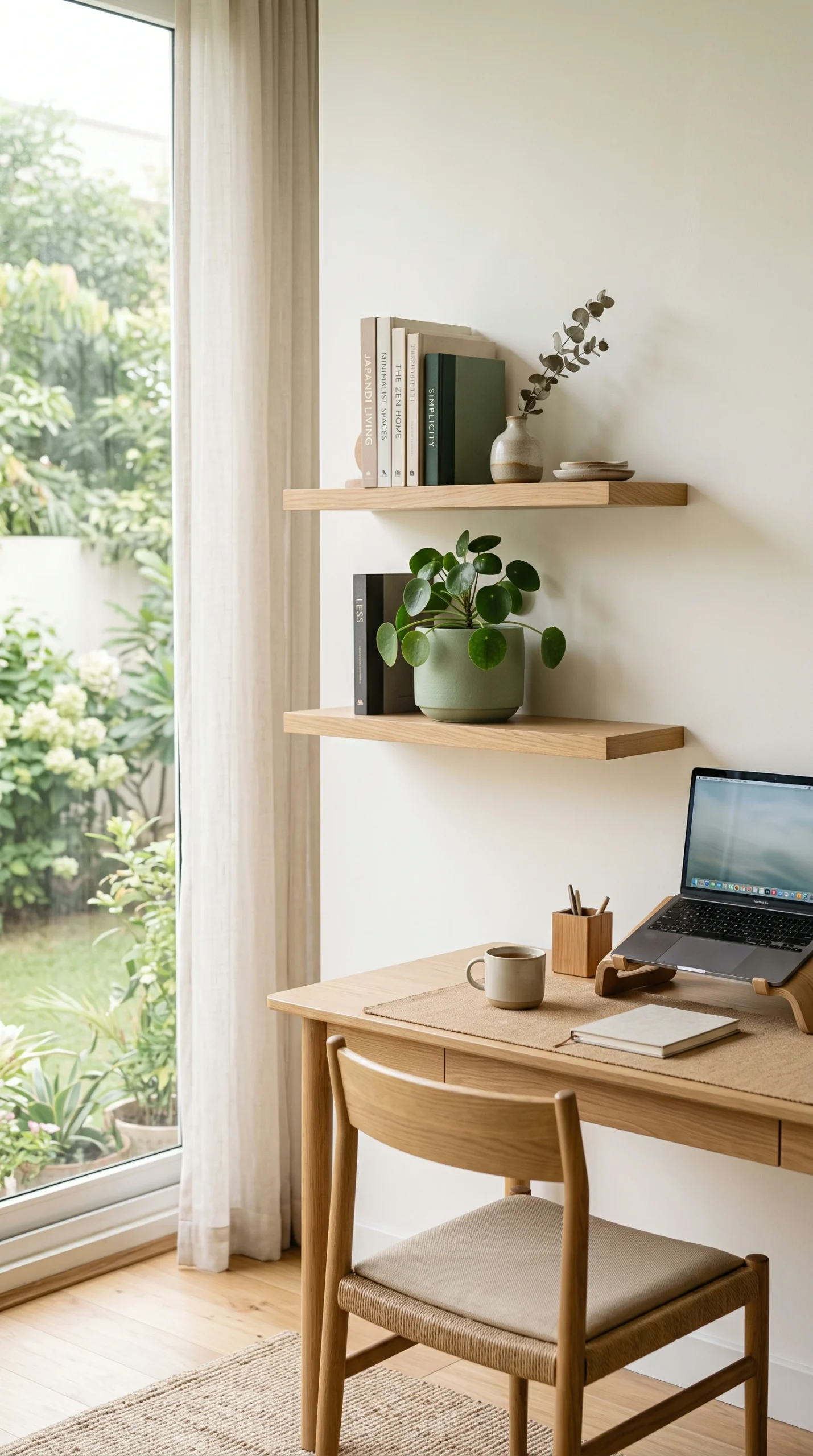
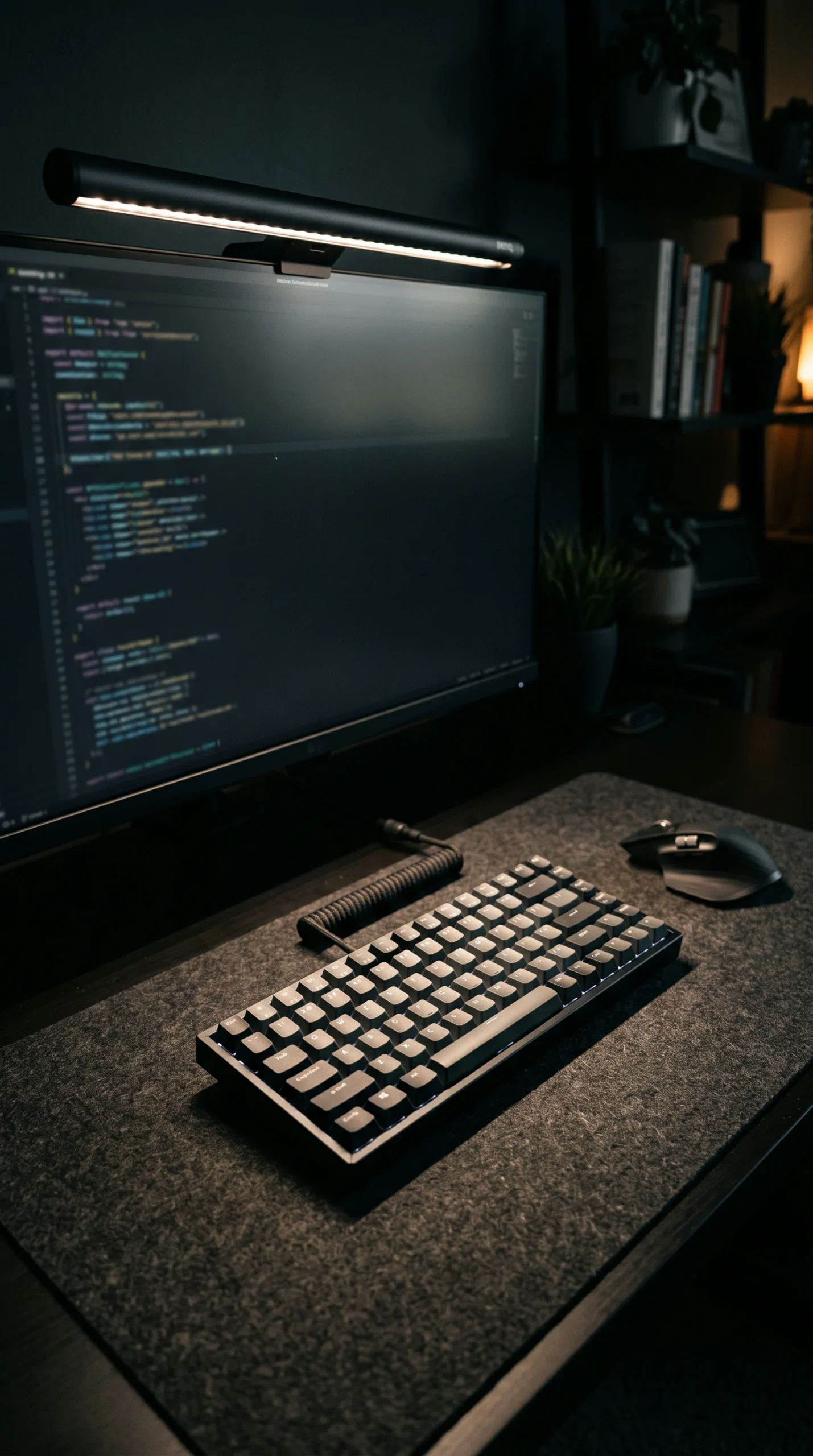
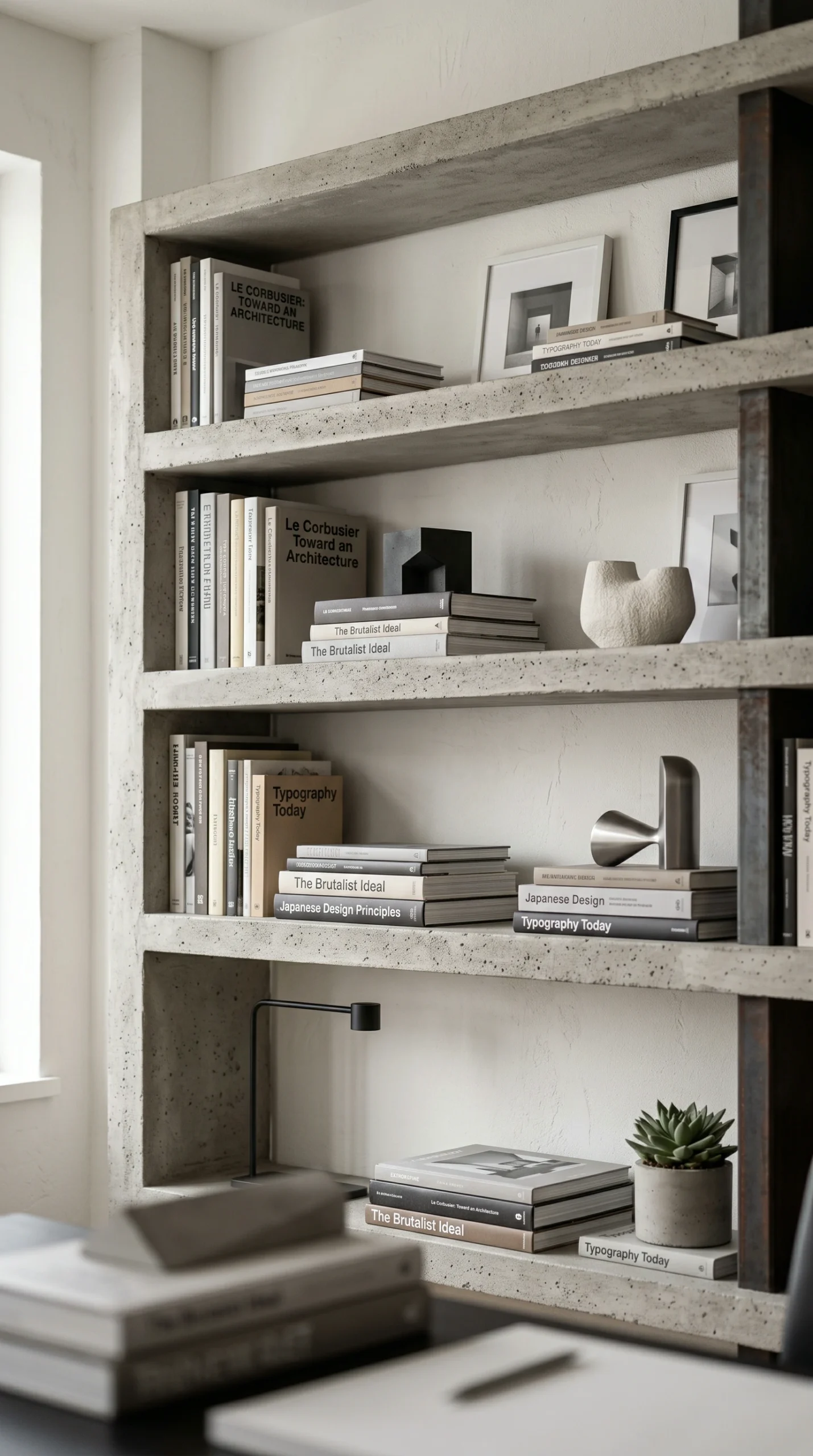
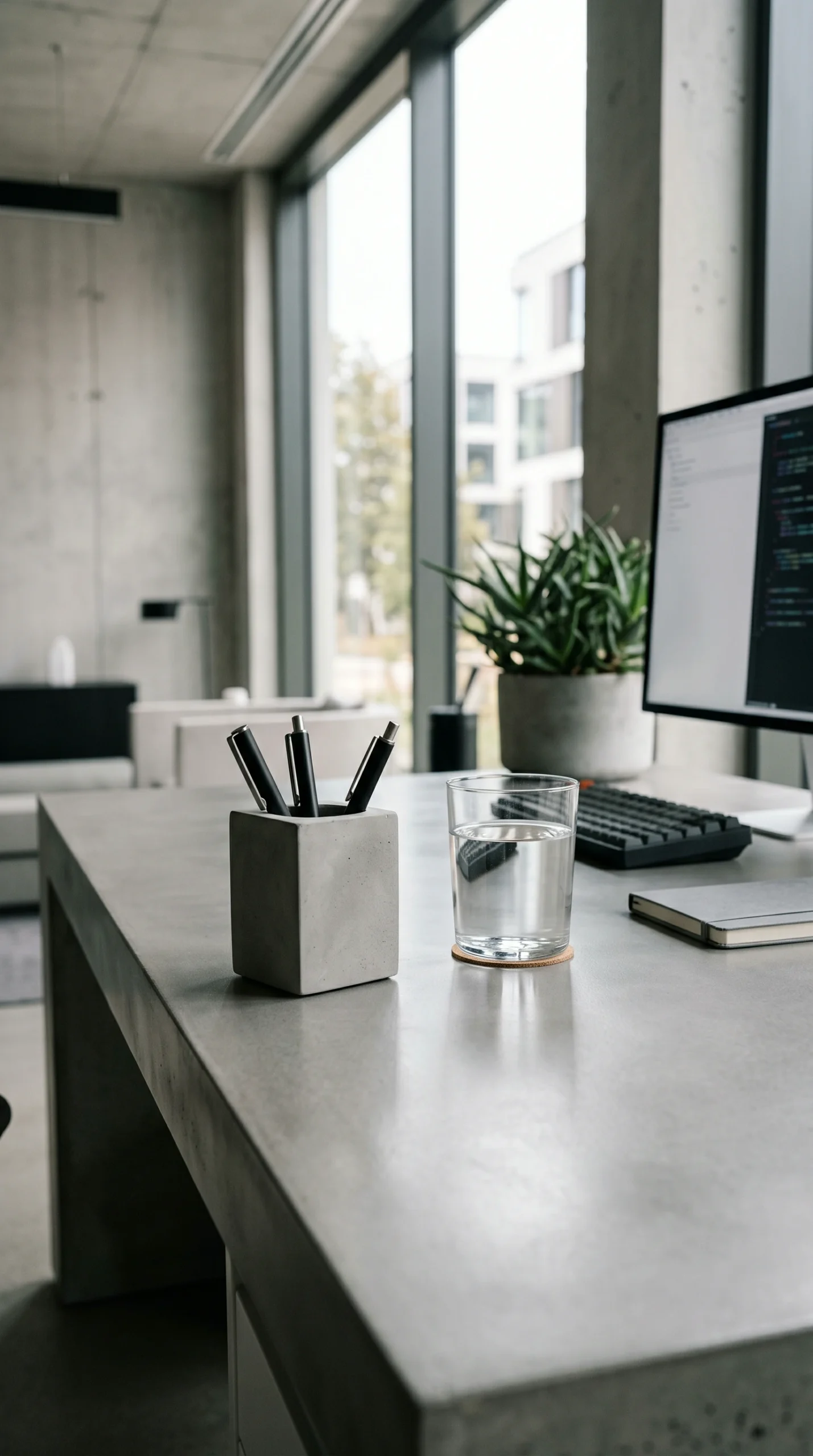
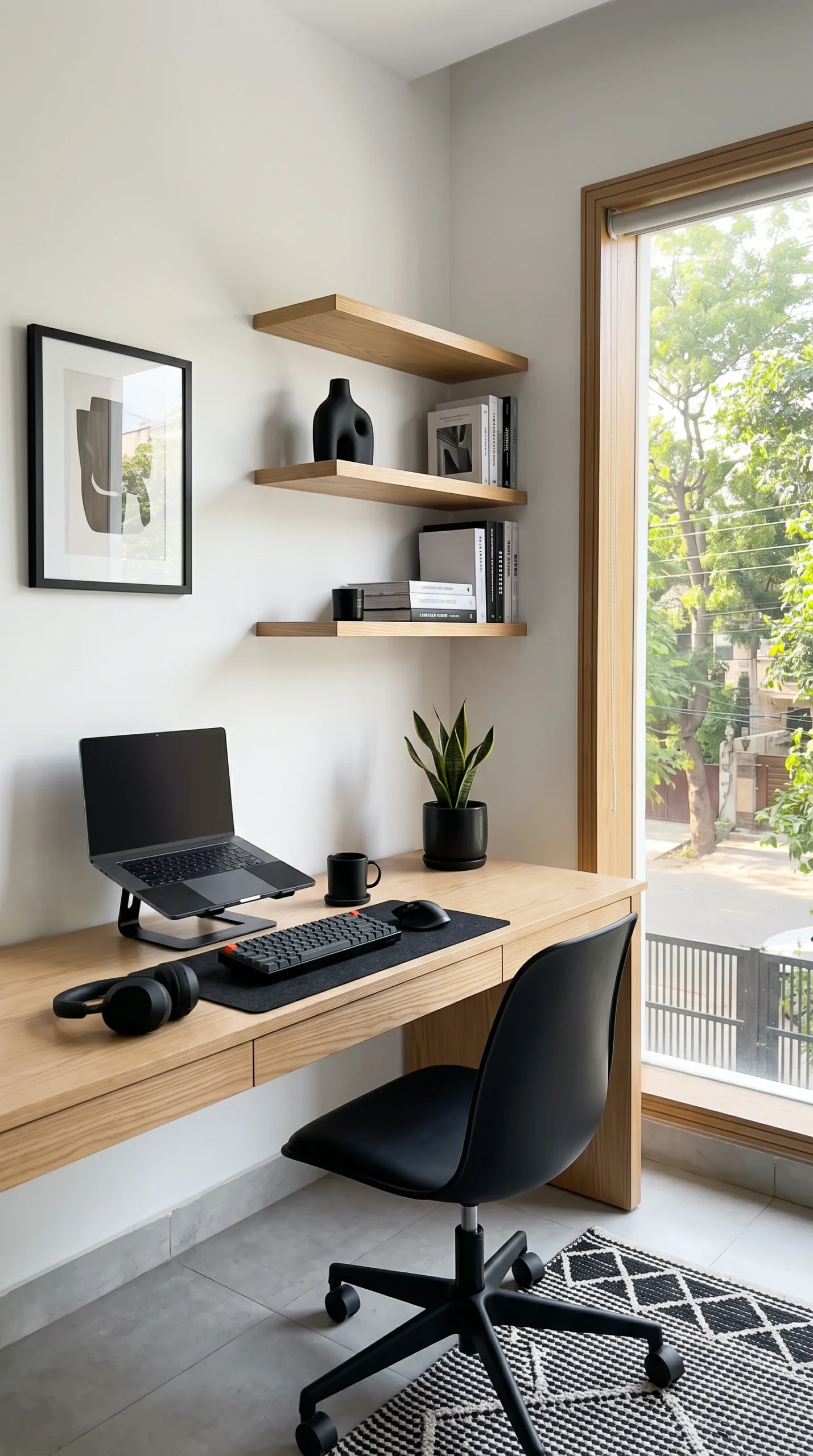
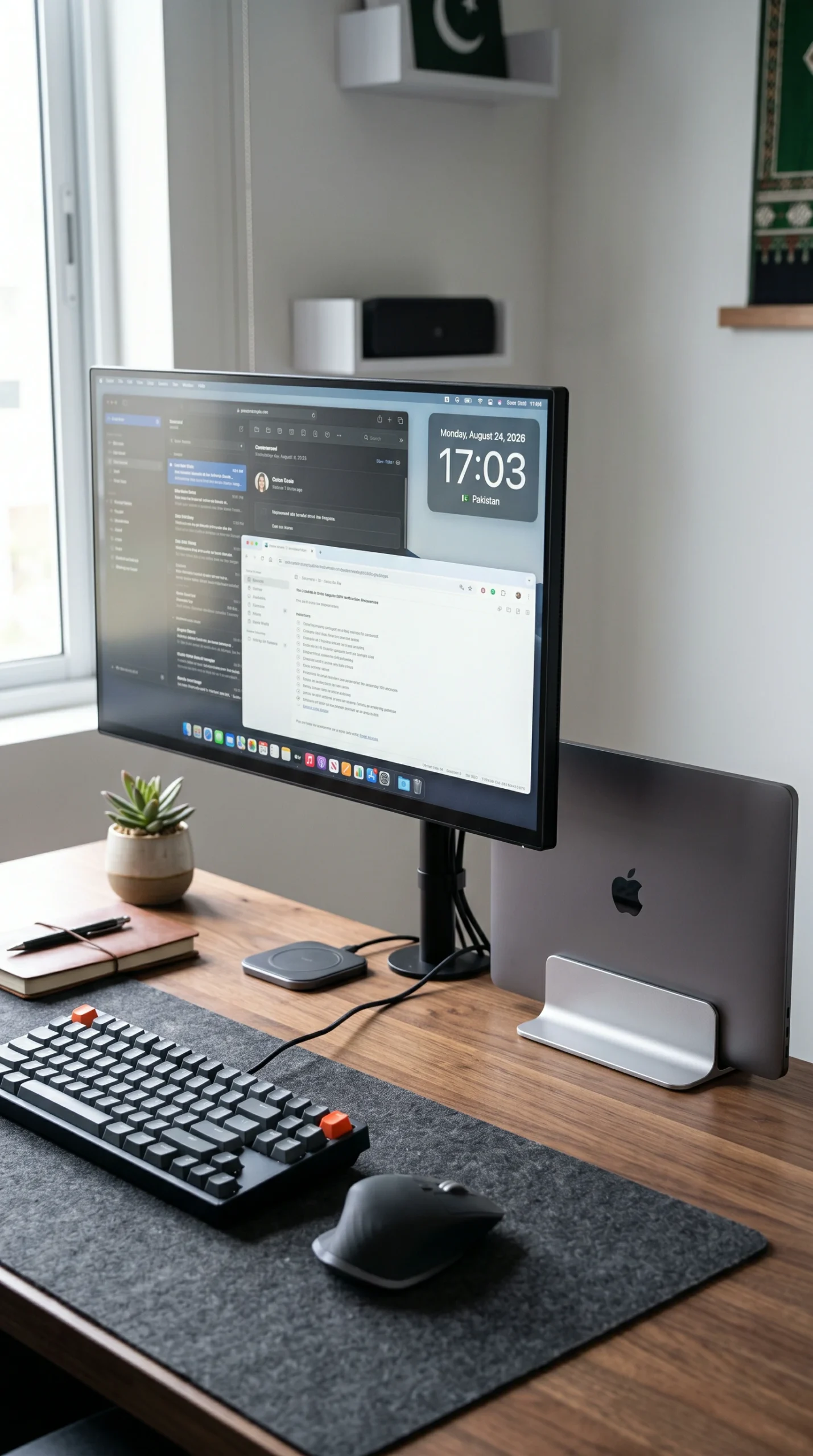
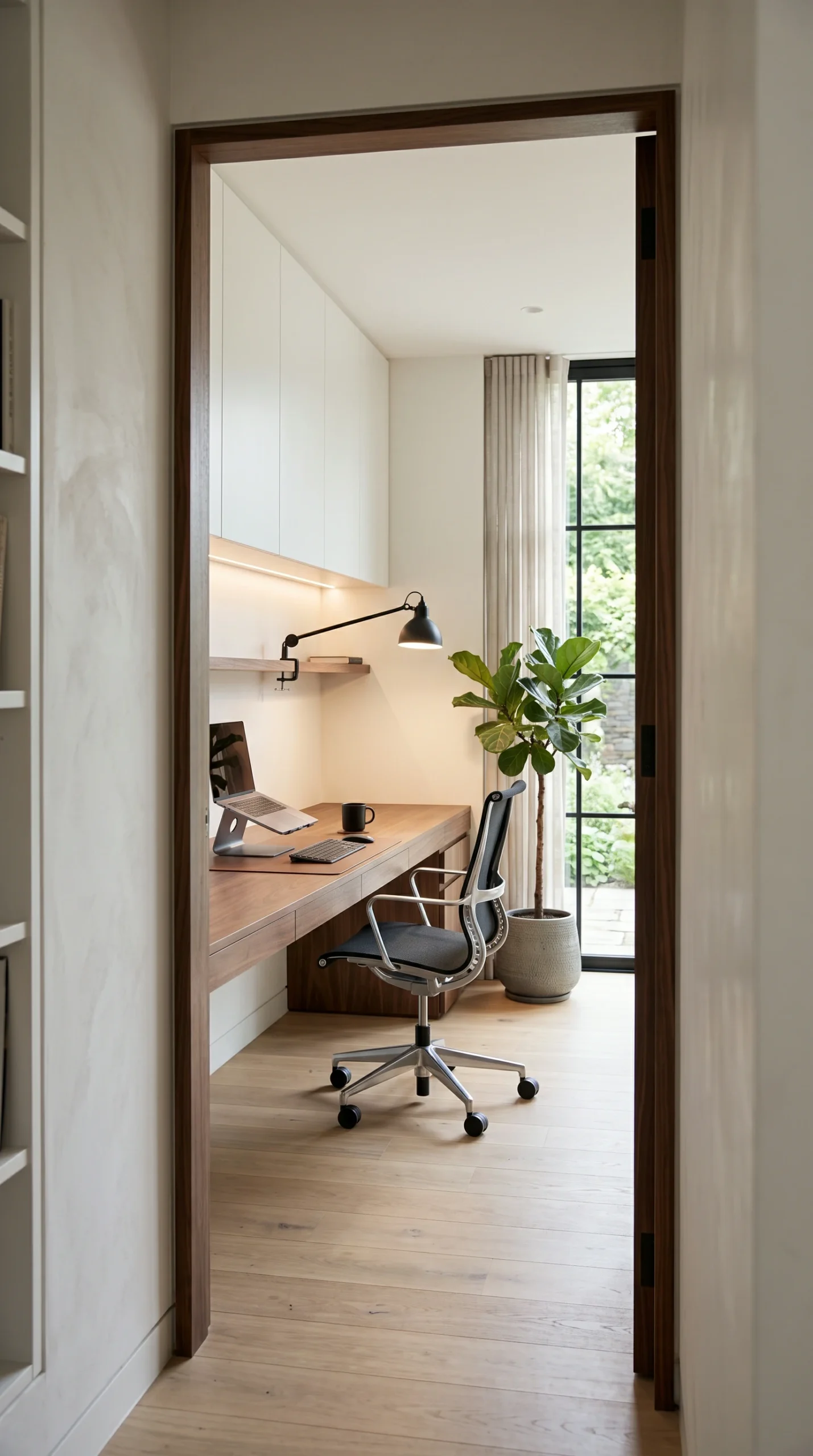
A highly practical visual gallery demonstrating how the strategic use of ergonomic chairs, raw wood textures, hidden wiring, and ambient lighting creates the ultimate distraction-free work environment.

Rules for a Productive Setup

Implement these essential ergonomic and organizational rules to ensure your office enhances your daily focus rather than acting as a source of distraction.

Ergonomics First

Never compromise on your chair. Invest in a high-quality, fully adjustable ergonomic office chair that supports your lumbar region and encourages proper posture during long hours.

Master Cable Management

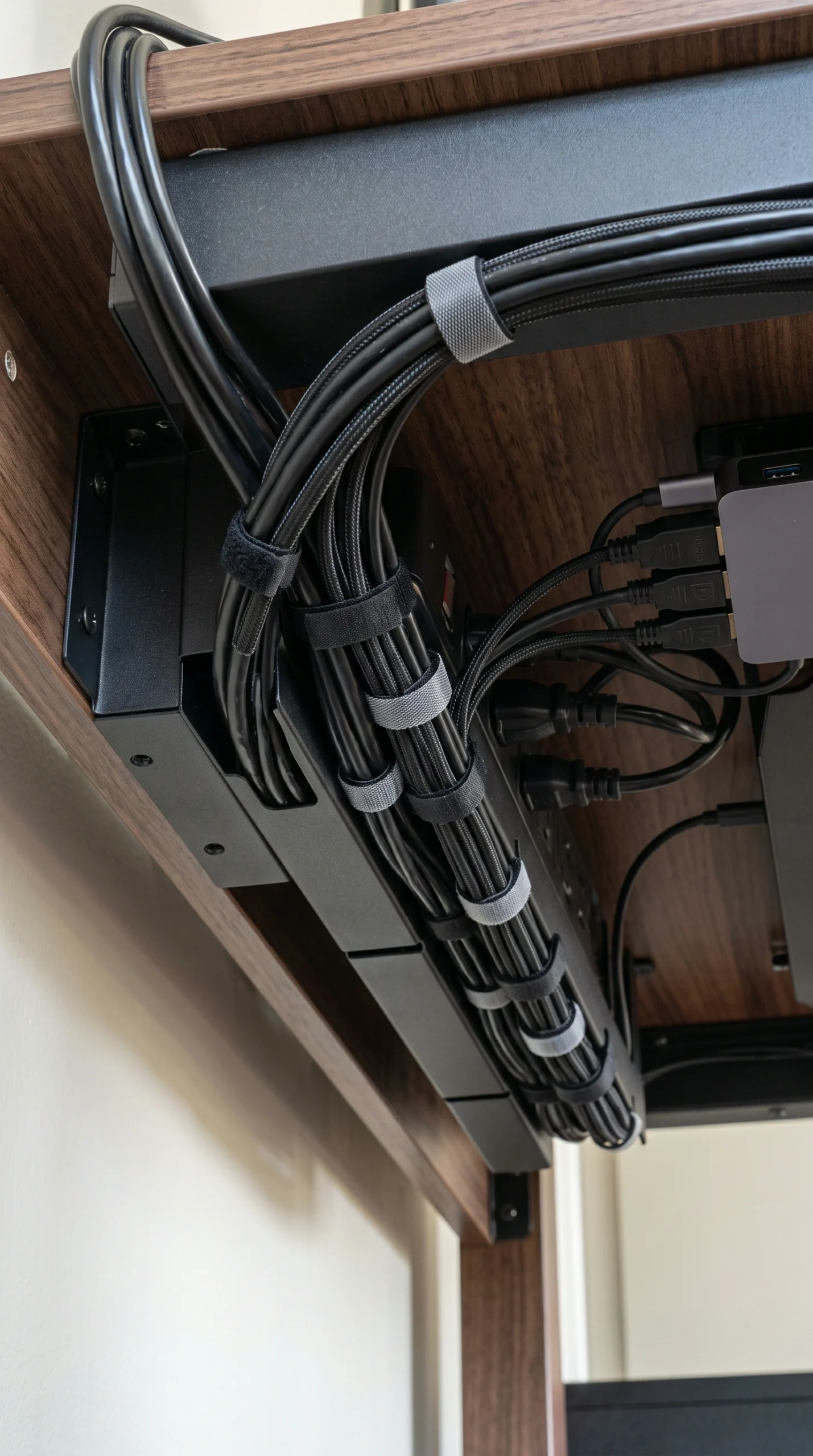
Visual clutter creates mental clutter. Mount a cable management tray under your desk to completely hide monitor cables, power strips, and computer hardware wires from view.

Monitor Placement

Position your monitors so the top third of the screen is at eye level. Use a heavy-duty, adjustable monitor arm mounted to the back of the desk to free up valuable surface space beneath the screens.

Task and Ambient Lighting

Avoid relying solely on overhead room lights. Use a sleek, adjustable LED desk lamp or a monitor light bar to reduce eye strain, and add a soft backlight behind your screens for a professional glow.

The Minimalist Surface

Keep your desktop strictly functional. A keyboard, mouse, a designated spot for a water glass, and a small notepad are all that should remain visible. Store everything else in drawers.

Incorporate Biophilia

Introduce life to your sterile workspace. A small potted plant on a floating shelf or a low-maintenance snake plant in the corner improves air quality and provides a necessary visual break for tired eyes.

The Complete Guide to Home Office Design

Transitioning to remote work blurs the line between your personal life and professional obligations. When your commute consists of walking down the hallway, the physical design of your workspace becomes the only boundary you have. A poorly designed work from home office—one with a cramped desk, harsh lighting, and a chaotic background—will inevitably lead to burnout. To cultivate long-term success and daily comfort, you must implement strategic home office ideas that prioritize physical health and mental clarity above all else.

Building a Work From Home Office Foundation

The foundation of a productive workspace relies on geometry and equipment. You must prioritize function over pure aesthetics when selecting your primary furniture. A beautiful, vintage dining chair is a terrible choice for eight hours of typing. Invest heavily in an adjustable ergonomic chair and a sturdy desk that prevents monitor wobble. If possible, consider a dual-motor standing desk to encourage movement throughout the day. When arranging your layout, try to position your desk perpendicular to a window. This provides natural light and a pleasant view to reduce eye fatigue, without causing harsh glare directly on your computer screens.

Finding Office Inspiration in Minimalism

To maintain focus, your brain requires an environment free of visual noise. Look for office inspiration in the Japandi and soft brutalism design movements. These styles embrace a “less is more” philosophy while maintaining incredible warmth. Swap out a cold, glass desk for a tactile Ash Wood or solid walnut desktop resting on Matte Black standing legs. Utilize closed storage solutions—like a sleek metal filing cabinet or a wall-mounted credenza—to hide paperwork, office supplies, and computer peripherals. By severely limiting the number of objects in your peripheral vision, your ability to focus on complex tasks increases dramatically.

Executing Productive Home Office Ideas

The final polish of a professional home office lies in the details. Flawless cable management is non-negotiable; route all cables along the underside of your desk and down a single spine to the wall outlet. Think about your digital presence as well. Frame your webcam background purposefully, ensuring coworkers see a clean, uncluttered wall, a piece of subtle abstract art, or a neatly styled bookshelf rather than a messy room. Finish the space with layered lighting: a sleek monitor light bar for task illumination and a Warm Clay table lamp in the background to create a warm, inviting, and highly professional atmosphere.

Frequently Asked Questions

Expert answers on ergonomic setups, lighting solutions, and how to create a highly productive workspace even in small apartments.
The three pillars of productivity are a supportive ergonomic chair, an uncluttered minimalist desk surface, and proper lighting to prevent eye strain and fatigue.
Utilize a “cloffice” (converting a closet into a desk area) or use a wall-mounted floating desk in your living room. The key is using vertical shelving for storage to keep the small footprint completely clear.
Ideally, place your desk perpendicular to a window to get natural light without screen glare. Ensure your back is to a solid wall or a clean, professional background for video calls.
Look into the Japandi (Japanese-Scandinavian) and soft brutalism styles. They focus on warm woods, matte blacks, clean lines, and strict minimalism, which are perfect for distraction-free work.
Mount a wire management tray or a J-channel raceway to the underside of your desk towards the back edge. Use velcro cable ties to bundle wires together, routing them neatly down one desk leg to the outlet.
Yes, if your budget allows. A height-adjustable desk allows you to shift between sitting and standing, which improves circulation, reduces back pain, and can help maintain energy levels during long shifts.
Avoid single overhead lights. Use a monitor light bar to illuminate your keyboard without glaring on the screen, and add soft ambient bias lighting (like an LED strip) behind the monitor to reduce eye strain.
Keep it simple and professional. A blank wall with a single piece of framed art, or a neatly organized bookshelf with a few books and a potted plant, provides a great aesthetic without distracting attendees.
Adopt a strict “clear desk policy” at the end of every day. Invest in a small set of drawers (like a filing pedestal) beneath the desk to hide notebooks, pens, and mail the moment you are done with them.
It is not ideal for sleep hygiene, but if you must, create a strong physical boundary. Use a room divider to block the view of the bed while working, and shut down your computer completely at night so it doesn’t disrupt your rest.