10 Dual Monitor Gaming Setup Ideas for Better Gameplay

Upgrading from a single screen to a dual monitor gaming setup is one of the most impactful changes you can make to your battlestation. This guide explores innovative ways to configure your screens, whether you are streaming, working, or seeking total immersion. We will dive into expert gaming monitor setup strategies—like vertical stacking and portrait-landscape combos—to help you build the ultimate hybrid gaming workstation. Discover brilliant PC setup ideas that maximize desk space, conceal unsightly cables, and utilize ergonomic mounts to create a sleek, high-performance command center.

Style Type

High-Performance / Modern Ergonomic

Budget

Premium

Difficulty

Advanced (Requires heavy-duty mounting and cable routing)

Best For

Streamers, Content Creators, Hardcore Gamers, Hybrid Workers
Visual Inspiration

Elite Command Centers

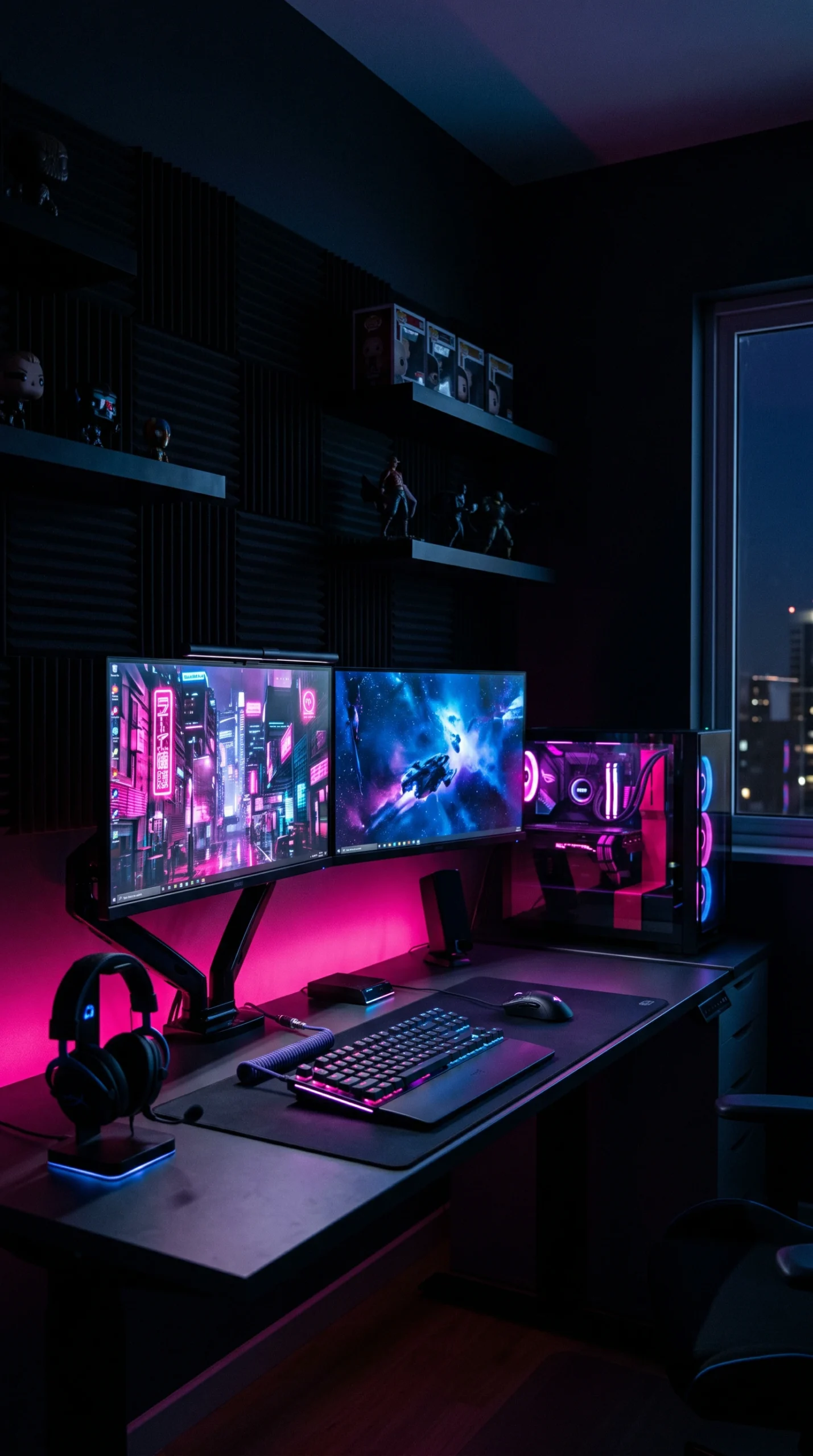
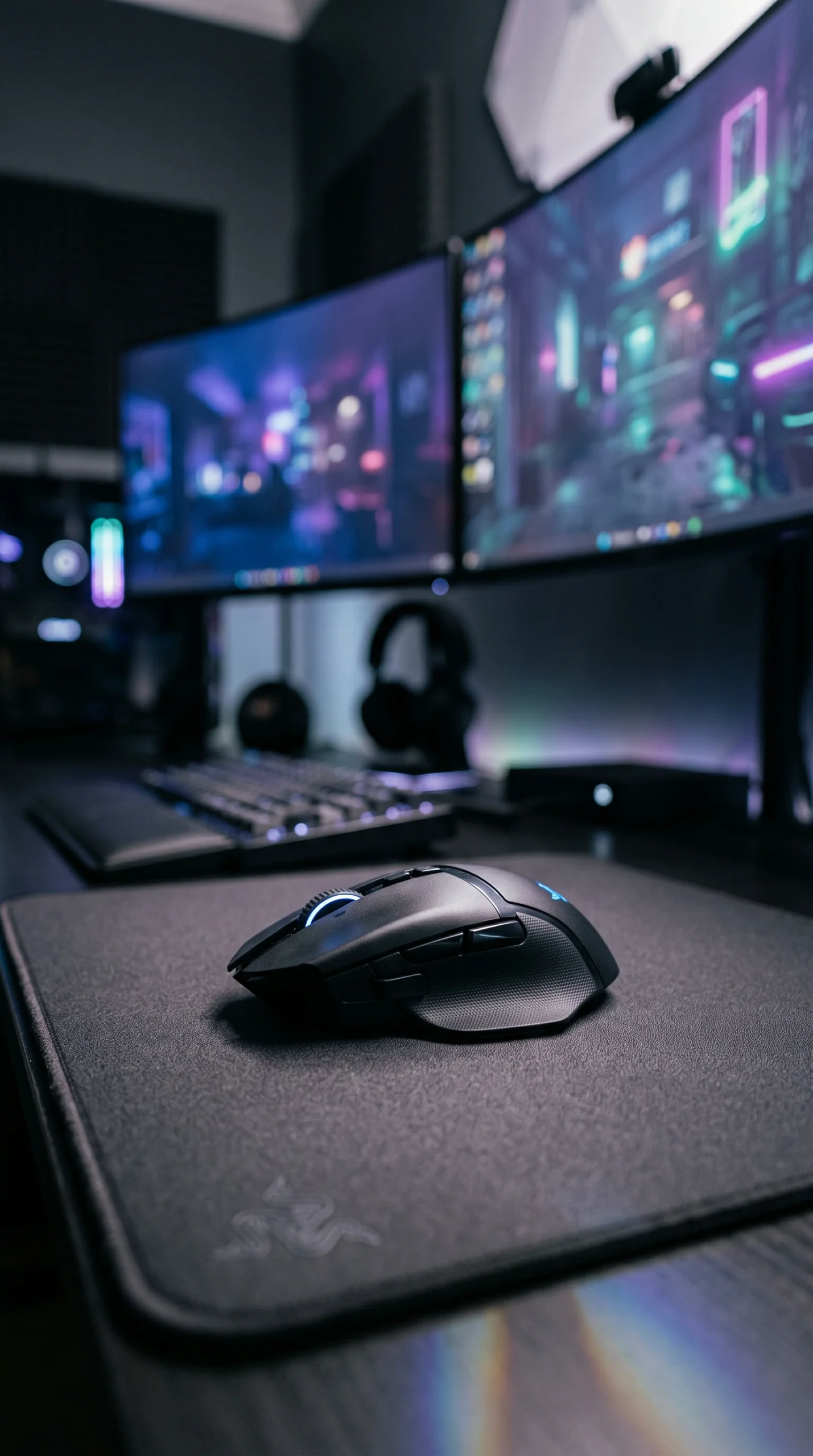
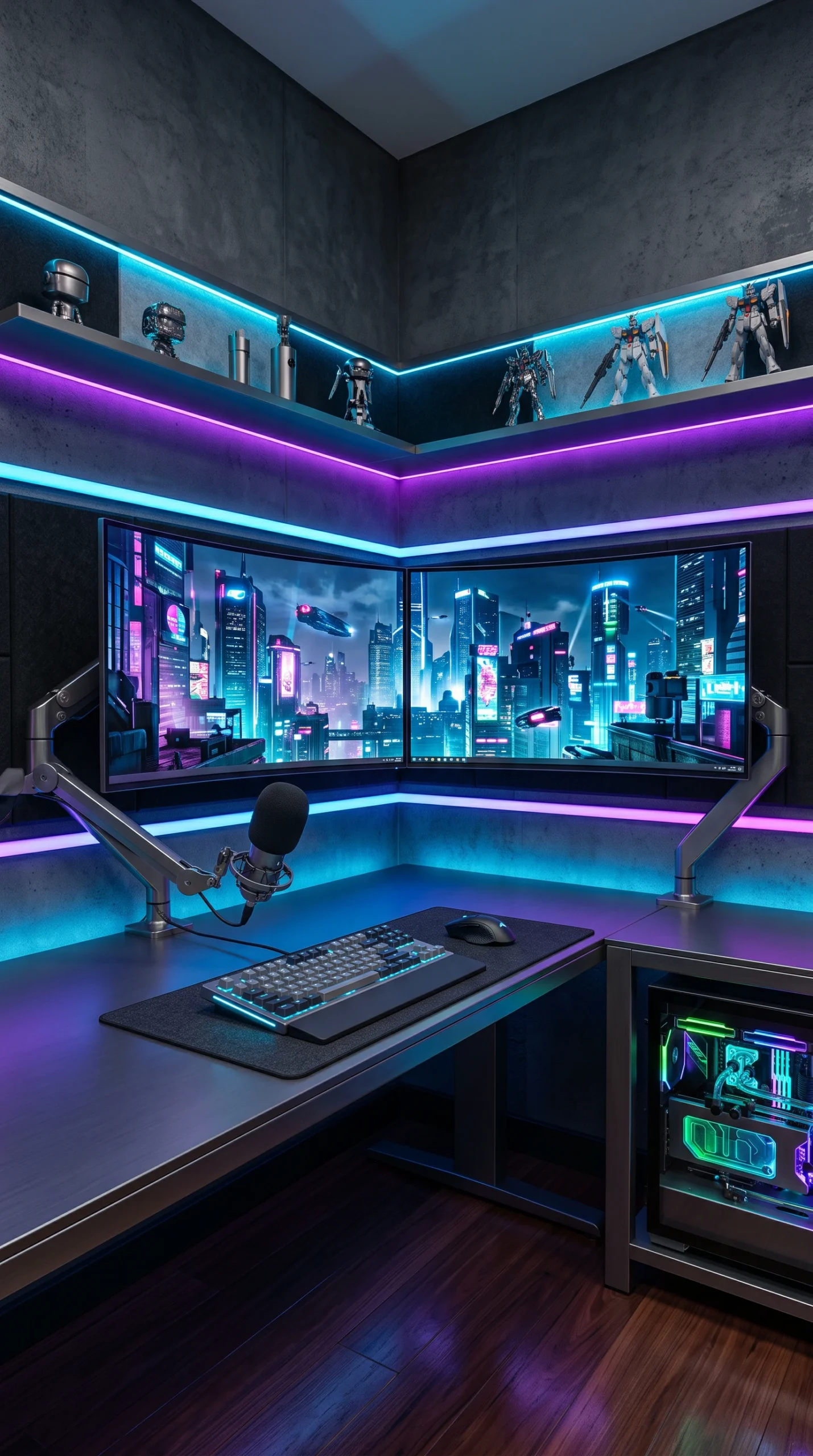
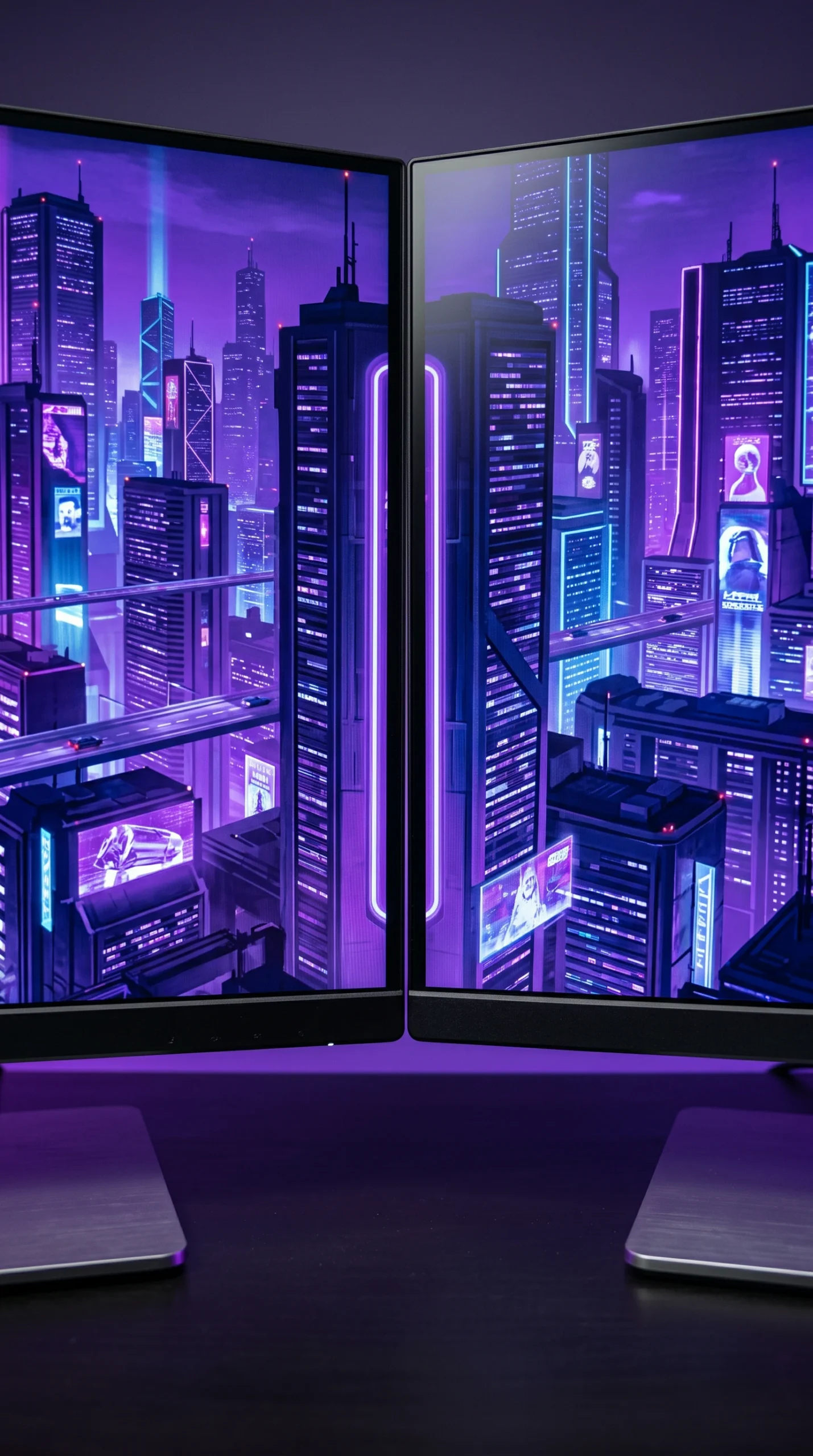
A striking visual gallery of professional dual monitor configurations, highlighting the use of heavy-duty gas spring arms, flawless bezel alignment, and clean desk aesthetics.
Color Palette

Titanium & Neon Palette

A sleek, high-tech collection of deep blacks, cool metallics, and vibrant cyberpunk accents designed to complement the sharp, glowing screens of a modern workstation.

Deep Obsidian

#121212

Steel Navy

#2C3E50

Brushed Aluminum

#E0E0E0

Neon Azure

#00D2FF

Laser Pink

#FF0055

Clean White

#F5F5F5

Matte Gunmetal

#333333

Cyber Violet

#8A2BE2

Mint Neon

#00FF9D

Carbon Black

#1E1E1E

Design Guide

Mastering the Dual Display

Implement these crucial spatial and technical rules to ensure your dual screens improve your gameplay rather than causing neck strain or visual clutter.

Monitor Arms

Ditch factory stands for a heavy-duty dual-monitor mount to reclaim desk space.

Primary Focus

Always position your main gaming monitor directly centered in front of your chair.

Portrait Mode

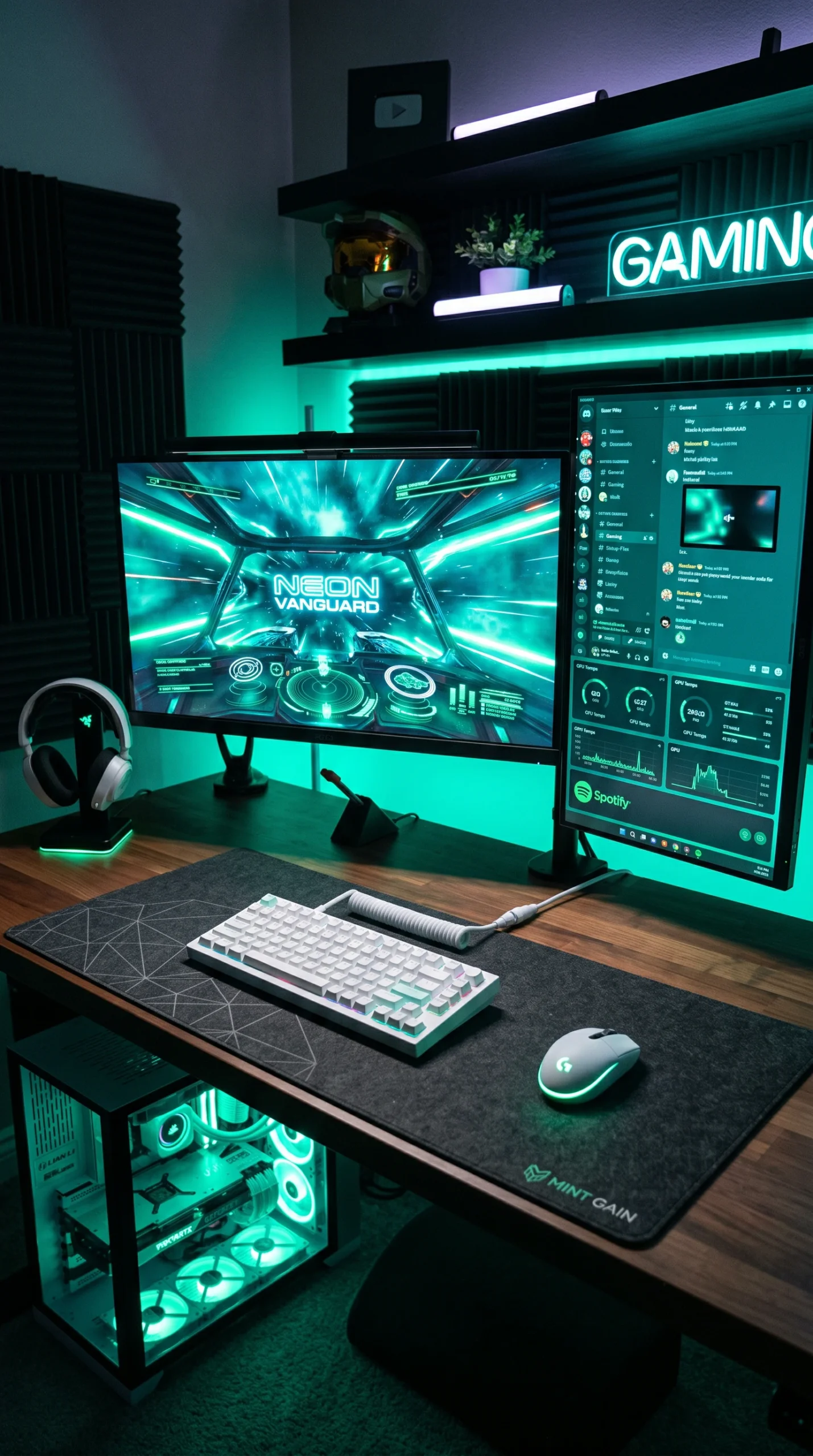
Rotate your secondary monitor vertically for reading chat, Discord, or long web pages.

Bezel Alignment

Ensure the edges of your monitors perfectly touch to create a seamless visual transition.

Cable Spines

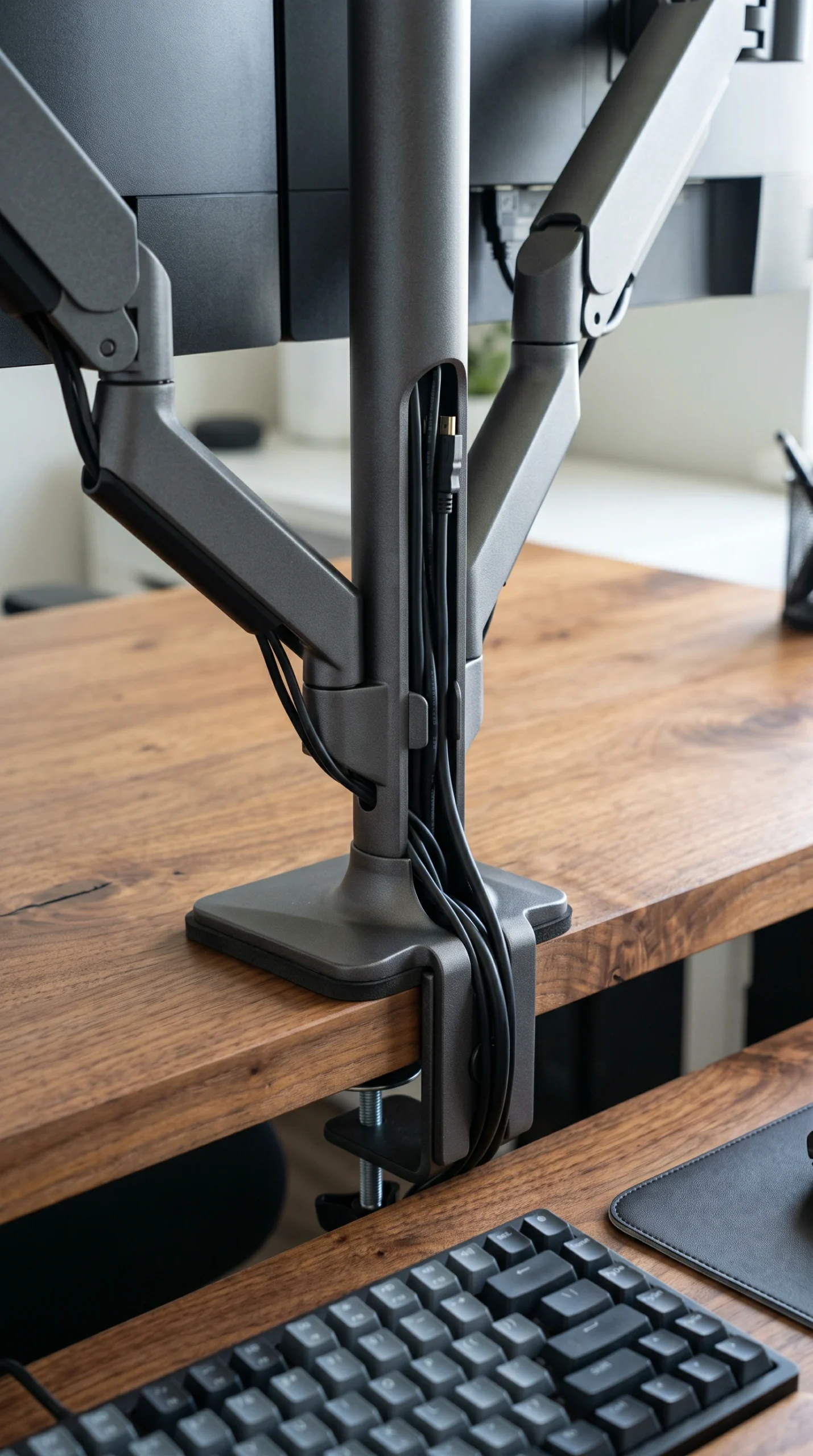
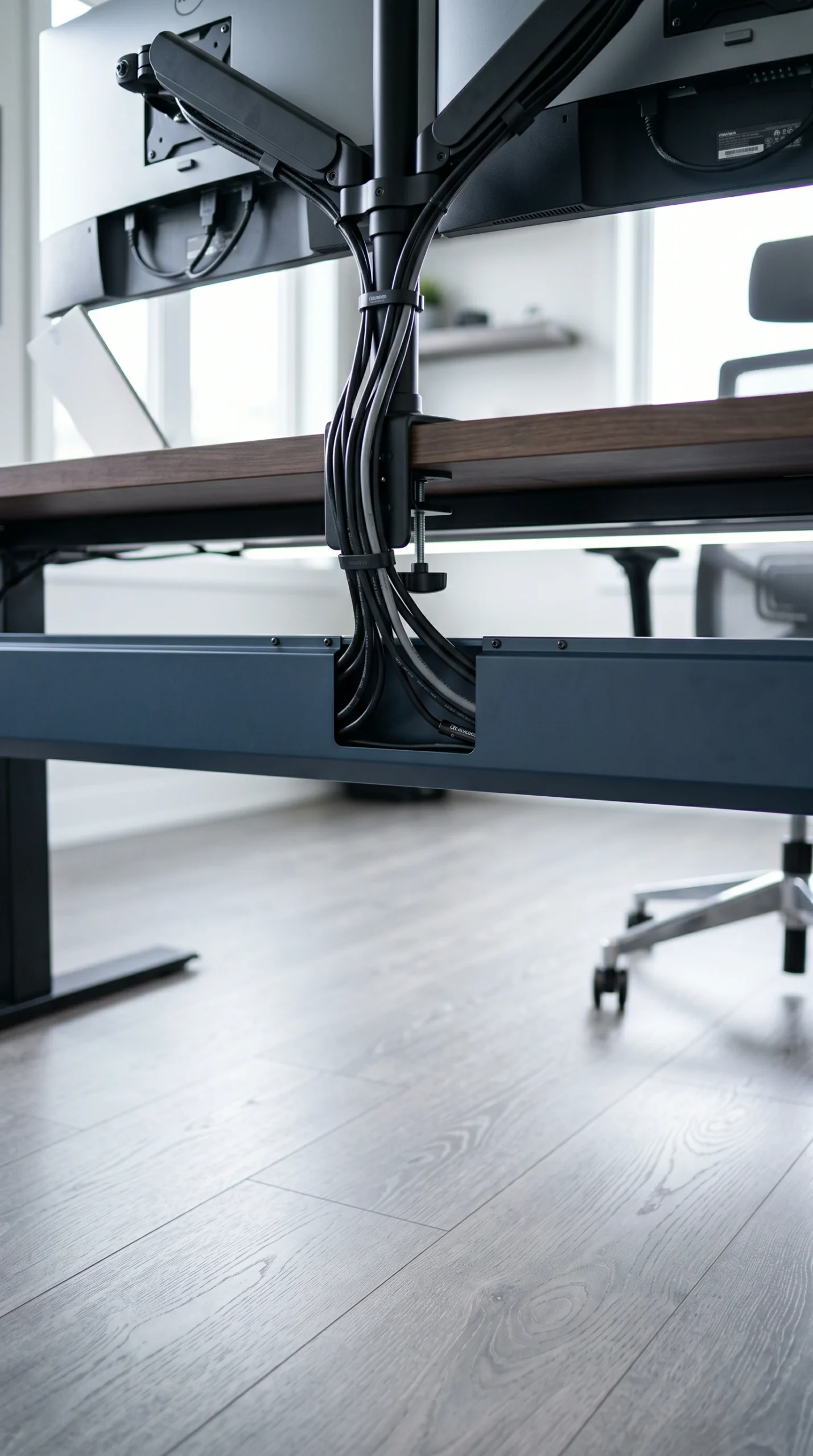
Use a flexible cable spine to route dual display and power cords cleanly down to the floor.

Bias Lighting

Mount synchronized RGB strips behind both monitors to unify the displays and reduce eye fatigue.

The Complete Guide

The Complete Guide to Dual Monitor Setups

Transitioning to a dual monitor gaming setup is a point of no return for most gamers. The ability to have your game running seamlessly on your primary screen while Discord, OBS, or a strategy guide remains open on the second screen completely changes how you interact with your PC. However, simply plunking two large screens onto a desk eats up valuable surface area and can look incredibly messy. Building a premium gaming monitor setup requires intentional positioning, ergonomic consideration, and a ruthless approach to cable management.

Perfecting Your Gaming Monitor Setup

The most critical aspect of any dual display is ergonomics. Never place two monitors so that the bezel gap is directly in the center of your vision; this forces you to constantly turn your neck to the left or right to see your main game. Instead, position your primary, high-refresh-rate gaming monitor dead-center. Your secondary monitor should be angled inward on your left or right side. To achieve this floating, professional look, you must invest in a dual gas-spring monitor arm. Clamping this to the back of your Deep Obsidian or Brushed Aluminum desk reclaims massive amounts of surface space that factory stands otherwise waste.

The Portrait vs. Landscape Debate

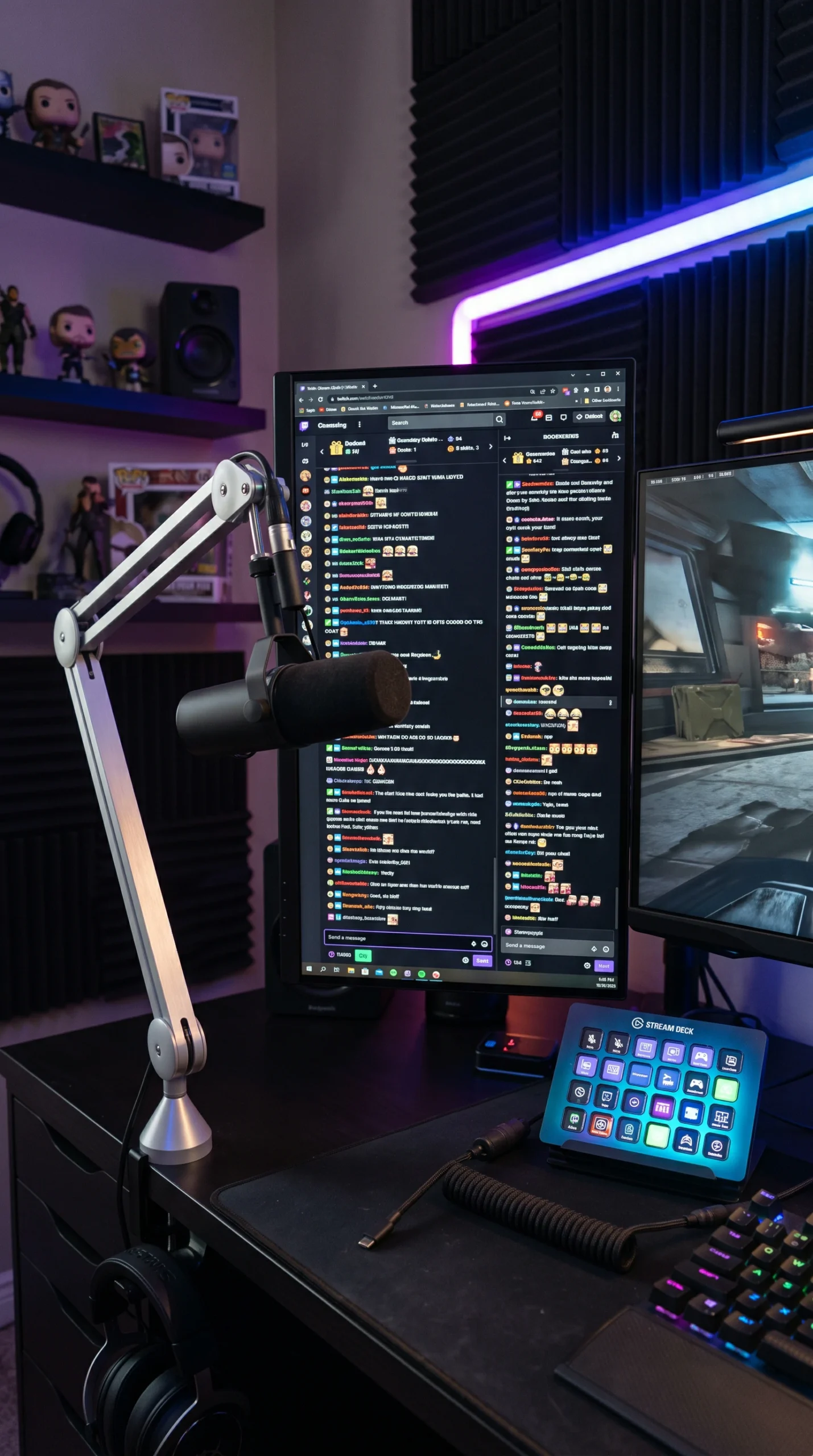
When exploring PC setup ideas, you must decide how you want to orient your second screen. A dual-landscape setup is classic and great for video editing, but it requires a very wide desk. A highly popular modern configuration is the landscape/portrait hybrid. By rotating your secondary monitor 90 degrees vertically, you save horizontal desk space and create the ultimate layout for reading long Twitch chats, scrolling Discord, or viewing code. This makes your setup not just a gaming rig, but a highly efficient gaming workstation.

Unifying the Setup with Lighting and Cables

Two monitors mean twice the cables. A premium setup is defined by how well those cables are hidden. Route the power and DisplayPort cables straight down the arms of your monitor mount and into a Matte Gunmetal under-desk raceway. To visually tie the two distinct screens together, apply LED bias lighting to the back of both monitors. Setting this backlight to a unified Neon Azure or Cyber Violet glow erases the harsh transition between the screens and the wall behind them, creating a deeply immersive, cohesive command center.

Where It Works Best

Ideal Spaces for Dual Displays

These dual-screen configurations are versatile enough to enhance productivity and gaming in a variety of home environments.
FAQS

Frequently Asked Questions

Expert technical and styling advice for optimizing a dual-screen battlestation.
The impact is practically zero. Running a game on one screen and having Discord or a browser on the second screen uses a negligible amount of GPU power and will not significantly lower your frames per second.
No. It is highly recommended to spend your budget on a premium, high-refresh-rate (144Hz+) monitor for your main screen, and use a cheaper 60Hz monitor for your secondary display where fast response times aren’t needed.
Put your primary gaming monitor directly in front of you at eye level. Position the secondary monitor to the side, angled inward (like a slight V-shape) so you can view it with just a quick glance.
A vertical (portrait mode) monitor is perfect for reading chat streams, Discord channels, and reading long documents because it displays much more vertical text without needing to scroll.
Use a dual-monitor arm with built-in cable management channels. Route the cables down the arm, behind the desk, and into an under-desk raceway. Use zip ties to keep them bundled tightly together.
No. Modern graphics cards have multiple outputs (usually a mix of DisplayPort and HDMI). You just plug both monitors directly into the single graphics card.
Buy monitors with ultra-thin bezels. When mounting them, spend time adjusting the tension on the gas-spring arms so the edges of the monitors sit perfectly flush against each other.
An ultrawide offers a seamless, immersive gaming experience without a bezel down the middle. However, dual monitors are far superior for multitasking, streaming, and window snapping.
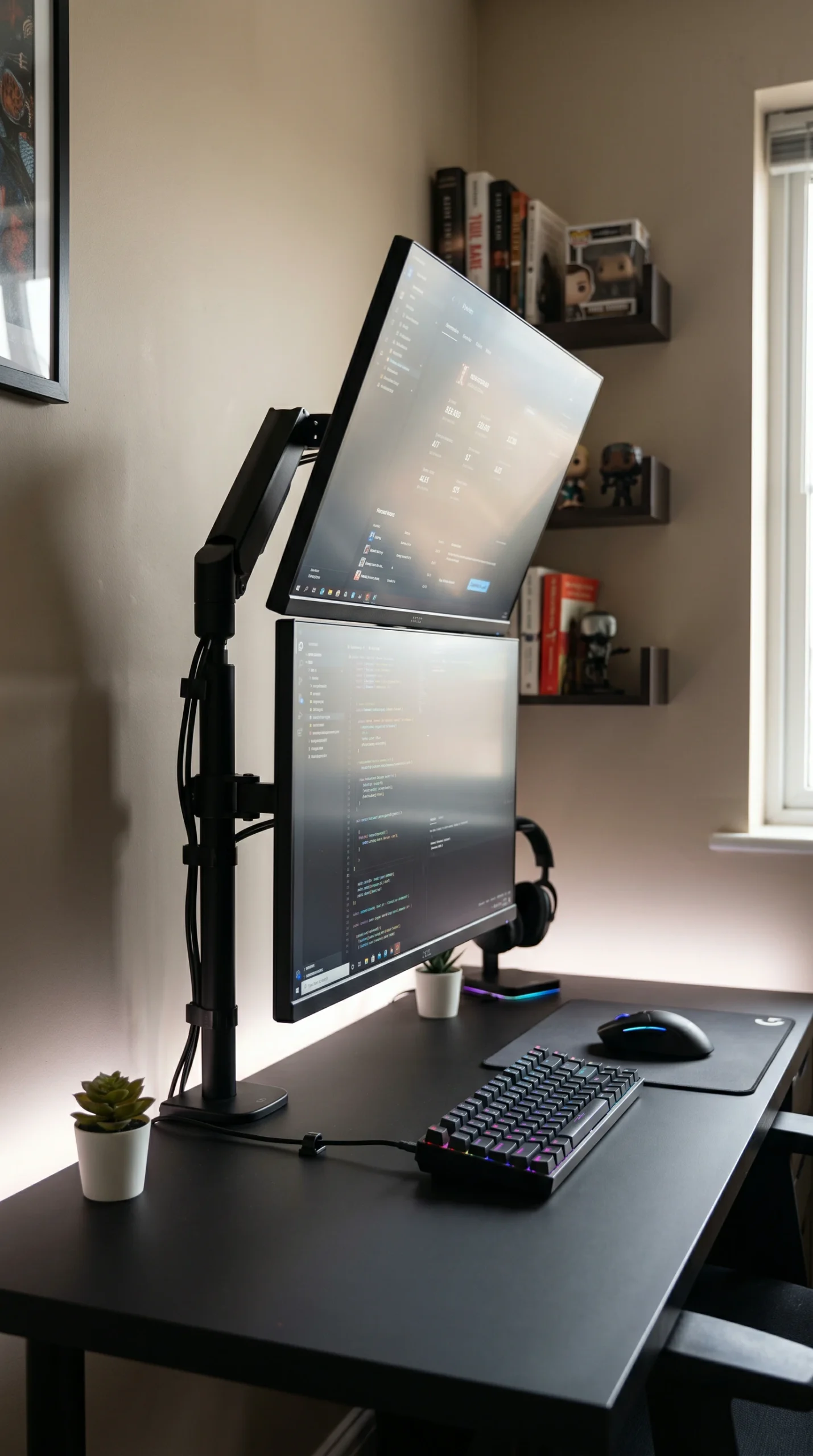
Instead of placing monitors side-by-side, a stacked setup places the secondary monitor tilted downward directly above the primary monitor. This is excellent for small desks where horizontal space is limited.
In Windows display settings, select “Span” under the Background options, or use software like Wallpaper Engine or DisplayFusion to perfectly align high-resolution wallpapers across different sized screens.
Recent Inspiration

Discover More Home Decor Ideas

Explore the latest interior design trends, decorating inspiration, and beautifully curated spaces to spark new ideas for every room in your home.
Accent Wall Bedroom Ideas That Transform Your Space

Transform your sleeping space with expert accent wall bedroom ideas. Discover the best bedroom accent…

Modern Accent Wall Bedroom Ideas for a Stylish Look

Elevate your sleeping space with modern accent wall bedroom ideas. Discover contemporary bedroom decor, integrated…

Small Bedroom Accent Wall Ideas That Make a Big Impact

Maximize your space with small bedroom accent wall ideas. Discover clever small bedroom wall ideas,…

Accent Wall Ideas for a Cozy and Relaxing Bedroom

Transform your sleeping space with cozy bedroom accent wall ideas. Discover expert tips for warm…

Small Half Bath Sink Ideas That Save Space Without Sacrificing Style

Discover small half bath sink ideas to maximize your space. Explore modern pedestal sink ideas…

Bedroom Accent Wall Color Ideas for Every Style

Transform your space with expert bedroom accent wall colors. Discover top accent wall paint colors,…

✦ Showome AI
Hello! I'm the Showome AI assistant. How can I help you find the perfect interior design inspiration today?