10 White Gaming Setup Ideas for a Clean and Luxury Look

Step away from the traditional dark and neon-heavy battlestations and embrace the elegance of a bright, minimalist aesthetic. This guide explores premium white gaming setup ideas that deliver a sleek, highly sophisticated look. A meticulously curated white gaming desk setup not only brightens your room but also creates the illusion of a larger, more organized space. Discover how to build a breathtaking white gaming room by mastering cable management, selecting matching peripherals, and balancing cool white tones with soft textures to achieve the ultimate clean gaming setup.
Minimalist / Modern
Variable Cost Range
Advanced Project Level
White Gaming Setup

Immaculate Gaming Sanctuaries

A breathtaking gallery of pristine, all-white gaming stations showcasing seamless cable management, premium peripherals, and beautiful soft-glow lighting.

Designing a Pristine Setup

Follow these essential styling and organizational rules to ensure your white gaming station looks luxurious rather than clinical and sterile.

Color Matching

Ensure your PC case, desk, and peripherals share the same shade of white (matte vs. glossy).

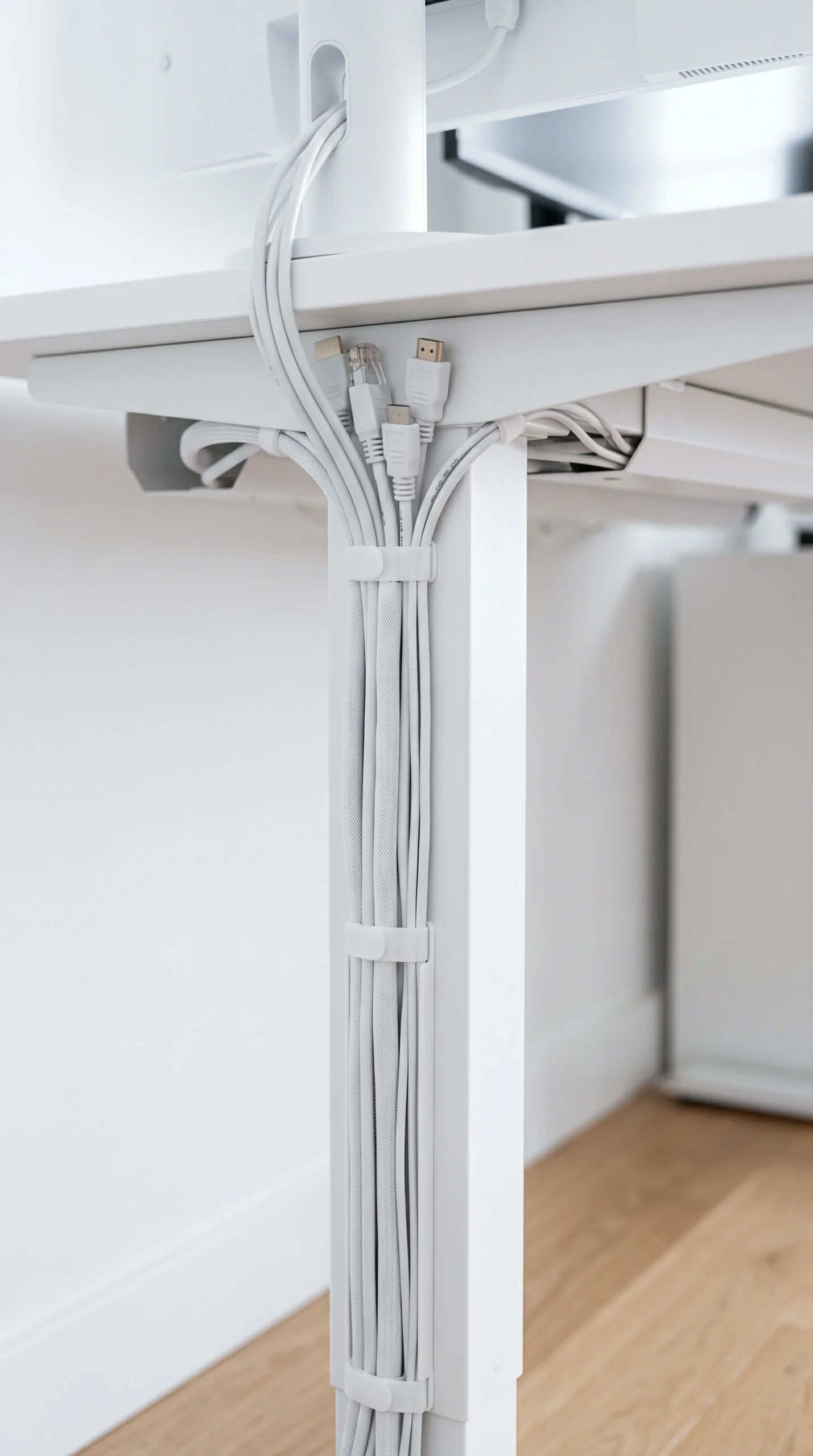
White Cables

Upgrade black power cables to custom white sleeved cables for a seamless look.

Subtle RGB

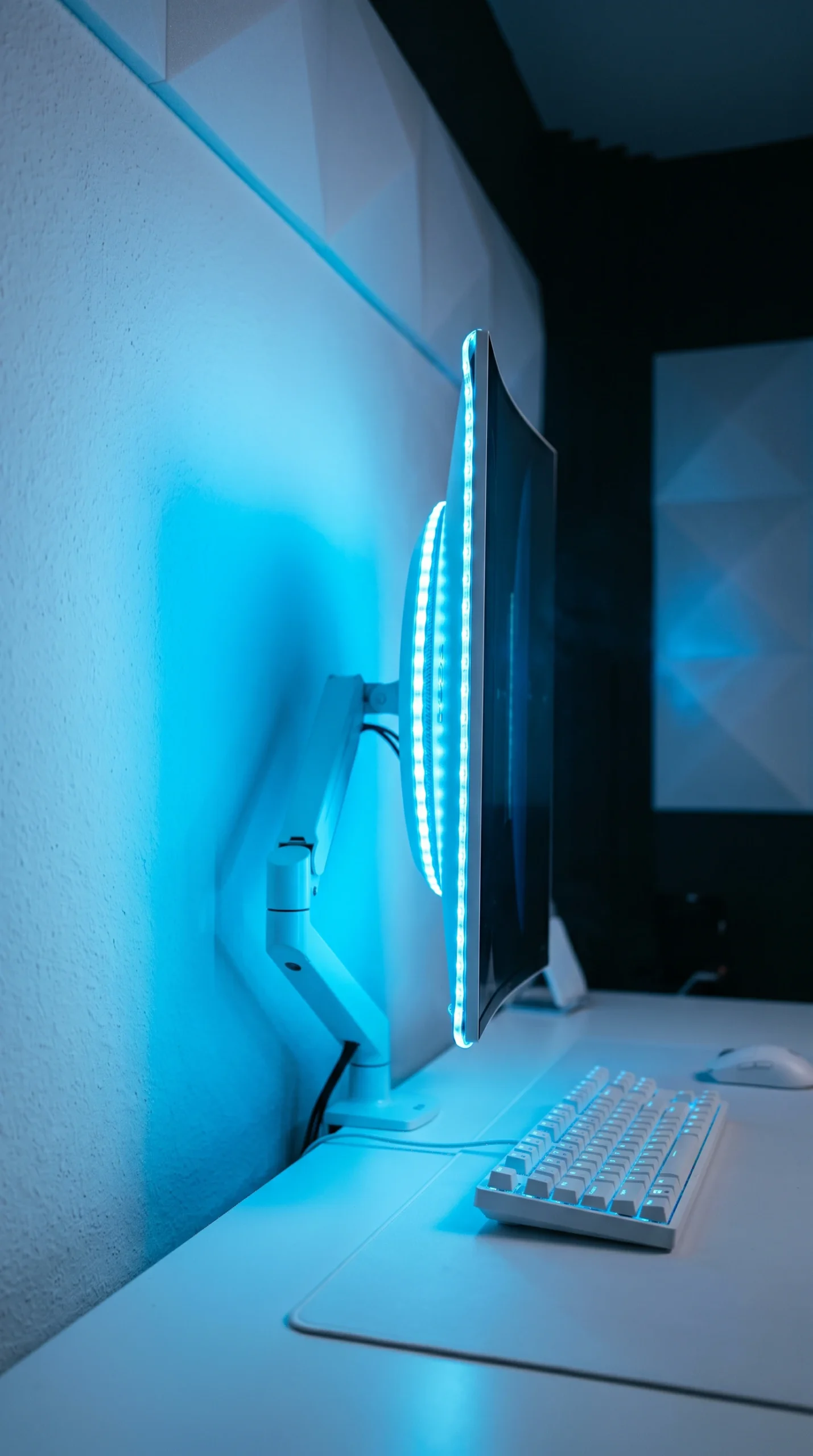
Use pastel blues, soft purples, or pure white for your lighting rather than harsh neons.

Textured Mats

Anchor the desk with a thick, light grey or white felt extended mouse pad.

Wood Accents

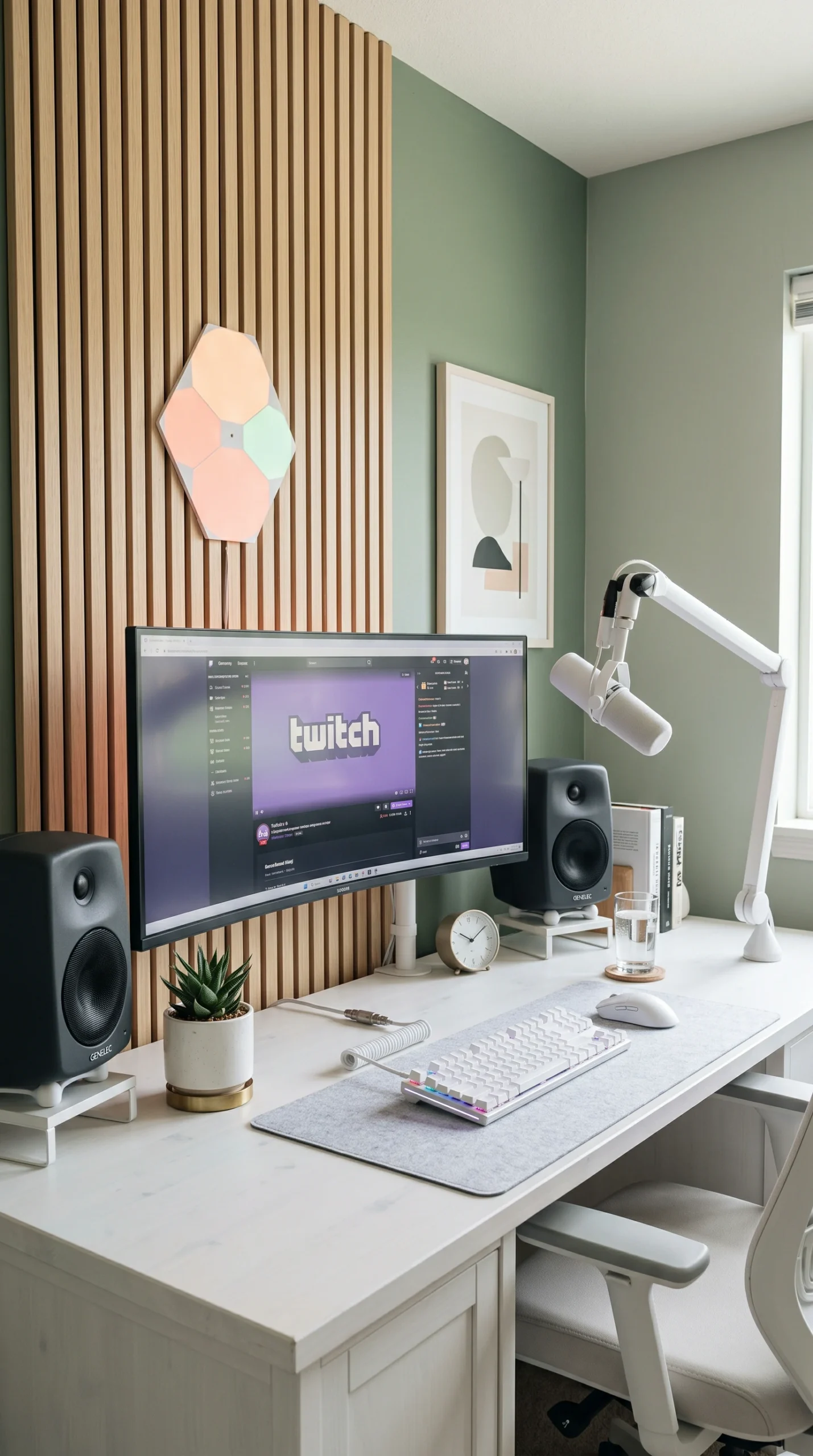
Introduce Pale Birch monitor stands or shelving to warm up the cold whites.

Absolute Symmetry

Keep monitors and speakers perfectly aligned to emphasize the clean aesthetic.

The Complete Guide to a Luxury White Gaming Setup

The modern gaming aesthetic is undergoing a massive transformation. While dark rooms filled with aggressive red and green LEDs used to be the standard, today’s most sought-after aesthetic is bright, airy, and undeniably premium. Exploring white gaming setup ideas allows you to blend your high-performance tech seamlessly into a modern home or luxury apartment. A perfectly executed white gaming room feels less like a dark arcade and more like a high-end creative studio.

The Foundation: The White Gaming Desk Setup

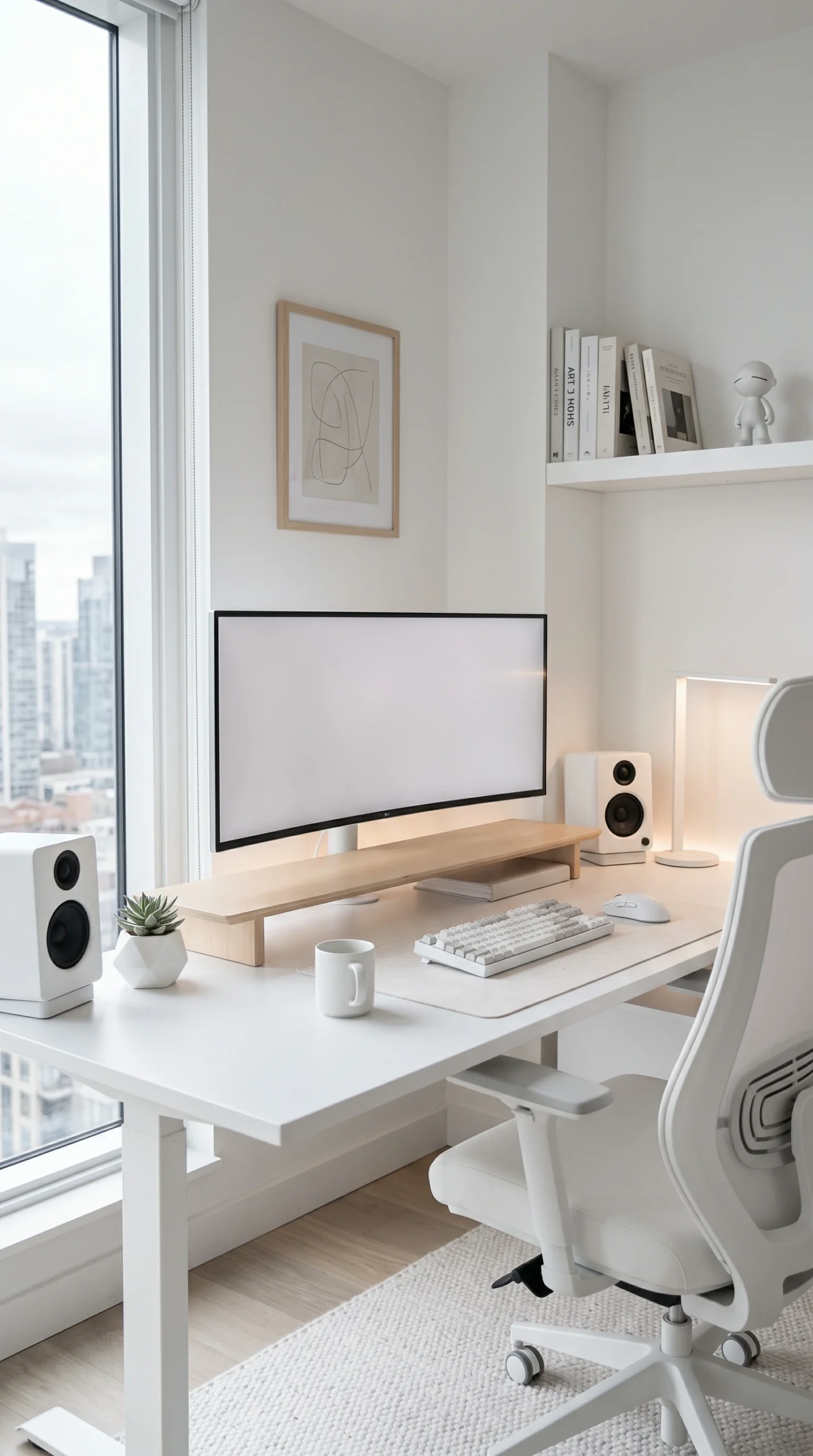
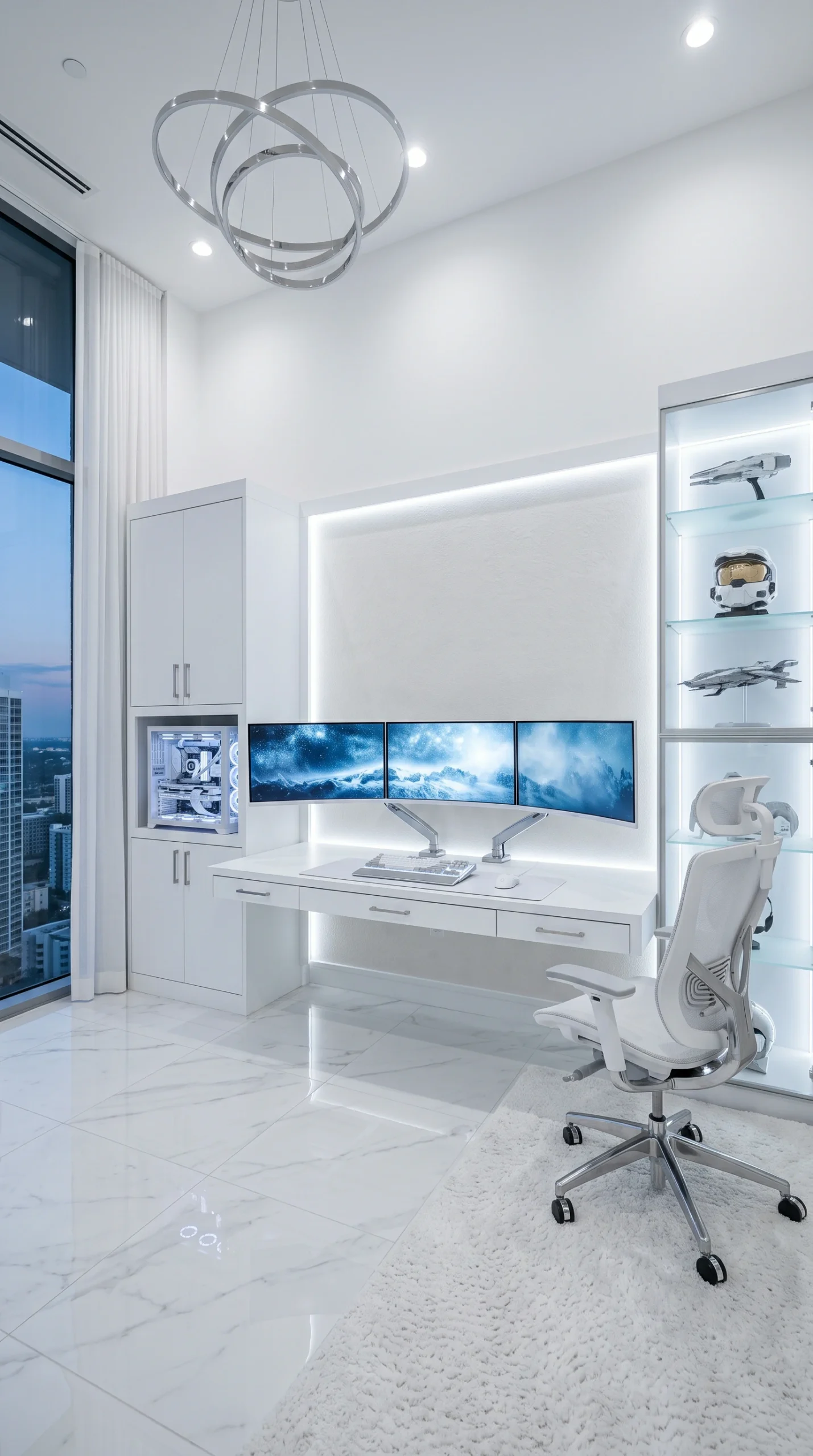
Creating this aesthetic starts with a flawless foundation. A white gaming desk setup requires a high-quality surface, as cheap white laminate can easily scratch or yellow over time. Opt for a solid Matte Pearl or Snow Alabaster desk with a thick, durable finish. To keep the space looking immaculate, the desk must remain entirely free of clutter. Utilize heavy-duty white monitor arms to float your screens above the desk, instantly reclaiming surface area and contributing to that ultra-premium, weightless look.

Curating a Clean Gaming Setup with Matching Peripherals

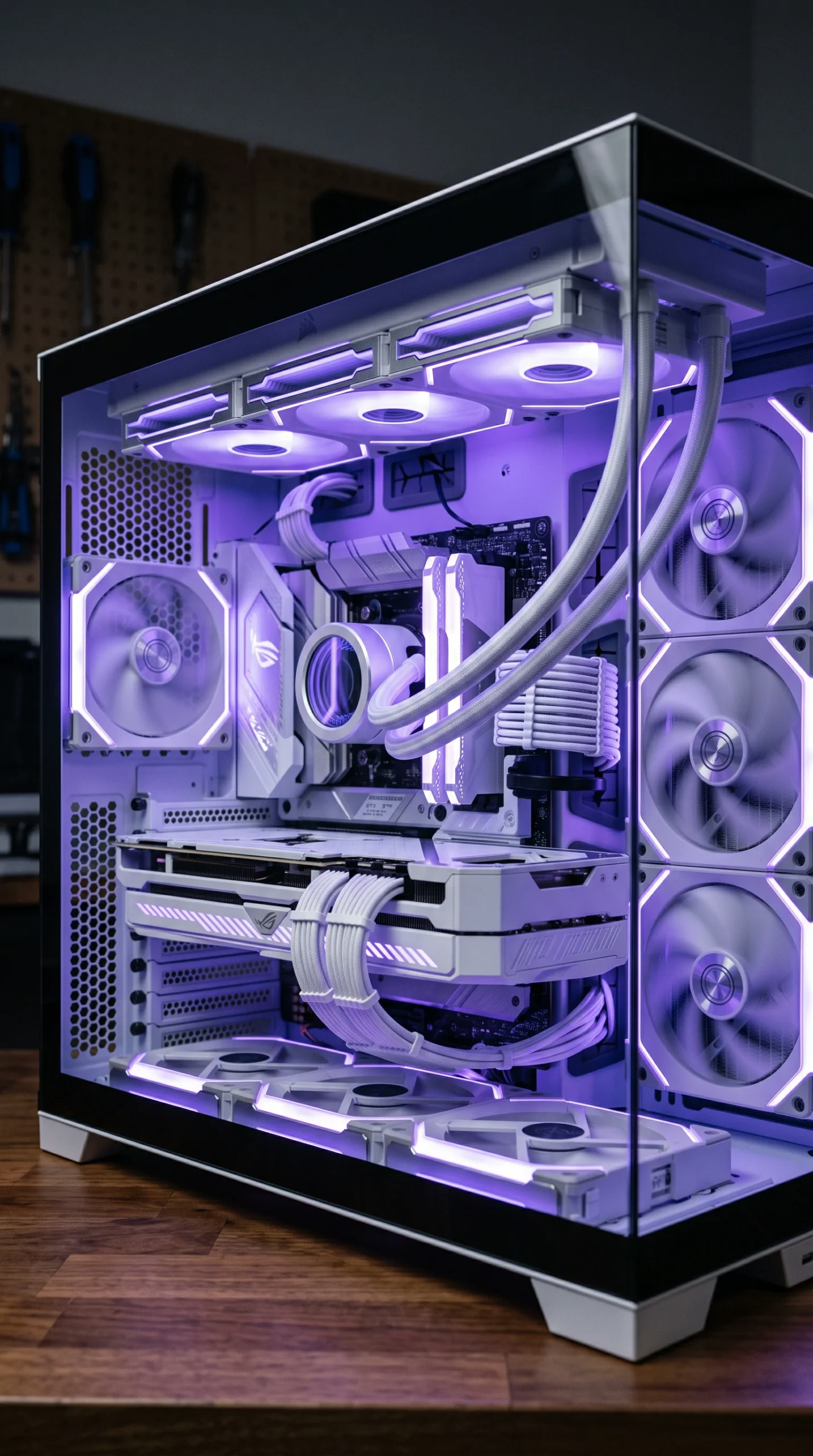
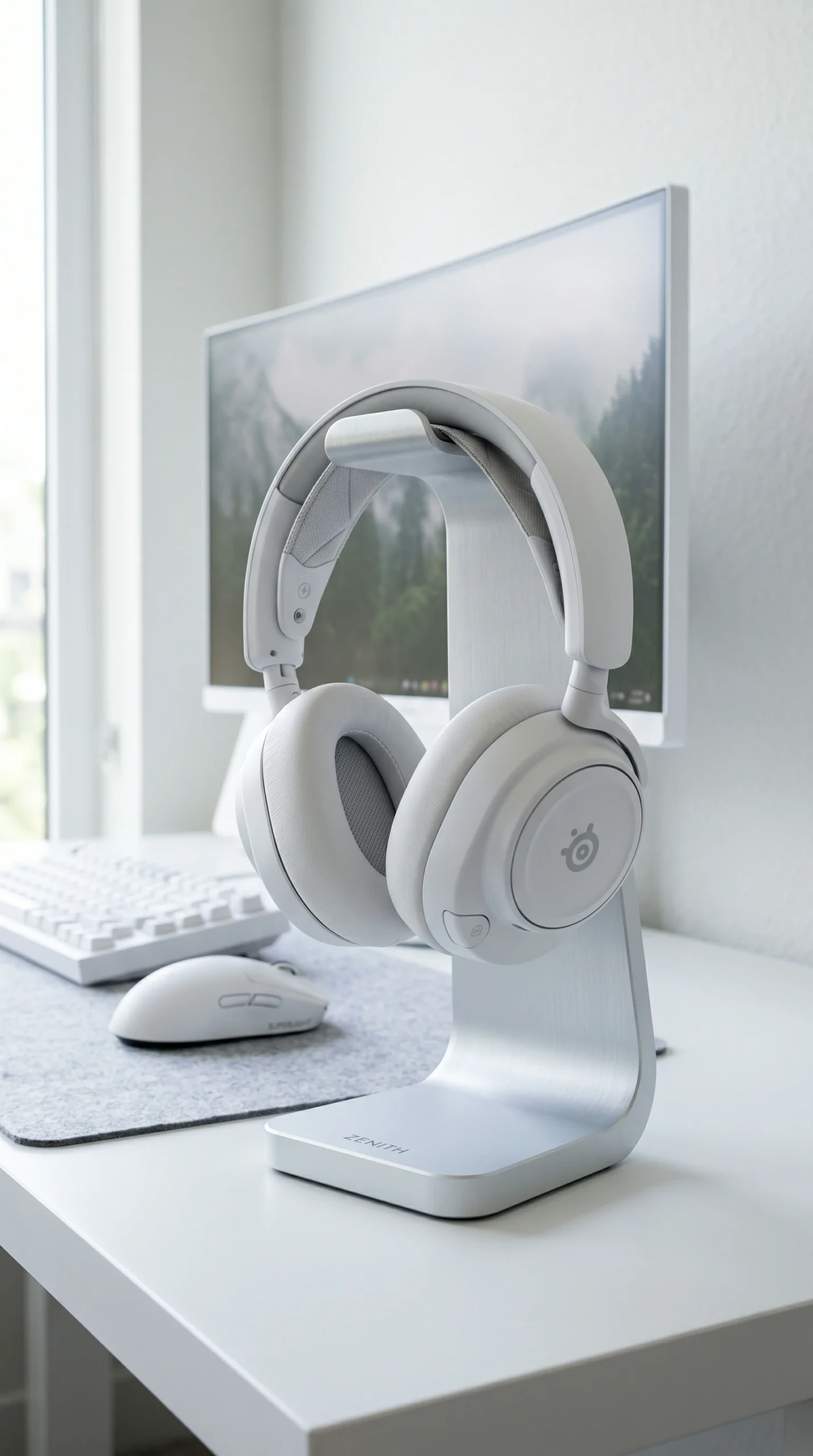
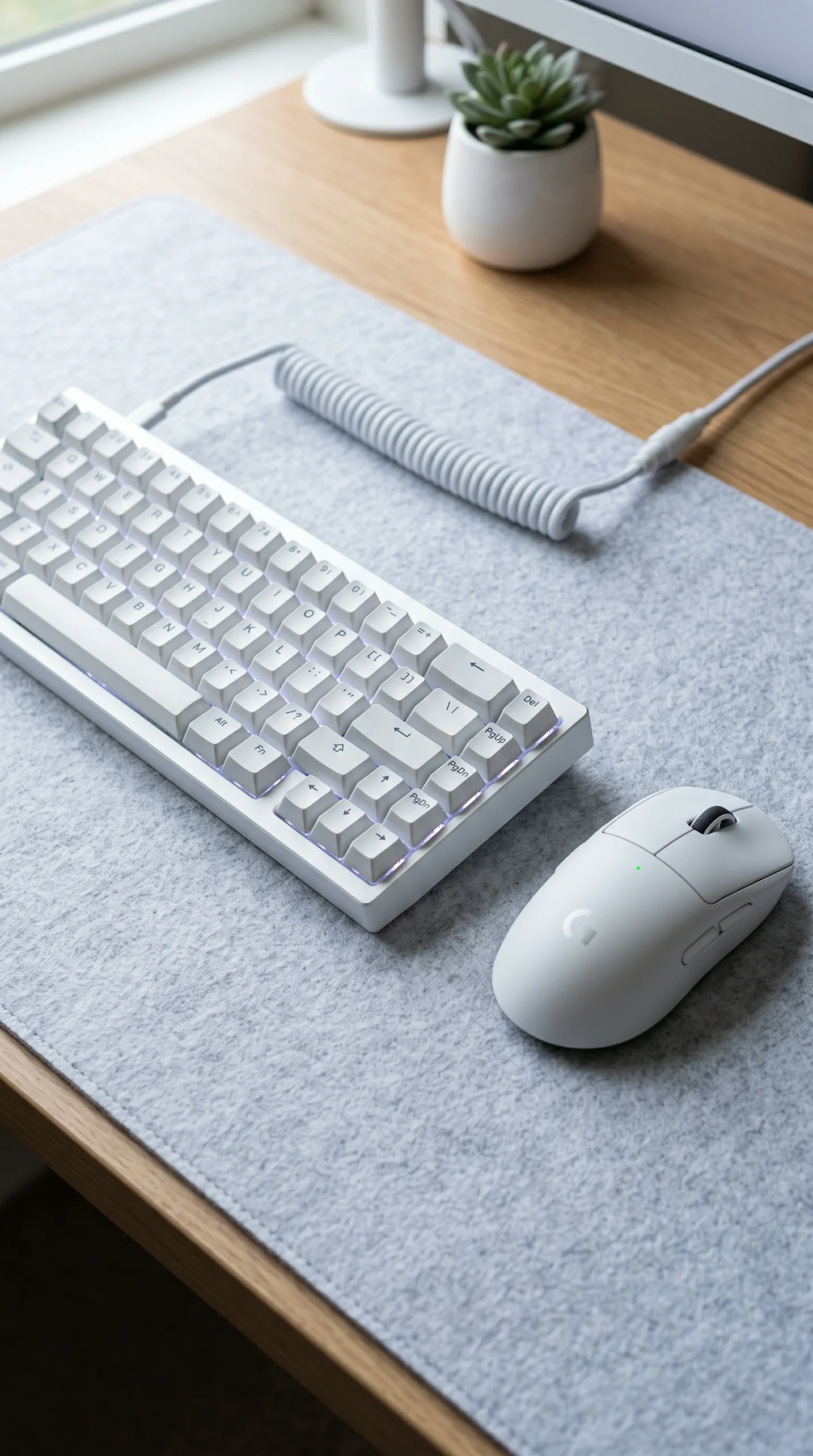
In a dark room, mismatched black and grey peripherals easily blend into the shadows. In a white gaming room, however, every single detail is on display. Achieving a truly clean gaming setup means curating your tech. Invest in a white mechanical keyboard, a white lightweight gaming mouse, and a white headset. Furthermore, pay attention to your PC’s internal components. A white PC case featuring white motherboards, white cooling fans, and custom white sleeved cables turns your computer into a stunning, cohesive piece of modern art.

Elevating the White Gaming Room with Ambient Lighting

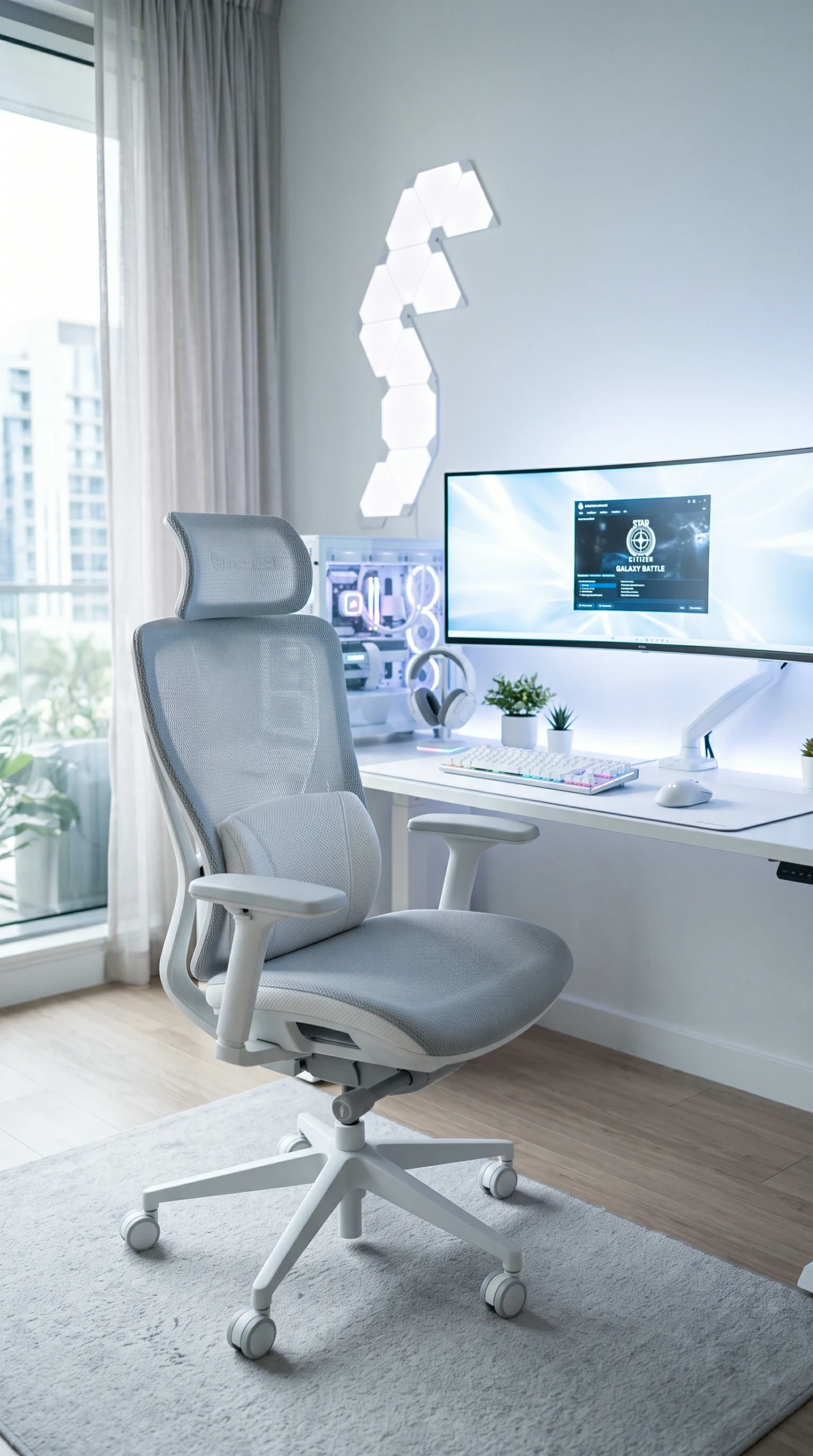
A common misconception is that a white gaming room doesn’t need RGB lighting. In reality, white surfaces are the ultimate canvas for light. Rather than using aggressive, deeply saturated colors, set your smart LEDs to emit a Soft Violet Glow or an Icy Blue Glow. Cast this light against the wall behind your monitors and inside your PC case. The white surfaces will beautifully diffuse these pastel tones, creating a soft, ethereal atmosphere that feels incredibly luxurious and relaxing.

Preventing Sterility with Texture and Contrast

The biggest risk of an all-white setup is that it can end up looking like a sterile hospital room. To prevent this, you must introduce texture and subtle contrast. Break up the expanse of Pure White on your desk with an Ice Silver or light grey felt desk mat. Incorporate organic elements, such as a Pale Birch wooden headphone stand or a small potted plant in a white ceramic ribbed planter. Add a Graphite Accent through a high-end ergonomic chair or dark keycaps to provide visual grounding and give the eye a place to rest.

Frequently Asked Questions

Expert tips on building, maintaining, and color-matching a high-end white gaming station.
They do show dust and smudges more easily than black setups. However, maintaining a clean gaming setup just requires a quick daily wipe-down with a microfiber cloth and keeping food away from the keyboard.
Cheaper ABS plastics can yellow when exposed to UV light (sunlight) and oils from your skin. To prevent this, invest in high-quality PBT plastic keycaps and keep your setup out of direct, harsh sunlight.
Cable management is crucial. Use white cable sleeves or white split loom tubing to cover black power cords. Route them through white under-desk raceways so they completely blend into the desk and walls.
Pastel colors and cool tones look the most luxurious. Icy blues, soft violets, mint greens, and pure white light reflect beautifully off white surfaces, creating a clean, futuristic glow.
Yes, a “Stormtrooper” or “Oreo” aesthetic (white and black contrast) is very popular. Use a white desk and PC case, but incorporate black peripherals and a black desk mat for a striking, modern look.
Look for a heavy-duty standing desk with a matte white or frosted glass top. Avoid cheap, glossy white laminates, which can look inexpensive and reflect glare from your monitors.
Introduce warm textures and materials. Use a light wood (like pale birch) for a monitor riser, add a textured grey felt desk mat, and bring in a small green houseplant to add organic life to the space.
Sometimes, yes. Because white is considered a premium, niche aesthetic in PC building, manufacturers often charge a slight premium (the “white tax”) for white motherboards, GPUs, and cases compared to their black counterparts.
A white monitor is ideal, but they are rare. A monitor with a silver bottom bezel or a sleek black bezel mounted on a heavy-duty white monitor arm works perfectly and maintains the clean aesthetic.
Avoid whites with yellow undertones, as they will clash with the crisp whites of your tech. Opt for a true Pure White or a cool white (like Snow Alabaster) to keep the room feeling bright and modern.